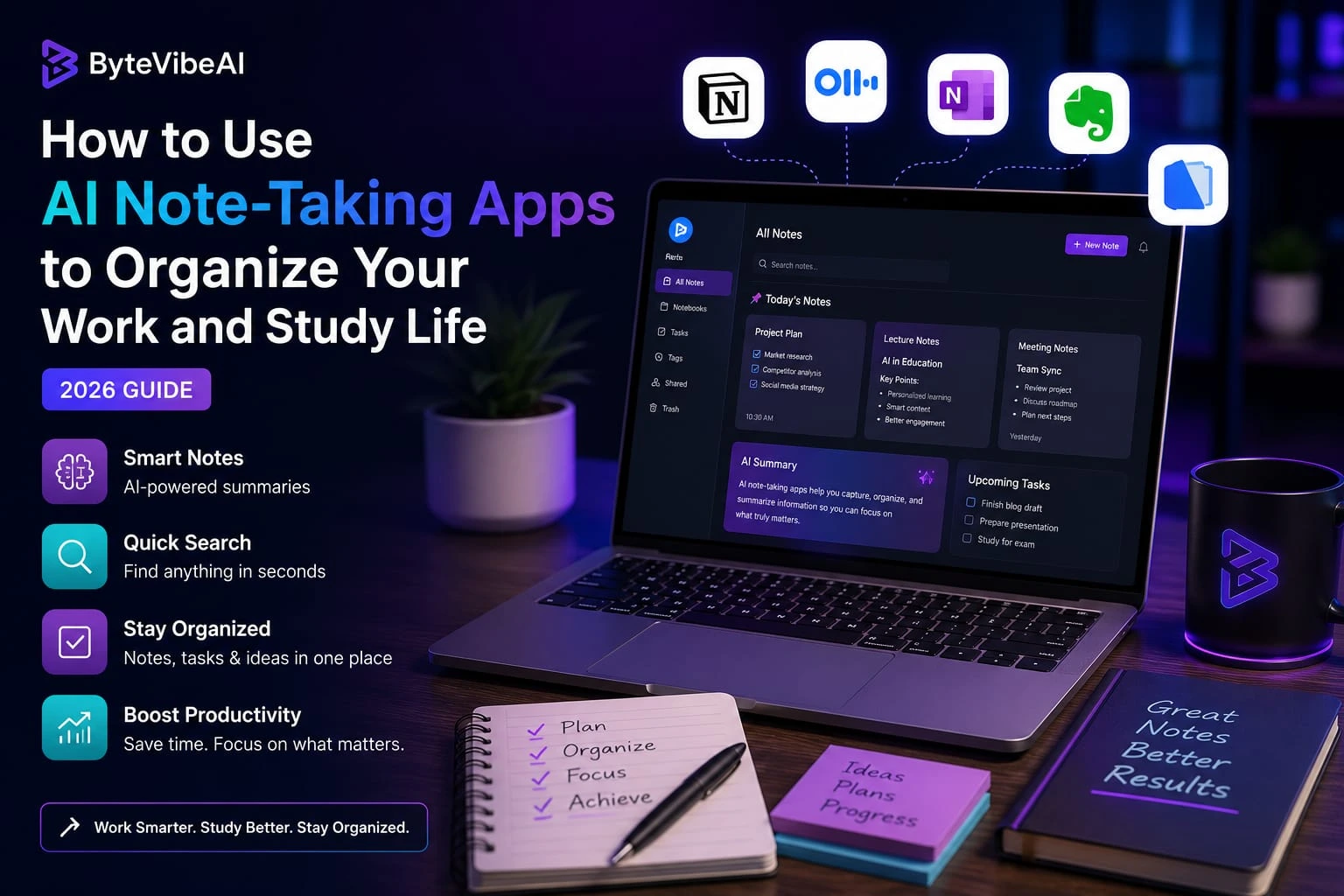
How to Use AI Note-Taking Apps to Organize Your Work and Study Life (2026)
Keeping track of ideas, meeting notes, assignments, and daily tasks isn’t always easy. Many people start the day with good intentions but end up searching through notebooks, documents, or old messages just to find one piece of information.
That’s where AI Note-Taking Apps can make everyday life much easier. Instead of simply storing notes, these apps help organize information, summarize long conversations, highlight important points, and make your notes easier to find when you need them.
Whether you’re a student preparing for exams, a freelancer managing client projects, or a remote employee attending online meetings, learning how to use AI Note-Taking Apps can save time and help you stay organized without adding extra work.
Why AI Note-Taking Apps Are Worth Using
Taking notes is only the first step. The real challenge is finding the right information later and keeping everything organized.
Modern AI Note-Taking Apps do much more than create digital notebooks. They help you manage information in a smarter way by organizing your notes automatically and making important details easier to review.
Some of the biggest benefits include:
- Keeping all your notes in one place
- Creating meeting summaries automatically
- Organizing study materials more efficiently
- Finding information quickly with search features
- Reducing the time spent on manual note organization
- Improving productivity for both work and study
The goal isn’t to replace your own thinking. These apps simply help you spend less time managing notes and more time using the information you’ve collected.
Quick Overview of the 5 Best AI Note-Taking Apps
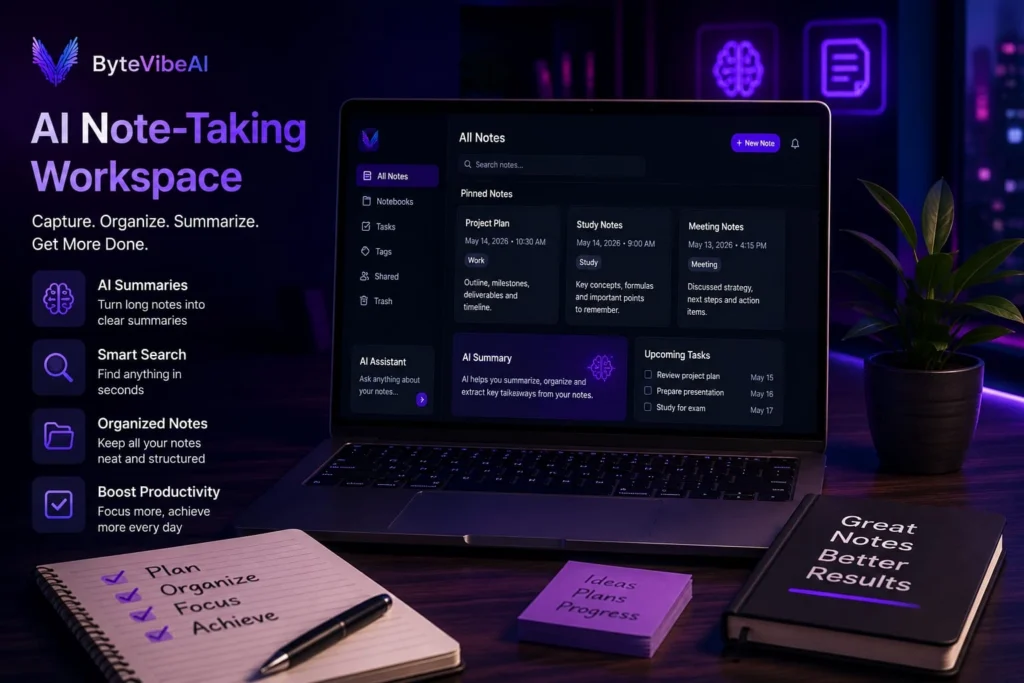
In this guide, we’ll look at five beginner-friendly AI Note-Taking Apps that can help you stay organized throughout your workday or study routine.
| App Name | Best For | Free Plan |
|---|---|---|
| Notion AI | Organizing notes, projects, and daily planning | ✅ Available |
| Otter.ai | Meeting transcription and lecture notes | ✅ Available |
| Microsoft OneNote + Copilot | Students and professionals using Microsoft Office | Basic OneNote available |
| Evernote AI | Organizing personal knowledge and research | Limited |
| Google NotebookLM | Research, study materials, and document summaries | ✅ Available |
How We Selected These AI Note-Taking Apps
There are dozens of note-taking tools available today, but not every app is useful for daily work or study.
For this guide, we selected AI Note-Taking Apps that are easy to use, offer practical free features, and help people stay organized without a complicated learning curve.
Each app was chosen based on:
- Ease of use
- Free plan availability
- AI-powered note organization
- Meeting and lecture support
- Search and organization features
- Overall user experience
Whether you’re managing class notes, planning projects, or organizing meeting discussions, these apps can make your workflow much simpler.
1. Notion AI
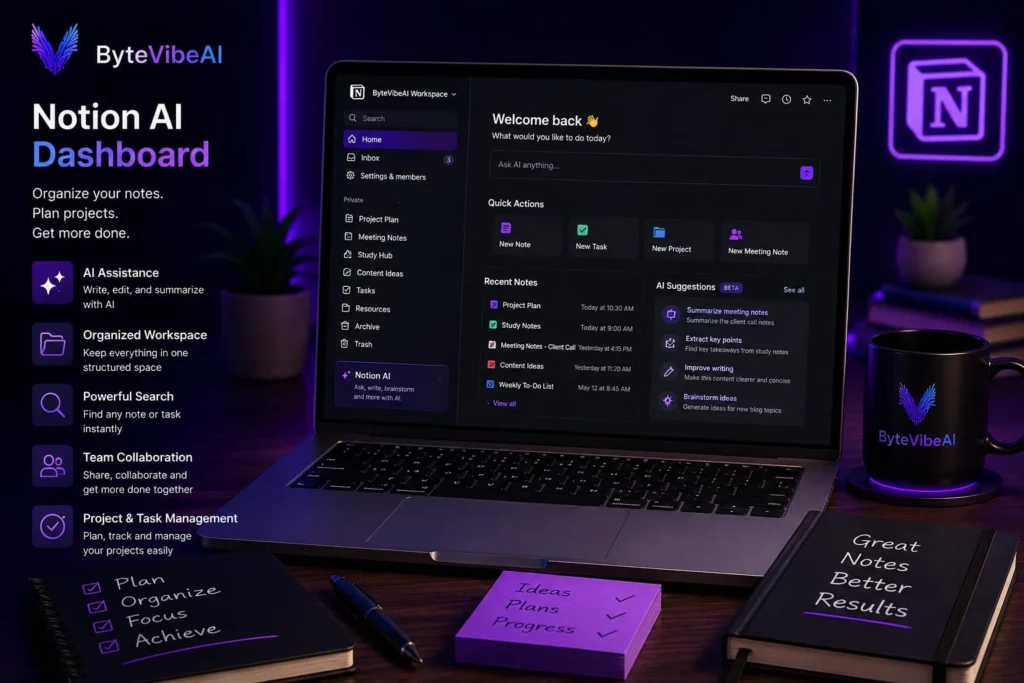
When people talk about the best AI Note-Taking Apps, Notion AI is usually one of the first names that comes up. It combines notes, documents, task management, and project planning into one organized workspace.
Instead of keeping information in different apps, you can store everything in one place. This makes it easier to manage study materials, meeting notes, client projects, and daily tasks without feeling overwhelmed.
Key Features
- AI-powered writing assistance
- Smart note organization
- Project and task management
- Document collaboration
- Powerful search feature
Pros
- Free plan available
- Clean and modern interface
- Easy to organize notes
- Great for both personal and team use
Cons
- Some AI features have usage limits
- Beginners may need a little time to learn the workspace
Best For
Students, freelancers, remote workers, and professionals.
2. Otter.ai
If you regularly attend online classes or virtual meetings, Otter.ai can save a lot of time. Instead of typing everything yourself, it automatically records conversations, creates transcripts, and generates summaries.
For anyone looking for practical AI Note-Taking Apps, Otter.ai is an excellent option for capturing important discussions without missing key details.
Key Features
- Live transcription
- Automatic meeting summaries
- Speaker identification
- Searchable meeting history
- Cloud storage
Pros
- Free plan available
- Accurate meeting transcription
- Easy to review discussions later
- Saves manual note-taking time
Cons
- Monthly transcription limits on the free plan
- Accuracy depends on audio quality
Best For
Students, remote employees, teachers, and business teams.
3. Microsoft OneNote + Copilot
Many people already use OneNote for digital notebooks. With AI features, organizing information becomes even easier. You can summarize notes, create outlines, and quickly find important information across large notebooks.
Among today’s AI Note-Taking Apps, OneNote is a strong choice for people who already use Microsoft Office.
Key Features
- Digital notebooks
- AI-powered summaries
- Cross-device synchronization
- Drawing and handwriting support
- Office integration
Pros
- Familiar interface
- Excellent organization tools
- Works across multiple devices
- Reliable Microsoft ecosystem
Cons
- Some AI features require Microsoft 365
- Advanced features depend on your subscription
Best For
Office workers, students, and professionals using Microsoft products.
4. Evernote AI
Evernote has been a trusted note-taking app for years. Its AI features now help users organize notes faster, summarize content, and manage large collections of information more efficiently.
If you handle lots of research or personal knowledge, Evernote remains one of the most useful AI Note-Taking Apps available.
Key Features
- AI search
- Note summaries
- Web clipping
- Task management
- Document organization
Pros
- Easy organization
- Powerful search
- Good research management
- Reliable synchronization
Cons
- Free plan is limited
- Premium features require a subscription
Best For
Researchers, writers, professionals, and students.
5. Google NotebookLM
Google NotebookLM is designed to help people understand large amounts of information more quickly. You can upload documents, ask questions about them, and receive organized summaries based on your own material.
For students and professionals working with reports, research papers, or study guides, it’s one of the newest and most interesting AI Note-Taking Apps.
Key Features
- Document summaries
- AI-powered question answering
- Research assistance
- Study support
- Google ecosystem integration
Pros
- Free to use
- Excellent for research
- Easy document analysis
- Beginner-friendly
Cons
- Works best with uploaded documents
- Still expanding its features
Best For
Students, researchers, educators, and professionals.
Simple Tips for Getting the Most Out of AI Note-Taking Apps
Using AI Note-Taking Apps effectively isn’t just about choosing the right app. A few simple habits can make your notes much easier to manage.
- Create separate notebooks for different projects.
- Use clear titles for every note.
- Review your notes at the end of each week.
- Archive information you no longer need.
- Keep important tasks separate from general notes.
- Let AI summarize long meeting notes before sharing them.
Common Mistakes to Avoid When Using AI Note-Taking Apps
Even the best AI Note-Taking Apps won’t keep your work organized if you don’t build good note-taking habits. Here are a few common mistakes that many beginners make.
1. Saving Everything in One Notebook
Keeping all your notes in one place may seem convenient at first, but it quickly becomes difficult to find important information. Create separate notebooks or folders for work, study, meetings, and personal projects.
2. Never Reviewing Your Notes
Writing notes is only half the job. If you never go back and review them, it’s easy to forget useful information. Set aside a few minutes each week to organize and review your notes.
3. Depending Only on AI Summaries
AI can create helpful summaries, but it’s still important to read key documents yourself. Use summaries to save time, not to replace your understanding.
4. Using Different Apps for Everything
Switching between several note-taking apps often creates confusion. Choose one of the AI Note-Taking Apps that fits your needs and use it consistently before trying another option.
5. Ignoring Privacy Settings
Meeting notes, class lectures, and client information may contain sensitive data. Always review your app’s privacy settings before uploading important documents.
Frequently Asked Questions
1. What are AI Note-Taking Apps?
AI Note-Taking Apps are digital tools that help you organize notes, summarize information, search documents, and manage work or study materials more efficiently.
2. Which AI Note-Taking App is best for students?
Google NotebookLM and Notion AI are excellent choices for students because they make it easier to organize study materials, summarize information, and review notes.
3. Can AI Note-Taking Apps record meetings?
Yes. Apps like Otter.ai can automatically record, transcribe, and summarize meetings or lectures, making them useful for remote workers and students.
4. Are free AI Note-Taking Apps good enough?
Yes. Most beginners can comfortably use the free versions for daily note-taking, studying, and basic productivity.
5. Should I completely rely on AI for taking notes?
No. AI is a helpful assistant, but your own understanding and organization remain important. Reviewing your notes regularly will always give better results.
Final Thoughts
Learning how to use AI Note-Taking Apps can make a real difference in the way you work and study. Instead of wasting time searching through scattered documents or handwritten notes, you can keep everything organized, searchable, and easy to review.
The best approach is to start with one app that fits your daily routine. As you become comfortable with its features, you’ll naturally develop a system that helps you stay organized, save time, and focus on the work that matters most.
You May Also Like
If you enjoyed this guide, you may also find these articles helpful:
👉 Top Free AI Tools for Remote Workers to Automate Daily Tasks
👉 Best Free AI Writing Tools for Bloggers and Freelancers to Boost Content Creation
👉 How to Use AI for SEO Copywriting: A Beginner’s Guide for Remote Writers
👉 Best Free AI Email Generators to Write Professional Work Emails in Seconds
Call to Action
Looking for more practical AI productivity tips?
Visit ByteVibeAI for beginner-friendly AI guides, honest tool reviews, and step-by-step tutorials designed to help you work smarter, stay organized, and save time every day.