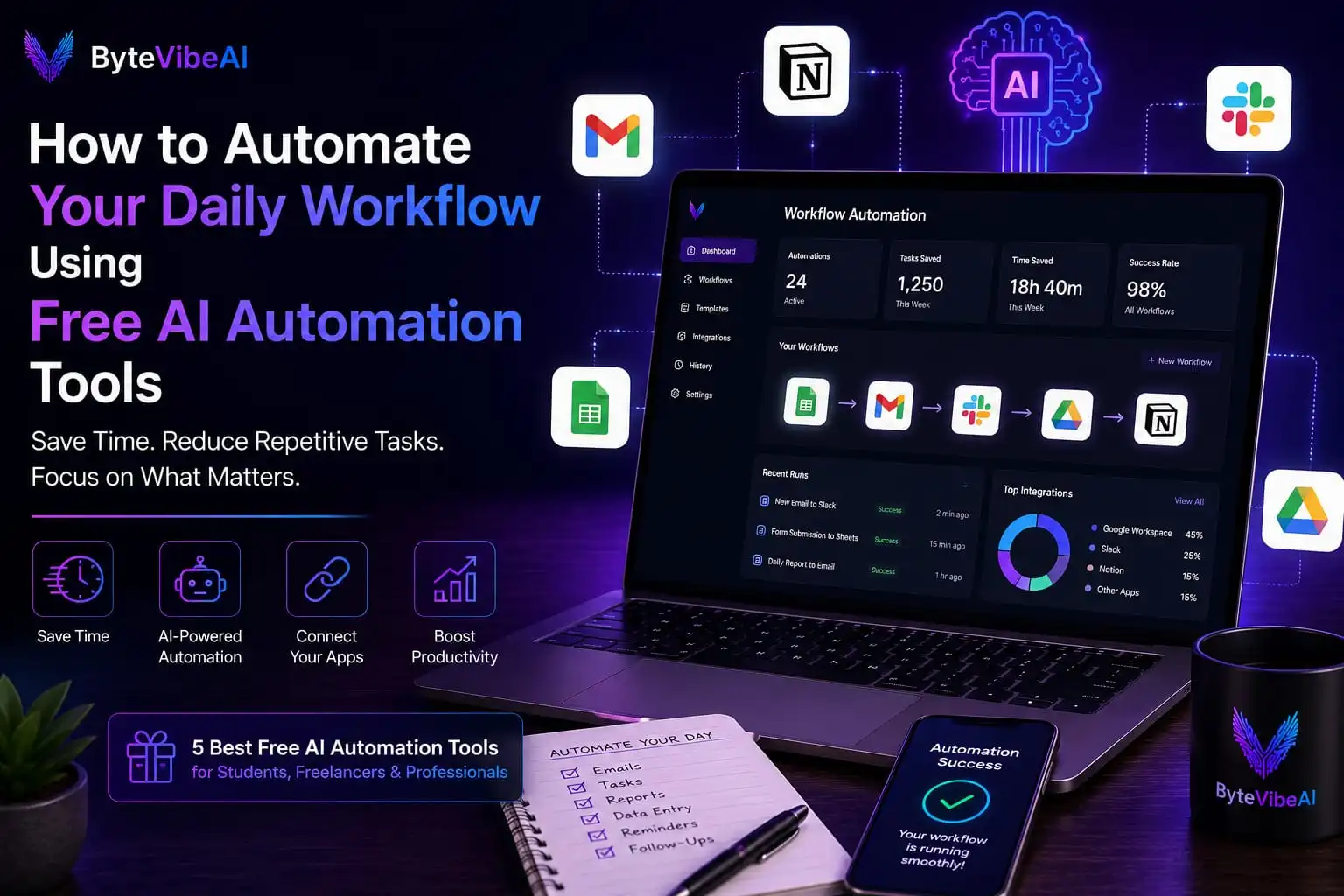
How to Automate Your Daily Workflow Using Free AI Automation Tools
Every day, we spend time on repetitive tasks like sending emails, organizing files, updating spreadsheets, scheduling meetings, and moving information between different apps. While each task may seem small, together they can take up several hours every week.
That’s why more people are using Free AI Automation Tools to simplify their daily workflow. These tools can automatically complete repetitive tasks, connect different applications, and help you focus on work that requires creativity and decision-making.
Whether you’re a student, freelancer, remote worker, or business owner, learning how to use Free AI Automation Tools can help you save time, stay organized, and improve your overall productivity.
Why Free AI Automation Tools Are Becoming Essential
Managing work manually isn’t always efficient. As responsibilities grow, repetitive tasks can slow you down and increase the chance of making mistakes.
Modern Free AI Automation Tools help automate routine work, allowing you to spend more time on important projects while setting up reliable Free AI Automation Tools for daily tasks.
Some of the biggest benefits include:
- Automating repetitive tasks
- Reducing manual work
- Saving time every day
- Connecting different apps
- Improving workflow efficiency
- Increasing productivity without extra effort
These tools don’t replace your work—they simply help you complete it faster and more efficiently.
Quick Overview of the 5 Free AI Automation Tools
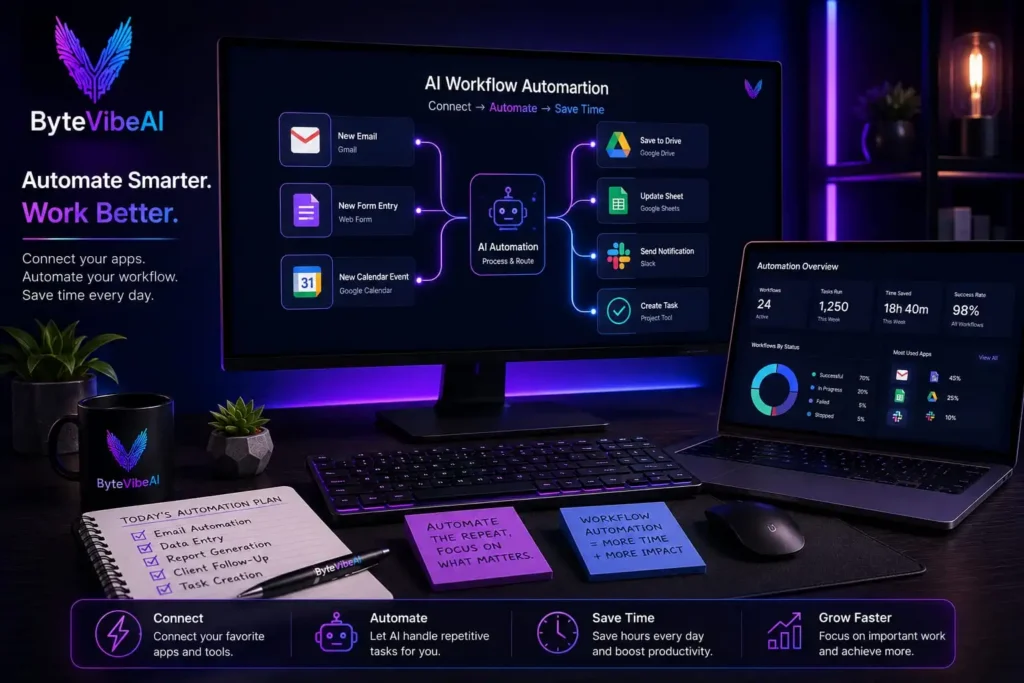
In this guide, we’ll review five beginner-friendly Free AI Automation Tools that help automate everyday tasks for students, freelancers, remote workers, and business professionals.
⚡ Zapier
- Best For: Connecting apps and automating workflows.
- Free Plan: ✅ Available
🔄 Make (formerly Integromat)
- Best For: Visual workflow automation.
- Free Plan: ✅ Available
🤖 n8n
- Best For: Advanced automation with flexibility.
- Free Plan: ✅ Available
📧 IFTTT
- Best For: Personal productivity automation.
- Free Plan: ✅ Available
🚀 Microsoft Power Automate
- Best For: Office and business workflow automation.
- Free Plan: Limited
How We Selected These AI Automation Tools
There are dozens of automation platforms available today, but not every tool is suitable for beginners.
For this guide, we selected Free AI Automation Tools based on ease of use, free plan availability, automation capabilities, reliability, and overall value for everyday users.
Each platform was evaluated using:
- Ease of setup
- Free plan features
- Number of supported app integrations
- Workflow automation capabilities
- Beginner-friendly interface
- Overall productivity benefits
Whether you’re trying to automate personal tasks or business processes, these tools can help you work smarter without spending hours on repetitive work.
1. Zapier
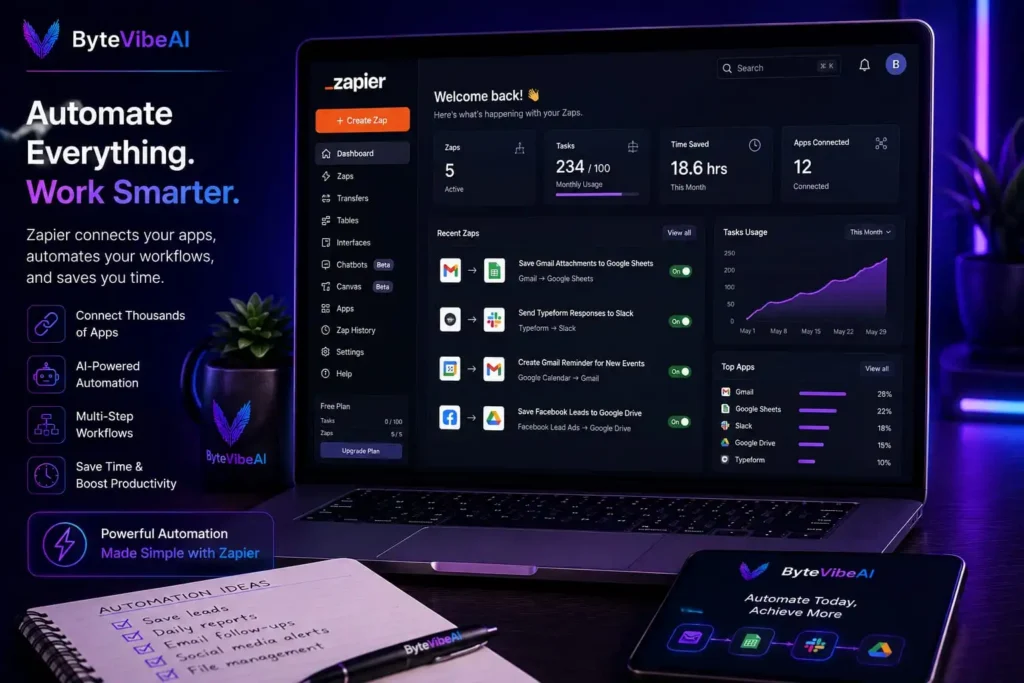
When people talk about Free AI Automation Tools, Zapier is usually one of the first names that comes up. It allows you to connect thousands of apps and automate repetitive tasks without writing code.
For example, you can automatically save email attachments to cloud storage, create calendar events from forms, or send notifications when new tasks are added to your projects.
Key Features
- AI-powered workflow automation
- Connects thousands of apps
- No coding required
- Ready-made automation templates
- Multi-step workflows
Pros & Cons
- Pros: Free plan available, very easy to use, huge app library, saves hours of manual work.
- Cons: Free plan has task limits, advanced automations require a paid plan.
Best For: Freelancers, small businesses, marketers, and remote workers.
2. Make (formerly Integromat)
Make gives users a visual way to build automation workflows. Instead of writing code, you connect apps using a drag-and-drop interface and create powerful automated processes.
Among today’s Free AI Automation Tools, Make is a great option for users who want more flexibility while keeping everything easy to understand.
Key Features
- Visual workflow builder
- App integrations
- Automation scheduling
- Data processing
- Custom workflow creation
Pros & Cons
- Pros: Flexible automation, free plan available, beginner-friendly interface, powerful visual editor.
- Cons: Advanced workflows may take time to learn, some premium integrations require paid plans.
Best For: Freelancers, startups, agencies, and business owners.
3. n8n
n8n is an open-source automation platform that gives users more control over their workflows. It’s ideal for people who want advanced customization while avoiding expensive automation software.
It’s one of the most flexible Free AI Automation Tools for developers and growing businesses.
Key Features
- Open-source platform
- AI workflow automation
- API integrations
- Custom automation
- Self-hosting option
Pros & Cons
- Pros: Highly customizable, strong automation capabilities, community support, free to use.
- Cons: Learning curve for beginners, more technical than some alternatives.
Best For: Developers, IT professionals, and growing businesses.
4. IFTTT
IFTTT stands for “If This, Then That.” It helps automate simple everyday tasks between apps and smart devices using easy-to-create automation rules.
For beginners looking for Free AI Automation Tools, it’s one of the simplest platforms available.
Key Features
- One-click automation
- Smart device integration
- Mobile automation
- Social media automation
- Simple workflow creation
Pros & Cons
- Pros: Very easy to use, free plan available, great for personal productivity, supports many popular apps.
- Cons: Limited advanced features, better for simple automations.
Best For: Students, home users, and beginners.
5. Microsoft Power Automate
Microsoft Power Automate helps users automate business workflows across Microsoft applications and many third-party services. It’s especially useful for organizations already using Microsoft 365.
Among Free AI Automation Tools, it’s an excellent choice for office environments and business productivity.
Key Features
- Microsoft 365 integration
- Workflow automation
- AI-powered process automation
- Document automation
- Business process management
Pros & Cons
- Pros: Strong Microsoft integration, professional automation features, secure platform, easy workflow creation.
- Cons: Limited free plan, works best within the Microsoft ecosystem.
Best For: Businesses, office workers, project managers, and enterprise teams.
Tips for Using Free AI Automation Tools Effectively
Choosing the right Free AI Automation Tools is only the first step. To get the best results, follow these practical tips:
- Start with one simple automation before creating complex workflows.
- Automate repetitive tasks that you perform every day.
- Review your workflows regularly to make sure they’re working correctly.
- Keep your connected apps organized.
- Test every automation before relying on it for important work.
- Update workflows whenever your processes change.
Common Mistakes to Avoid When Using Free AI Automation Tools
The best Free AI Automation Tools can save hours of manual work, but they deliver the best results only when they’re set up correctly. Many beginners create automations without planning their workflow, which can lead to errors and confusion.
Here are a few common mistakes to avoid:
- Automating Everything at Once: Begin with one or two simple automations and expand gradually.
- Forgetting to Test Workflows: Before relying on an automation, always test it with real examples.
- Connecting Too Many Apps: Only connect the tools you actually use in your daily workflow.
- Never Reviewing Your Automations: Review workflows regularly to make sure they still support your current process.
- Depending on AI Without Human Review: Always check important tasks, customer messages, reports, and business processes before finalizing them.
Frequently Asked Questions
1. What are Free AI Automation Tools?
Free AI Automation Tools help users automate repetitive tasks by connecting apps, moving data, scheduling actions, and reducing manual work.
2. Which AI Automation Tool is best for beginners?
Zapier and IFTTT are excellent choices because they are easy to set up and offer free plans with ready-made automation templates.
3. Can students use AI Automation Tools?
Yes. Students can automate note organization, file management, reminders, calendar events, and study workflows to save time.
4. Are free AI Automation Tools enough?
Yes. Most freelancers, students, and small businesses can automate many daily tasks using the free plans before upgrading to premium features.
5. Do I need coding skills?
No. Most modern Free AI Automation Tools provide visual workflow builders that allow beginners to create automations without writing code.
Final Thoughts
Using top-rated Free AI Automation Tools is one of the easiest ways to reduce repetitive work. When you implement the right Free AI Automation Tools, you improve daily productivity seamlessly.
Start with one platform that matches your needs and automate a few simple processes first. As you become more comfortable, you can build more advanced workflows that save even more time. With the right setup, automation becomes a valuable part of your daily routine.
You May Also Like
Continue exploring more productivity guides on ByteVibeAI:
- 👉 Top 5 Free AI Tools for Remote Workers to Automate Daily Tasks
- 👉 How to Use AI Note-Taking Apps to Organize Your Work and Study Life
- 👉 The Best Free AI Research Assistants for Students and Professionals
- 👉 5 AI-Powered Project Management Tools to Double Your Daily Output
- 👉 Best Free AI Writing Tools for Bloggers and Freelancers to Boost Content Creation
- 👉 Best Free AI Email Generators to Write Professional Work Emails in Seconds