5 Best Free AI Video Generators For TikTok & Instagram Reels
Keeping up with TikTok and Instagram Reels means posting often, and filming original footage for every single post isn’t realistic for most creators or small businesses.
Using top-rated Free AI Video Generators solves a big part of that problem. Type a prompt, describe a scene, and a short, ready-to-post clip comes back in under a minute.
This guide covers five free tools built specifically for short-form, vertical video content. Whether you’re a creator testing new formats, a social media manager filling a content calendar, or a small business promoting a product, one of these will fit your workflow.
Why Free AI Video Generators Are Worth Using
Original footage still performs well, but it can’t cover every post on a daily posting schedule. Using Free AI Video Generators fills that gap without a camera or a shoot.
These tools typically help you:
- Turn a text prompt into a short, vertical video in seconds.
- Test new content ideas without booking a shoot first.
- Animate a single photo into a moving clip.
- Access trending visual effects without editing skills.
- Post more consistently without running out of raw footage.
AI-generated clips work best mixed in with real content, not as a total replacement. Used well, they fill the gaps between your original videos.
Quick Overview of the 5 Tools
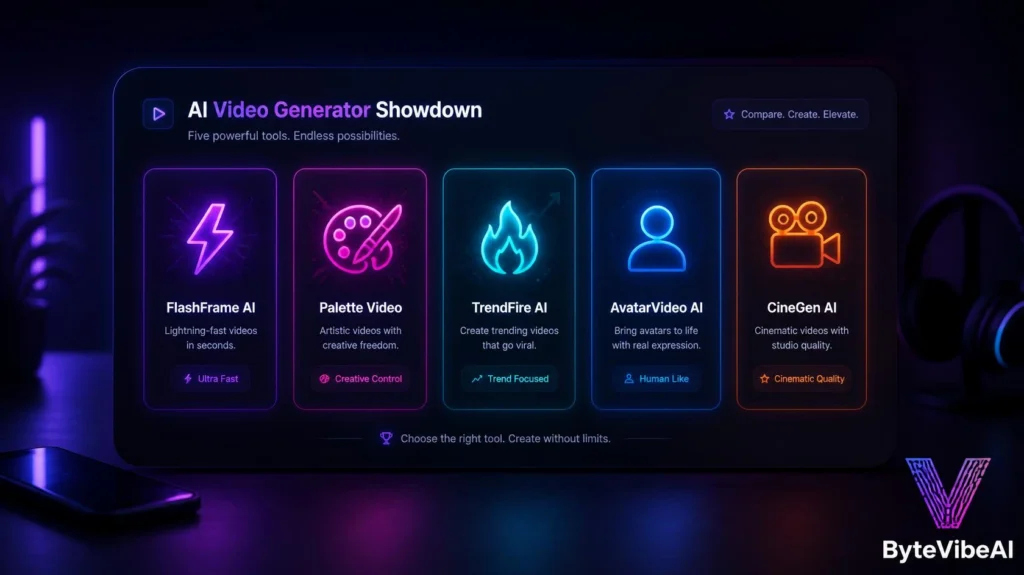
Instead of using a wide comparison table, here’s a mobile-friendly overview.
- ⚡ Kling AI
- Best For: High-quality text-to-video with generous free credits.
- Free Plan: ✅ Available
- 🎨 Pika
- Best For: Stylized, creative short clips for social content.
- Free Plan: ✅ Available
- 🔥 PixVerse
- Best For: Trending effects and viral-style templates.
- Free Plan: ✅ Available
- 🧑 Hailuo AI
- Best For: Realistic clips featuring human subjects.
- Free Plan: ✅ Available
- 🎥 Luma Dream Machine
- Best For: Short, cinematic-style video clips.
- Free Plan: ✅ Available
Here is a quick breakdown of these Free AI Video Generators to help you choose the best one.
How We Selected These Tools
AI video generation moves fast, and many tools advertise “free” access that turns out to be a short trial rather than an ongoing free tier.
The tools below were chosen based on:
- A genuine daily or weekly free credit system, not just a one-time trial
- Vertical, 9:16 output suited for TikTok, Reels, and Shorts
- Reasonable generation speed for regular content creation
- No forced watermark that hides the actual video quality
- Ease of use for people with no video production background
We skipped tools where the free tier was too limited to be useful for regular posting.
1. Kling AI
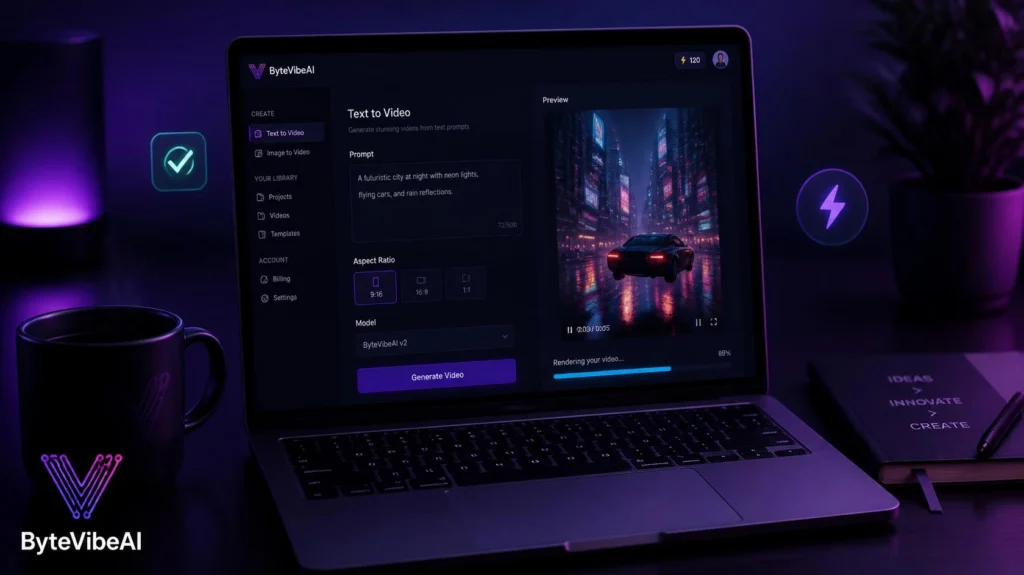
Kling AI has become one of the strongest genuinely free options for text-to-video generation, offering daily credits that refresh instead of a one-time trial.
I generated a handful of short product-style clips over a single week using only the free credits, without hitting a hard paywall.
Key Features
- Text-to-video and image-to-video generation
- Daily refreshing free credits
- Strong motion realism for physical movement
- Multiple video length and style options
- High output resolution on the free tier
Pros
- One of the most generous genuinely free tiers available
- Motion quality holds up well for social content
- Works well for both prompts and animating still images
Cons
- Daily credit limits still cap heavy, high-volume use
- Longer or more complex prompts sometimes need a few tries
Best For
Creators and small businesses who want a reliable, ongoing source of short AI clips without paying.
2. Pika
Pika leans into stylized, creative output rather than strict realism, which makes it a strong pick when your content benefits from a distinct visual style.
It’s a favorite among regular short-form creators for quick experimentation with new ideas.
Key Features
- Stylized and effect-driven video generation
- Fast turnaround per generated clip
- Image-to-video animation support
- Simple prompt-based interface
- Social-ready vertical export
Pros
- Distinct visual style stands out in a crowded feed
- Fast enough for quick daily experimentation
- Approachable for complete beginners
Cons
- Less suited for strictly realistic footage
- Free credits run out faster with heavier daily use
Best For
Creators who want stylized, attention-grabbing clips rather than realistic footage.
3. PixVerse
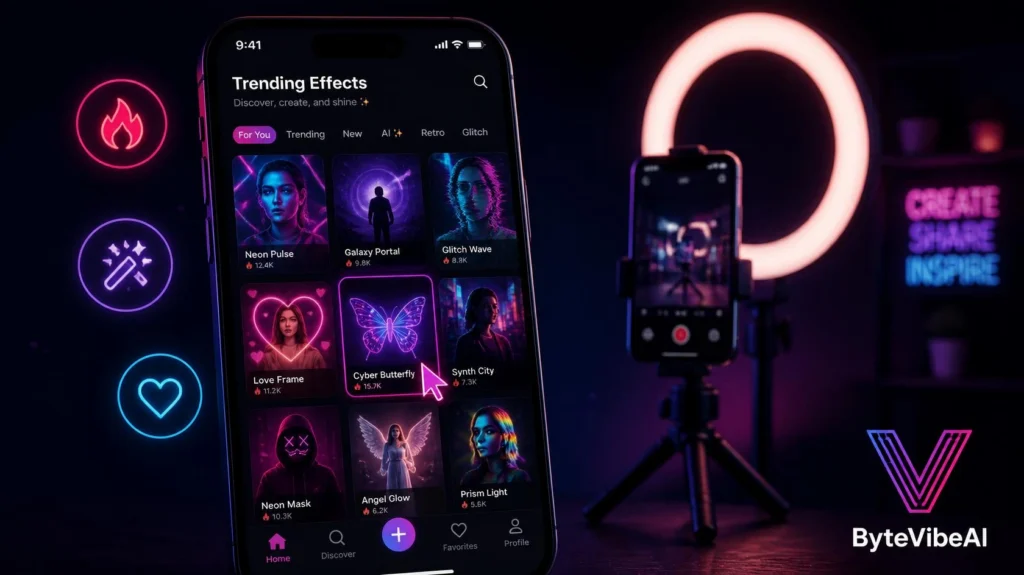
PixVerse focuses on trending effects and templates, which makes it useful when you want to jump on a current TikTok or Reels trend without building it from scratch.
Its template library updates regularly to track whatever’s currently performing well.
Key Features
- Regularly updated trending effect templates
- Image-to-video animation
- Daily free credits with no card required
- Mobile app for on-the-go generation
- Fast rendering for quick posting
Pros
- Easiest way to jump on current viral formats
- Mobile app makes it convenient for quick posts
- No credit card needed to start
Cons
- Effect-driven style limits use for more serious content
- Free credits are more limited than Kling AI’s
Best For
Social media managers who need to move fast on current TikTok and Reels trends.
4. Hailuo AI
Hailuo AI stands out specifically for clips featuring human subjects, handling faces, expressions, and movement more convincingly than many competitors.
If your content leans toward talking, dancing, or performance-style clips, this is worth testing first.
Key Features
- Strong photorealistic human subject rendering
- Daily free generation credits
- Text-to-video and image-to-video support
- Natural facial expression handling
- Good motion consistency across frames
Pros
- Human subjects look noticeably more natural than average
- Free tier is usable for regular testing
- Good fit for performance or presenter-style content
Cons
- Less specialized for non-human, product-style scenes
- Generation speed varies depending on demand
Best For
Creators making dance, performance, or presenter-style short-form content.
5. Luma Dream Machine
Luma Dream Machine focuses on short, cinematic-style clips, offering a more polished, filmic look compared to trend-driven tools.
It’s a solid choice when a post calls for a moodier, higher-production feel rather than a fast trending effect.
Key Features
- Cinematic-style motion and lighting
- Free daily generation limit
- Text-to-video and image-to-video modes
- Consistent visual quality across clips
- Simple, prompt-based workflow
Pros
- Polished, cinematic look without extra editing
- Good for brand content that needs a premium feel
- Straightforward interface for beginners
Cons
- Free tier generation limits are on the tighter side
- Less suited for fast-moving trend content
Best For
Small businesses and creators who want a more polished, brand-focused visual style.
Expert Tips for Better AI Video Generation
A few habits made a real difference once I started using these tools regularly.
- Write specific, detailed prompts. Vague prompts produce vague, generic clips.
- Mix AI-generated clips with real footage instead of relying on one or the other.
- Save your best-performing prompts to reuse and tweak later.
- Check each platform’s watermark and usage policy before posting commercially.
Common Mistakes to Avoid
Even the best free AI video generators can’t fix a weak content idea. These habits tend to cause the most problems.
1. Posting the First Generated Clip
The first result is rarely the strongest. Generate a couple of variations and pick the one that fits best.
2. Ignoring Platform-Specific Trends
A clip generated without checking current trends can feel out of step with what’s performing.
Try sticking to:
- Checking trending sounds and formats before generating
- Matching pacing to what’s currently working on each platform
- Refreshing your prompt style every few weeks
3. Overusing One Tool’s Style
Relying on a single tool for every post can make your content look repetitive over time. Rotate between tools based on the content type.
4. Skipping the Caption and Hook
Even a great AI-generated clip underperforms without a strong hook in the first few seconds. Always plan the opening separately from the visual.
Frequently Asked Questions
Which free AI video generator is best for TikTok?
Kling AI offers the most generous genuinely free tier, while PixVerse is strongest for jumping on current trending effects quickly.
Can I use AI-generated videos commercially?
Most tools allow commercial use on free plans, though it’s worth checking each platform’s specific terms before running paid campaigns.
Do these tools require any video editing skills?
No. All five tools generate finished clips directly from text prompts or images, with no editing timeline required.
How long are the videos these tools generate?
Most free plans produce clips between four and ten seconds, which fits naturally into TikTok, Reels, and Shorts formats.
Final Thoughts
Free AI Video Generators have made it realistic to keep a consistent posting schedule without filming original footage for every single post. A prompt goes in, and a scroll-ready clip comes out.
Start with one tool that matches your content style, whether that’s Kling AI for reliable everyday clips or PixVerse for chasing trends fast. Mix AI-generated content with real footage rather than replacing one with the other entirely.
Short-form video isn’t slowing down, and these tools make it possible to keep showing up without burning out on production work.
Internal Links
- Top 5 Free AI Video Editing Tools For Beginners And Content Creators
- How to Turn Text into Video: The Best Free AI Tools for Video Creation
Ready to start generating? Explore more AI Design guides on ByteVibeAI to discover beginner-friendly tutorials, free AI tools, and practical tips for creating standout content.