
How to Create Faceless YouTube Videos Using Free AI Tools
Not everyone wants to appear on camera, and that used to mean YouTube wasn’t really an option. Faceless channels have changed that completely, and AI tools have made them realistic to build without a studio or an on-screen presenter.
Faceless YouTube videos rely on a mix of scripts, AI voiceovers, visuals, and captions instead of a filmed presenter. Each stage now has a dedicated free AI tool that handles it well.
This guide walks through the tools you need to build a faceless video from start to finish, covering voiceover, an optional AI avatar, script-based editing, template-driven video creation, and captions. Whether you’re starting a new channel or adding faceless content to an existing one, this covers the full pipeline.
Why Faceless YouTube Videos Work So Well With AI
A faceless channel used to mean stock footage and a flat text-to-speech voice that nobody wanted to watch for long. AI has closed that quality gap significantly.
These tools typically help you:
- Generate natural-sounding AI voiceovers instead of recording narration yourself.
- Add an AI avatar presenter without ever appearing on camera.
- Edit a video by editing the script instead of a timeline.
- Add accurate, styled captions automatically for better retention.
None of this replaces a strong topic or a clear script. But it removes the production barriers that used to keep faceless creators from publishing consistently.
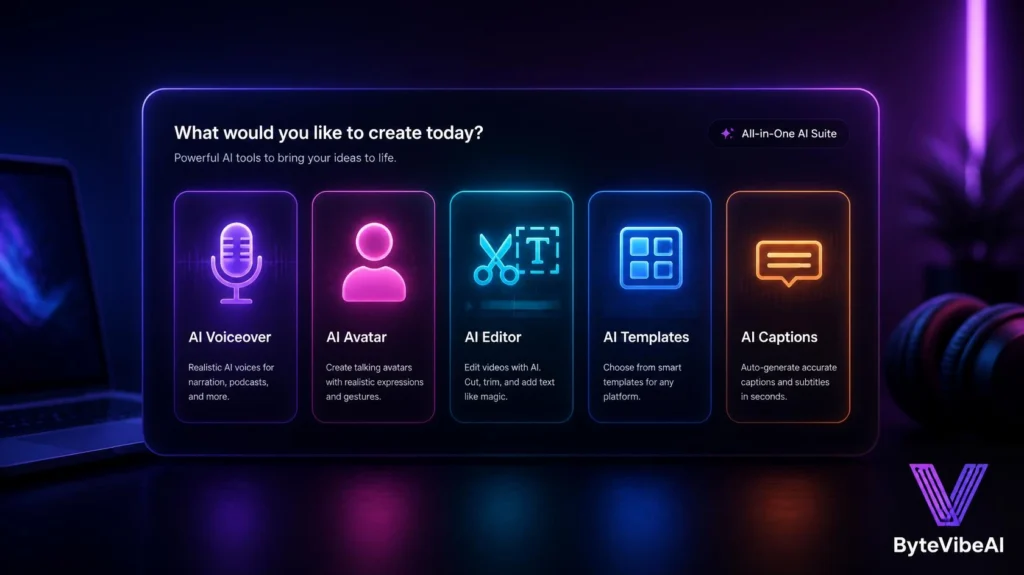
Quick Overview of the 5 Tools
Instead of using a wide comparison table, here’s a mobile-friendly overview.
🎙️ ElevenLabs
Best For: Natural, high-quality AI voiceovers.
Free Plan: ✅ Available (monthly character limit)
🧑💼 Synthesia
Best For: AI avatar presenters without a real camera.
Free Plan: ✅ Limited free trial
✂️ Descript
Best For: Editing a video by editing the transcript.
Free Plan: ✅ Available
📋 Renderforest
Best For: Template-based faceless videos with voiceover.
Free Plan: ✅ Available
💬 Submagic
Best For: Auto-generated, styled captions for retention.
Free Plan: ✅ Available (limited exports)
How We Selected These Tools
Rather than repeating general video editors or single-purpose video generators already covered elsewhere, this list focuses specifically on the stages a faceless creator needs most.
The tools below were chosen based on:
- Genuine relevance to the faceless video workflow specifically
- A usable free plan, even with reasonable limits
- No requirement to appear on camera at any stage
- Ease of use for creators without a production background
- Output quality suitable for actual publishing
We skipped tools that only made sense for creators filming themselves directly.
1. ElevenLabs
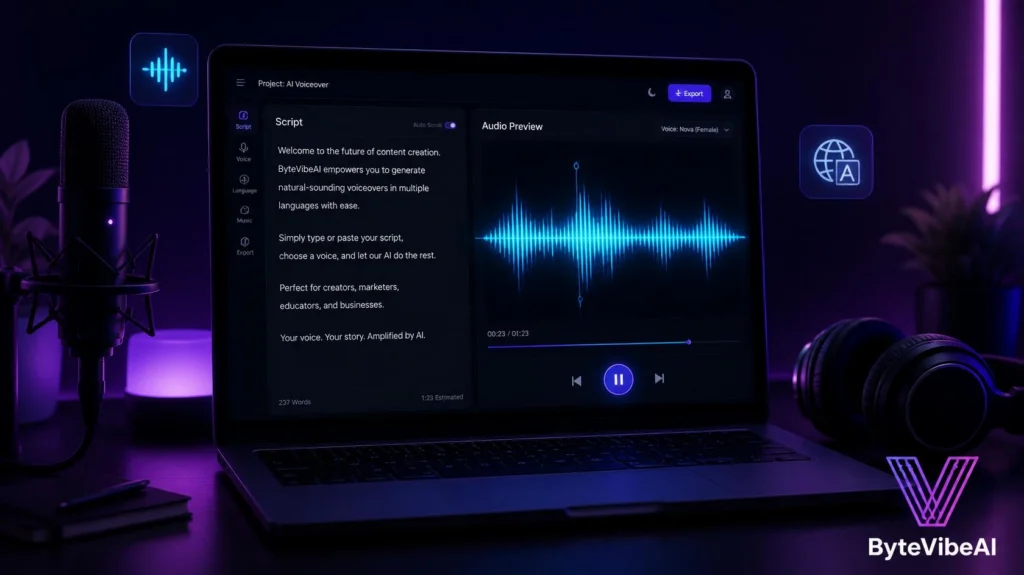
ElevenLabs remains one of the strongest AI voice platforms for long-form narration, holding natural pacing and tone across a full script instead of sounding flat halfway through.
I ran a six-minute script through it once, and the pacing stayed consistent from the first sentence to the last, without the robotic drift older tools were known for.
Key Features
- Natural-sounding text-to-speech across dozens of languages
- Voice cloning options for a consistent channel voice
- Emotional tone and pacing control
- Simple text-in, audio-out workflow
Pros
- Voice quality is noticeably ahead of most free alternatives
- Holds consistency well across long scripts
- Wide language support for global channels
Cons
- Free plan caps monthly character usage
- Heavy use quickly pushes toward a paid tier
Best For
Any faceless creator who wants the voiceover to feel genuinely human, not robotic.
2. Synthesia
Synthesia takes a different approach to faceless content by offering an AI avatar presenter instead of a plain voiceover-and-visuals format.
It works well for tutorial-style or explainer content where a presenter, even a synthetic one, helps hold attention better than static visuals alone.
Key Features
- AI avatar presenters in multiple styles and languages
- Script-to-video generation with natural lip-sync
- Custom avatar options on paid plans
- Multilingual voice and avatar pairing
- Simple script editing before generation
Pros
- Avatar presenters add a personal feel without a real camera
- Lip-sync quality holds up well across longer scripts
- Useful for tutorial and explainer-style content
Cons
- Free access is limited to a short trial period
- Avatar-based videos can feel less authentic to some audiences
Best For
Creators making explainer or tutorial content who want a presenter without filming themselves.
3. Descript
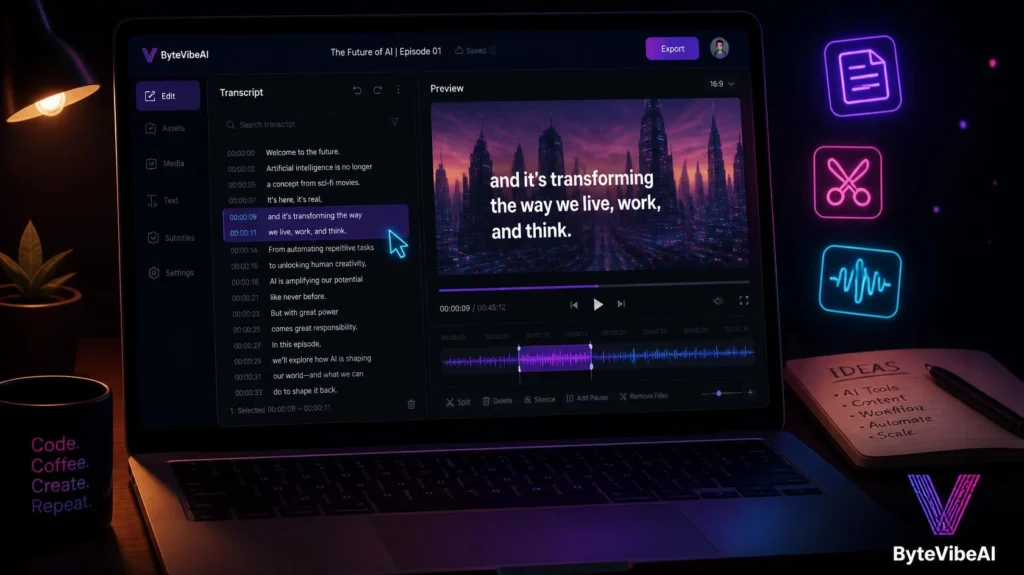
Descript flips traditional editing by letting you edit the video through the transcript. Delete a sentence in the text, and the matching video clip disappears automatically.
That makes it especially useful for faceless creators editing narration-heavy content without learning a traditional timeline editor.
Key Features
- Transcript-based video and audio editing
- Overdub voice cloning to fix narration mistakes
- Automatic filler word removal
- Multitrack editing for voice, music, and visuals
- Built-in screen recording
Pros
- Editing by text is faster than a traditional timeline for narration-heavy videos
- Overdub saves re-recording entire sections for small mistakes
- Removes filler words automatically
Cons
- Learning curve exists for more complex, multitrack projects
- Free plan limits monthly transcription minutes
Best For
Creators who script heavily and want editing to feel like editing a document, not a timeline.
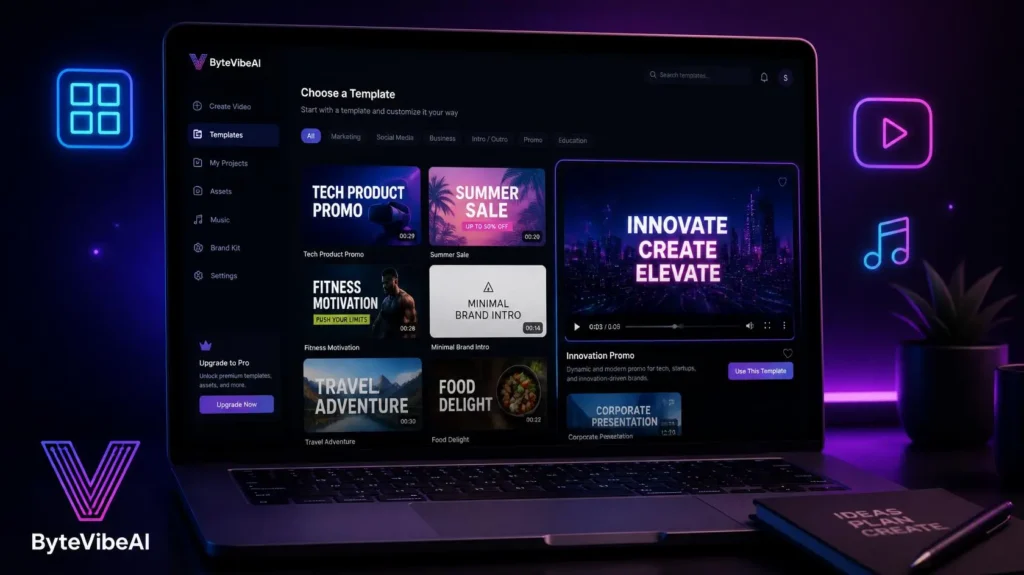
4. Renderforest
Renderforest builds full faceless videos from templates, handling voiceover, visuals, and pacing in one guided workflow rather than requiring you to assemble each piece separately.
It works particularly well for list-style, quote, or explainer videos that follow a predictable structure.
Key Features
- Large library of faceless-friendly video templates
- Built-in AI voiceover generation
- Automatic scene timing based on your script
- Music and sound effect library included
- Direct export sized for YouTube
Pros
- Fastest option for structured, template-driven videos
- Voiceover and visuals handled in a single workflow
- Good template variety for common faceless formats
Cons
- Less flexible for highly custom or unconventional video styles
- Free plan exports include a watermark
Best For
Creators making list videos, quote videos, or explainer content that fits a repeatable template.
5. Submagic
Submagic focuses entirely on captions, generating accurate, styled subtitles automatically for videos built with any of the tools above.
Strong captions matter more than most creators expect, since a large share of viewers watch with the sound off, especially on Shorts.
Key Features
- Automatic, highly accurate caption generation
- Styled, animated caption templates
- Keyword highlighting for emphasis
- Fast processing for short-form content
- Export ready for YouTube and Shorts
Pros
- Caption accuracy is strong even with fast-paced narration
- Styled templates add visual interest without extra editing
- Quick turnaround for regular posting schedules
Cons
- Free plan limits the number of exports per month
- Focused only on captions, not full video creation
Best For
Creators who already have a finished video and want retention-boosting captions added quickly.
Expert Tips for Better Faceless YouTube Videos
A few habits made a real difference once I started building faceless content regularly.
- Write and edit your script fully before generating any voiceover or visuals.
- Keep sentences short in the script. Long sentences sound awkward when read aloud by AI.
- Test more than one AI voice before committing to a channel-wide voice.
- Add captions to every video, since a large share of viewers watch without sound.
Common Mistakes to Avoid
Even the best free AI tools can’t fix a weak faceless video strategy. These habits tend to cause the most problems.
1. Skipping the Script Edit Before Voiceover
A messy script produces an awkward-sounding voiceover no matter how good the AI voice is. Edit first.
2. Using the Same AI Voice as Everyone Else
Overused default voices can make a channel feel generic.
Try sticking to:
- Testing multiple voices before choosing one
- Keeping the same voice consistent across your channel
- Adjusting pacing and tone settings instead of accepting defaults
3. Ignoring Captions Entirely
Skipping captions loses a large portion of silent viewers, especially on mobile and Shorts.
4. Publishing Without Watching the Full Video
AI-generated visuals occasionally mismatch the script. Always watch the complete video once before publishing.
Frequently Asked Questions
Do I need to show my face at all for a faceless channel?
No. Every tool in this guide is built specifically to avoid needing a real, on-camera presenter.
Which tool should I start with if I’m completely new to this?
Start with ElevenLabs for voiceover and Renderforest for assembling a full template-based video, then add Submagic for captions once you have a workflow you like.
Are AI avatar presenters like Synthesia considered faceless content?
Generally yes, since no real person appears on camera, though some audiences respond differently to avatars than to voiceover-only formats.
Final Thoughts
Faceless YouTube videos have gone from a workaround for camera-shy creators to a legitimate content format on their own, largely because AI tools now handle voiceover, editing, and captions convincingly well.
Start by picking one tool for each stage of the process, whether that’s ElevenLabs for voice, Descript for editing, or Renderforest for a full template-based build. Add Submagic once you have a consistent workflow and want to boost retention with better captions.
The tools will keep improving, but the fundamentals stay the same: a clear script, a consistent voice, and captions that keep viewers watching.
You May Also Like
If you enjoyed this guide, you may also find these articles helpful:
👉5 Best Free AI Image Upscalers to Fix Low-Resolution Photos
👉5 Best Free AI Image Generators For Stunning Blog Visuals (No Copyright)
👉https://bytevibeai.com/ai-tools-for-graphic-design-logos-social-media/
Ready to start your faceless channel? Explore more AI Design guides on ByteVibeAI to discover beginner-friendly tutorials, free AI tools, and practical tips for creating standout content.
One Comment