5 Best Free AI Writing Tools for Bloggers and Freelancers (2026)
Free AI writing tools are everywhere, but most lists don’t tell you what you actually get for $0. Some tools have cut their free plans this year, and one well-known name dropped its free plan completely.
This guide covers five free AI writing tools for bloggers and freelancers: ChatGPT, Gemini, Grammarly, QuillBot, and Rytr. For each one, you’ll see what the free plan includes, where the limits are, and who it suits. Free plan details were last checked in October 2026.
Short on time? ChatGPT is the best all-rounder, Grammarly is best for editing, and Rytr is the simplest for beginners. The comparison table below shows the rest.
Best Free AI Writing Tools Compared (2026)
| Tool | Free Plan | What You Get Free | Best For |
|---|---|---|---|
| ChatGPT | Yes | Text chats, limited images and file uploads, ads may show | Ideas, outlines, first drafts |
| Gemini | Yes | Chat with usage limits (no fixed number published) | Drafts and quick research |
| Grammarly | Yes | Grammar, spelling, tone checks, 100 AI prompts a month | Editing and proofreading |
| QuillBot | Yes | 125-word paraphrasing, 20 AI chats a day | Rewriting sentences |
| Rytr | Yes | 10,000 characters a month (about 1,500 to 2,000 words) | Short copy, beginners |
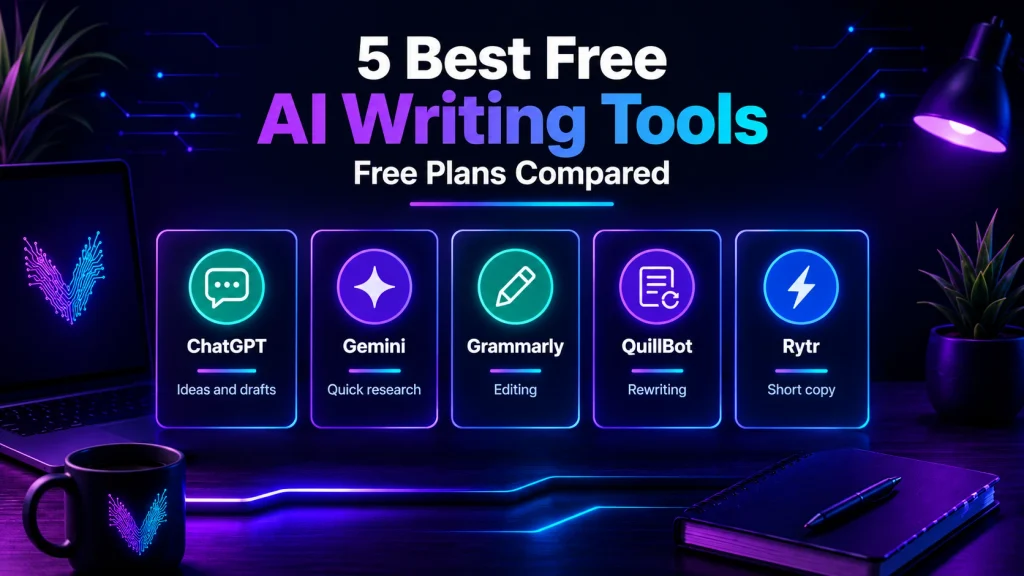
Here’s how the best free AI writing tools stack up, so you can pick the one that fits your workflow.
Why Bloggers and Freelancers Use AI Writing Tools
Every writer has experienced moments when ideas stop flowing. Some days, creating a headline takes longer than writing the article itself. Tight deadlines and multiple projects only add more pressure.
AI writing tools can make this process much easier by helping with repetitive tasks. They won’t replace creativity or personal experience, but they can reduce the time spent on brainstorming and editing.
- Some of the biggest advantages include:
- Faster blog outlines
- Better grammar and spelling
- Fresh content ideas
- Improved productivity
- More consistent writing
- Less time spent on repetitive tasks
The final article should always reflect your own voice. Readers appreciate content that feels genuine, includes practical advice, and answers real questions.
1. ChatGPT
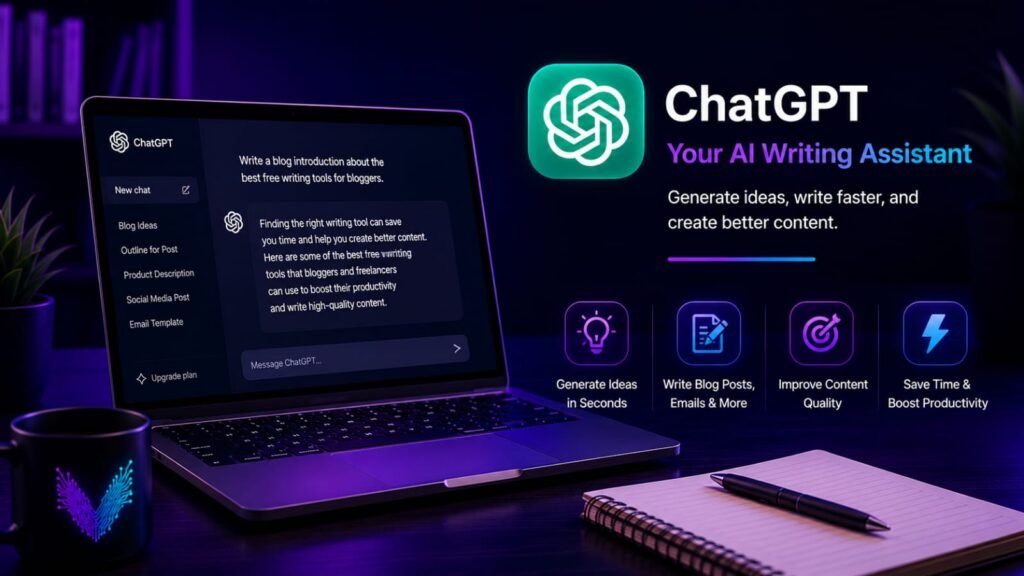
ChatGPT has become one of the most popular writing assistants for bloggers and freelancers because it can support almost every stage of the writing process. It can help brainstorm ideas, create detailed outlines, rewrite paragraphs, summarize information, and improve sentence clarity.
Instead of asking it to produce an entire article, many experienced writers use it to build a strong first draft. They then edit the content, add personal insights, and fact-check important details before publishing. This approach saves time while keeping the final article original and useful.
Key Features
- Creates blog outlines in seconds
- Generates title ideas
- Helps overcome writer’s block
- Rewrites paragraphs for better clarity
- Creates email drafts
- Generates social media captions
- Assists with brainstorming
Pros
- Free to start, no card needed
- Handles outlines, drafts, and rewrites
- Good at explaining things in simple words
- Works on web and mobile
Cons
- Free plan has limits on images and file uploads
- Ads may show on the free plan
- Can state wrong facts, so check everything
- Long articles still need your own editing
Best For
- Bloggers
- Freelancers
- Students
- Content creators
- Small business owners
Free Plan Limitations
You can chat with ChatGPT for free, and text messages are no longer capped the way they used to be. Image generation and file uploads still have limits, and you may see ads on the free plan. OpenAI changes these limits often, so check the pricing page before you rely on it.
Why I Recommend It
If you’re just starting your blogging journey, ChatGPT is an excellent place to begin. It helps organize ideas, create outlines, and speed up the writing process without requiring a steep learning curve. The best results come from treating it as a writing assistant rather than relying on it to produce your final article.
2. Gemini
Gemini is Google’s AI assistant, and the free version is good enough for most blog work. You can use it to brainstorm topics, draft an outline, or clean up a rough paragraph.
If you already write in Google Docs and use Gmail every day, it fits into your routine easily. You don’t need to learn a new tool.
Key Features
- Brainstorms blog topics and titles
- Creates outlines and first drafts
- Summarizes long text
- Helps with quick research
- Works with a Google account
Pros
- Free with a Google account
- Easy to start
- Handy if you already use Google apps
- Good for quick drafts and ideas
Cons
- Google doesn’t publish an exact free limit
- Heavier features can use up your allowance faster
- Facts still need to be checked before publishing
Best For
Bloggers who use Google Docs
Students
Freelancers
Anyone who wants a second AI tool next to ChatGPT
Free Plan Limitations
The free plan is free with a Google account. Google doesn’t share a fixed message count, and limits can change depending on demand. On busy days you may hit a cap sooner.
Why I Recommend It
If ChatGPT feels limiting or you just like Google’s tools, Gemini is worth a try. Use it for ideas and rough drafts, then rewrite the final version in your own words.
3. Grammarly
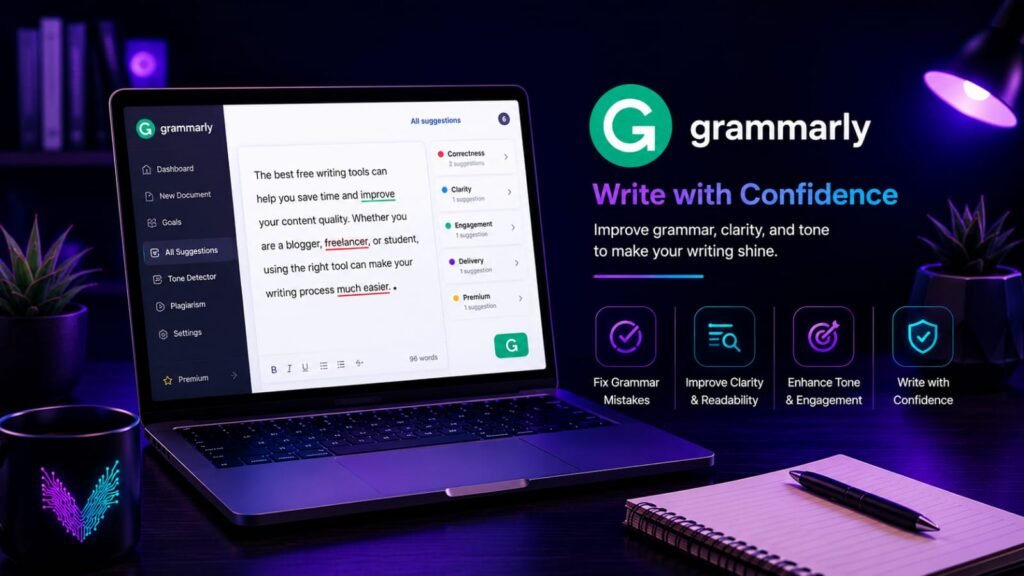
Writing a blog post is only half the job. Before you hit the publish button, your content should be free from grammar mistakes, spelling errors, and confusing sentences. Even a well-researched article can lose credibility if readers notice basic writing errors.
That’s where Grammarly becomes useful.
Unlike many AI writing tools that focus on generating content, Grammarly focuses on improving what you’ve already written. It reviews your text in real time and suggests changes that make your writing clearer, more accurate, and easier to read.
Whether you’re writing blog posts, emails, client proposals, or website content, Grammarly helps you present your work with more confidence.
Key Features
- Grammar and spelling correction
- Punctuation suggestions
- Readability improvements
- Tone detection
- Sentence clarity recommendations
- Browser extension
- Microsoft Word integration
Pros
- Very easy to use
- Free version covers everyday editing
- Works with most websites
- Helps improve readability
- Saves time during proofreading
Cons
- Premium features require a subscription
- Some suggestions may not match your writing style
- Manual proofreading is still important
Best For
- Bloggers
- Freelancers
- Students
- Business professionals
- Copywriters
Free Plan Limitations
The free plan covers grammar, spelling, and tone checks, plus 100 AI prompts a month. That’s enough for most bloggers. Full-sentence rewrites and the plagiarism checker need the paid plan.
Why I Recommend It
Every writer makes mistakes after spending hours on the same article. Grammarly acts like an editor that catches small issues before your readers do. Even the free version can noticeably improve the quality of your content.
4. QuillBot
QuillBot isn’t a “write my article” tool. It helps you fix sentences you’ve already written. Paste in a clunky line, pick a mode, and it gives you a cleaner version.
It’s handy when a sentence sounds awkward but you can’t figure out why. It also has a summarizer and a basic grammar checker.
Key Features
- Paraphrasing tool
- Grammar checker
- Summarizer
- Translator
- AI chat
Pros
- Free forever plan
- Simple to use
- Useful for tightening long sentences
- Works alongside other writing tools
Cons
- Free paraphrasing is limited to 125 words at a time
- Only two paraphrasing modes on the free plan
- Plagiarism checker is not included for free
Best For
- Bloggers who edit their own drafts
- Students
- Non-native English writers
- Freelancers
Free Plan Limitations
The free plan limits paraphrasing to 125 words at a time and summaries to 1,200 words. You get up to 20 AI chats a day. It works well for fixing a paragraph, not for rewriting a whole post.
Why I Recommend It
If your drafts sound stiff, QuillBot helps you smooth them out. Just don’t accept every suggestion. Read the result and keep the version that sounds like you.
5. Rytr
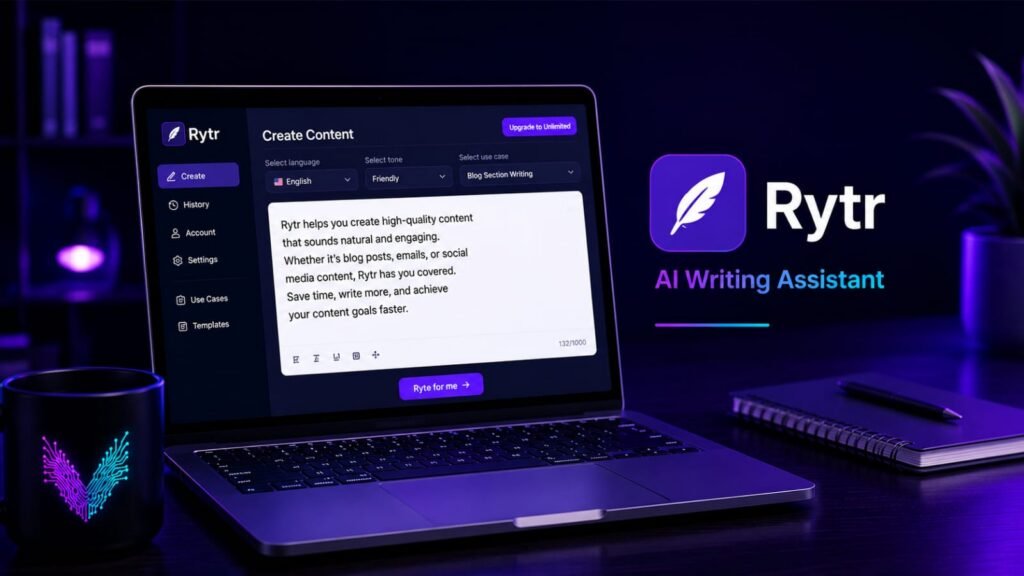
Not every writer needs a tool packed with advanced features. Sometimes, a simple and easy-to-use writing assistant is all you need.
Rytr is designed with that idea in mind. Its clean interface makes it easy for beginners to create blog introductions, email drafts, product descriptions, and social media captions without feeling overwhelmed.
While it isn’t the strongest choice for long-form articles, it performs well for shorter content and everyday writing tasks.
Key Features
- Blog outline generator
- Email writing assistant
- Social media content creation
- Content rewriting
- Multiple writing tones
- Support for different content types
Pros
- Beginner-friendly interface
- Quick content generation
- Easy to learn
- Affordable upgrade options
- Suitable for short-form writing
Cons
- Limited free plan
- Long-form articles need more manual editing
- Fewer advanced features than some competitors
Best For
- New bloggers
- Students
- Freelancers
- Small business owners
- Social media managers
Free Plan Limitations
Rytr’s free plan gives you 10,000 characters a month. That’s characters, not words, so it works out to roughly 1,500 to 2,000 words. It’s fine for captions, intros, and short product descriptions. If you write full blog posts, you’ll hit the limit quickly.
Why I Recommend It
If you’re new to AI writing tools and want something simple, Rytr is a good starting point. It doesn’t try to do everything, but it handles everyday writing tasks well without a steep learning curve.
Not sure which of the best free AI writing tools to start with? Use this quick guide.
Quick Verdict
| Your Goal | Recommended Tool |
|---|---|
| Best Overall | ChatGPT |
| Best for Google Users | Gemini |
| Best for Editing | Grammarly |
| Best for Rewriting | QuillBot |
| Best for Beginners on a Budget | Rytr |
Expert Tips for Better Results
- Using AI writing tools effectively is about improving your workflow, not replacing your creativity.
- Here are a few habits that can help you create stronger content:
- Start with a clear outline before generating text.
- Give detailed prompts instead of short instructions.
- Add your own experience and examples.
- Verify facts before publishing.
- Edit every draft to match your writing style.
- Read the article aloud to catch awkward sentences.
- Keep your audience’s needs in mind throughout the article.
- Small improvements like these can make a noticeable difference in the quality of your writing.
Common Mistakes to Avoid
Many beginners expect AI tools to produce a perfect article in one attempt. In reality, the best results come from editing and refining the output.
Avoid these common mistakes:
- Publishing content without reviewing it.
- Copying generated text word for word.
- Ignoring grammar and readability.
- Adding too many keywords unnaturally.
- Depending on one tool for every writing task.
- Forgetting to include your own knowledge and opinions.
Frequently Asked Questions
1. Are free AI writing tools good enough for beginners?
Yes. Most free plans provide enough features for brainstorming, drafting, editing, and learning how different tools work.
2. Which AI writing tool is best for bloggers?
Among the best free AI writing tools, ChatGPT and Gemini are a good start for ideas and outlines. If you need help with ideas and outlines, ChatGPT or Gemini is a good start. For grammar and proofreading, Grammarly is one of the most reliable options. QuillBot is handy when a sentence sounds awkward and you want a cleaner version.
3. Can AI writing tools improve SEO?
They can help you organize content and generate ideas, but strong SEO still depends on useful information, proper keyword placement, and careful editing.
4. Should freelancers use more than one writing tool?
A simple combo: draft with ChatGPT or Gemini, polish sentences with QuillBot, then run a final check in Grammarly.
5. Can AI replace professional writers?
No. AI can save time and improve productivity, but creativity, personal experience, and critical thinking remain essential for producing content that readers trust
Final Thoughts
The best free AI writing tools can help bloggers and freelancers work faster, especially when deadlines are tight or inspiration is running low. They simplify tasks such as brainstorming, outlining, editing, and improving readability, giving you more time to focus on creating valuable content.
The most effective approach is to treat these tools as assistants rather than replacements. Your knowledge, experience, and writing style are what make your content stand out. Use AI to handle repetitive tasks, then refine every draft until it reflects your own voice and provides genuine value to your readers.
You May Also Like
If you enjoyed this guide, you may also like these articles:
- 👉 Top Free AI Tools for Remote Workers to Automate Daily Tasks
- 👉 How to Use AI Note-Taking Apps to Organize Your Work and Study Life
- 👉 The Best Free AI Research Assistants for Students and Professionals
- 👉 Best Free AI Email Generators to Write Professional Work Emails in Seconds
Visit ByteVibeAI for beginner-friendly guides, honest tool reviews, and step-by-step tutorials designed to help you write better content, save time, and improve your daily workflow.