
Best Free AI Email Generators to Write Professional Work Emails in Seconds (2026)
Writing professional emails isn’t always easy. Whether you’re replying to a client, applying for a job, contacting a business partner, or following up after a meeting, finding the right words can take time. That’s why many professionals now use Best Free AI Email Generators to speed up the writing process.
The Best Free AI Email Generators help you create clear, polite, and well-structured emails in just a few seconds. Instead of staring at a blank screen, you can generate a draft, review it, and personalize it before sending.
In this guide, you’ll discover five beginner-friendly AI email generators that offer free plans and useful features for freelancers, bloggers, students, remote workers, and small business owners.
Why Use AI Email Generators?
Writing emails every day can become repetitive, especially if you often send similar messages.
Using AI email tools can help you:
- Write emails faster.
- Save time during busy workdays.
- Improve grammar and clarity.
- Maintain a professional tone.
- Reduce writing stress.
- Create polished emails for different situations.
These tools don’t replace your ideas—they simply help you organize and express them more effectively.
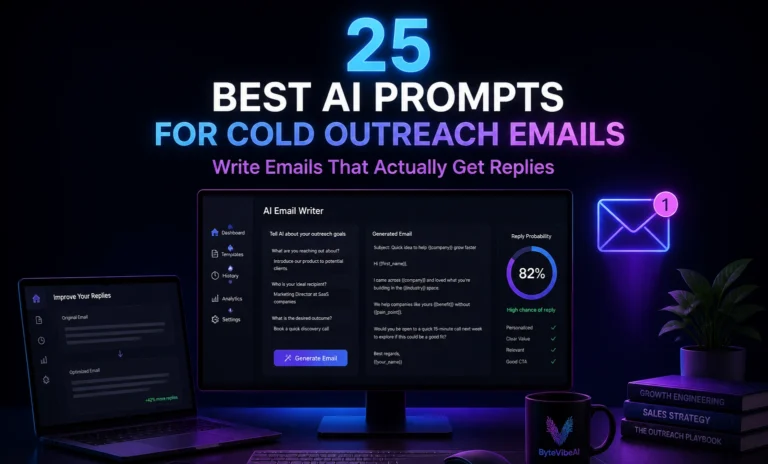
Pro Tip: If you want ready-to-use prompts to get better replies from these generators, check out our guide on 25 Best AI Prompts For Cold Outreach Emails.
Quick Overview of the 5 Tools
✉️ ChatGPT
- Best For: Writing professional emails from simple prompts.
- Free Plan: ✅ Available
🌐 Gemini
- Best For: Quick email drafts if you already use a Google account.
- Free Plan: ✅ Available
✔️ Grammarly
- Best For: Editing and improving email tone.
- Free Plan: ✅ Available
⚡ Writesonic
- Best For: Quick email generation and productivity.
- Free Plan: ✅ Available
💼 Rytr
- Best For: Short business emails and follow-up messages.
- Free Plan: ✅ Available
How We Chose These Best Free AI Email Generators
There are dozens of email writing tools available online, but not every tool is suitable for beginners or everyday business communication.
For this guide, we selected the Best Free AI Email Generators based on the features that matter most to people who write emails regularly.
We focused on:
- Free plan availability
- Ease of use
- Professional email quality
- Speed of email generation
- Beginner-friendly interface
- Overall value for work and business communication
Whether you need to write client emails, job applications, follow-up messages, or business inquiries, these tools can help you save time while creating emails that sound clear and professional.
1. ChatGPT
When looking for the Best Free AI Email Generators, ChatGPT is one of the most flexible options available. It can help you write professional emails for clients, job applications, customer support, follow-ups, meeting requests, and many other situations.
All you need is a simple prompt describing your purpose, and ChatGPT can generate a well-structured email in seconds. You can also ask it to make the email more formal, friendlier, or shorter depending on your needs.
Key Features
- Generates professional emails
- Adjusts tone and writing style
- Creates follow-up emails
- Rewrites existing emails
- Supports multiple writing formats
Pros
- Free plan available
- Easy for beginners
- Saves time
- Suitable for different types of emails
Cons
- Always review the final email before sending
- Some advanced features require a paid plan
Best For:
Freelancers, remote workers, business owners, students, and professionals.
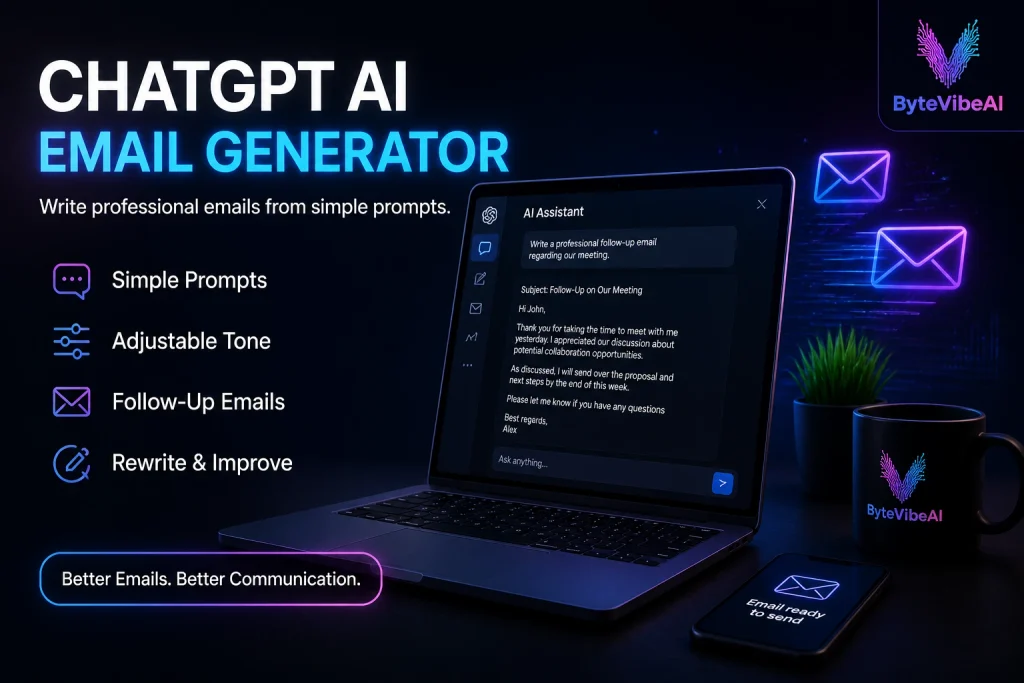
2. Gemini
Gemini is Google’s AI assistant, and it’s a handy way to get a first draft of an email without starting from scratch. Tell it who you’re writing to and what you need, and it gives you a draft you can adjust.
You can ask it to make the tone warmer, shorter, or more formal, which helps when the same message has to go to a client and to your manager.
Key Features
- Drafts emails from a short prompt
- Changes the tone (formal, friendly, short)
- Rewrites and shortens emails you’ve already written
- Suggests subject lines
Pros
- Free with a Google account
- Easy to ask for changes, like “make it shorter”
- Good for quick replies and follow-ups
Cons
- Google doesn’t publish an exact free usage limit
- You still need to check names, dates, and facts before sending
Best For:
Professionals, freelancers, students, and anyone who writes work emails every day.
3. Grammarly
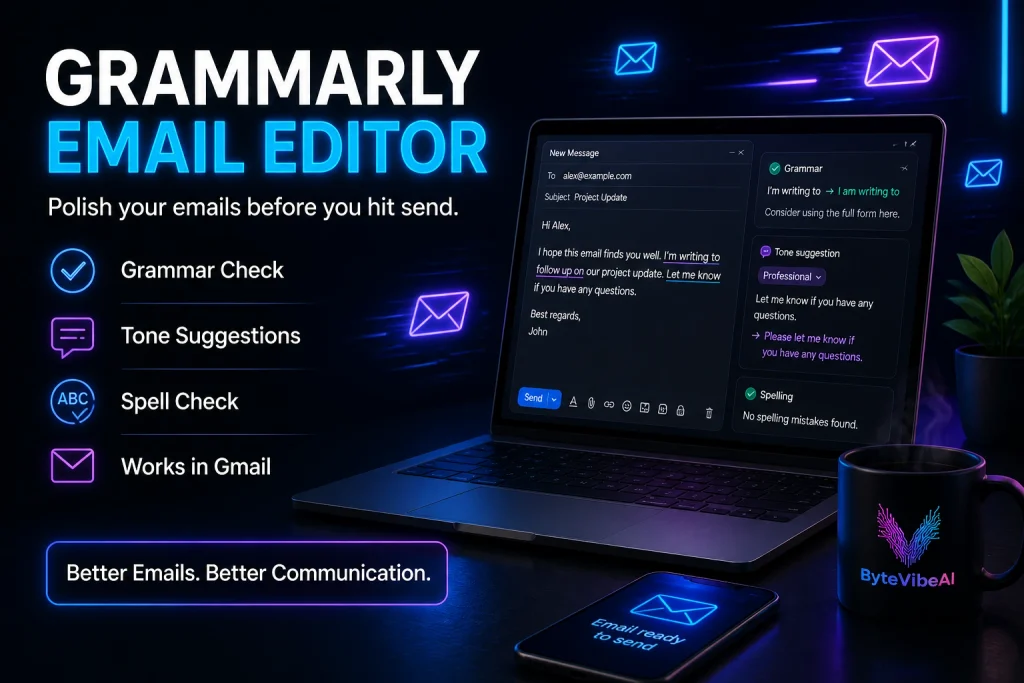
Grammarly isn’t a traditional email generator, but it’s one of the most useful tools for improving emails before you send them. It checks grammar, spelling, punctuation, clarity, and tone to help your message sound professional.
Many people combine Grammarly with other Best Free AI Email Generators to make sure their emails are polished and error-free.
Key Features
- Grammar checking
- Tone suggestions
- Spell checking
- Browser extension
Pros
- Free plan available
- Very easy to use
- Improves professionalism
- Works with Gmail and many other websites
Cons
- Doesn’t generate complete emails from scratch
- Advanced writing suggestions require Premium
Best For:
Anyone who wants polished and professional emails.
4. Writesonic
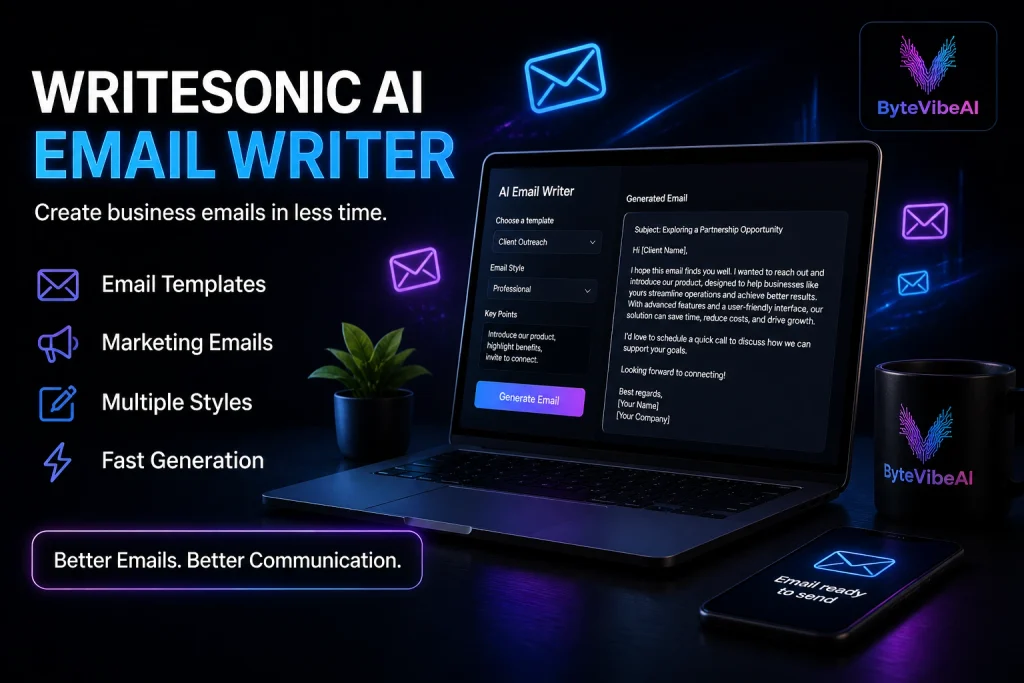
Writesonic is an AI writing tool that helps you create business emails, promotional messages, and customer communication quickly. If you need to write multiple emails in less time, it is a practical option.
Its ready-made AI templates make the writing process simple, especially for beginners who don’t know where to start.
Key Features
- Business email templates for everyday communication
- Marketing email support for campaigns and promotions
- Multiple writing styles and tones
- Fast AI content generation
Pros
- Beginner-friendly and easy to learn
- Saves time on repetitive email writing
- Free plan available to test the tool
- Simple and clean interface
Cons
- Free plan has limited credits
- Advanced features require a paid plan
Best For:
Businesses, marketers, and content creators who want to write professional emails faster.
5. Rytr
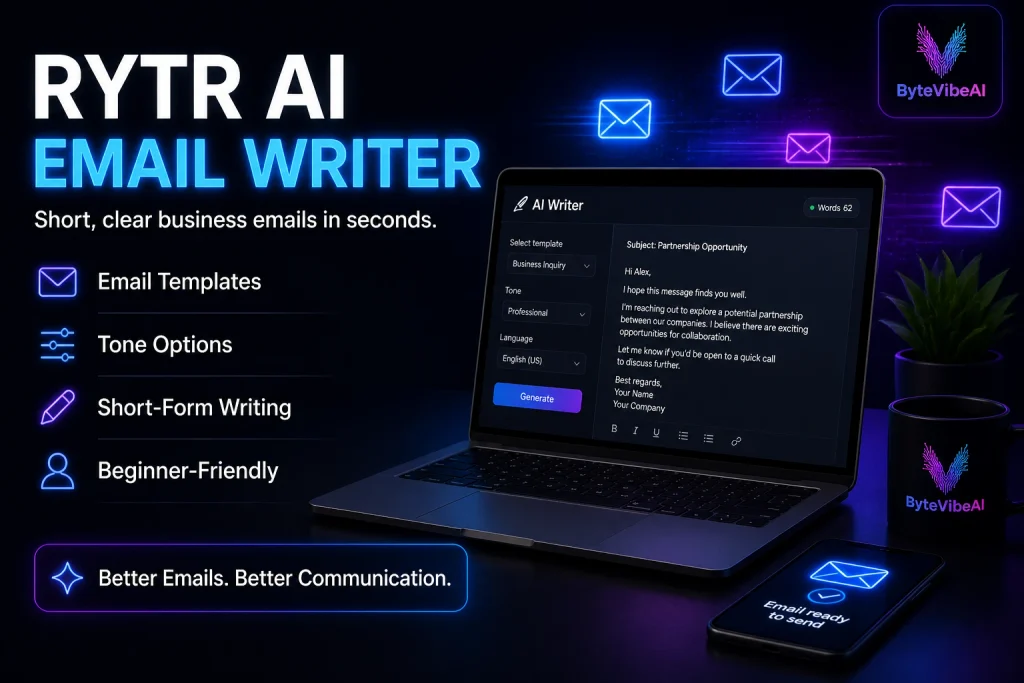
Rytr is one of the easiest Best Free AI Email Generators for writing short business emails, follow-up messages, and everyday professional communication.
Its simple interface makes it a great option for beginners who want fast results without a complicated learning curve.
Key Features
- Email writing templates
- Tone customization
- Short-form content generation
- Beginner-friendly editor
Pros
- Easy to learn
- Affordable premium plans
- Free plan available
- Fast email generation
Cons
- Limited free monthly usage
- Better suited for short emails than long business documents
Best For:
Students, freelancers, remote workers, and small business owners.
Tips for Writing Better Professional Emails
Even the Best Free AI Email Generators work best when you review the final message before sending.
Follow these simple tips:
- Write a clear subject line.
- Keep your message short and focused.
- Use a professional greeting.
- Check names and important details.
- Proofread before sending.
- End with a polite closing.
If you answer the same customer questions by email every day, an AI knowledge base for customer support can save you a lot of time.
Common Mistakes When Using AI Email Generators
Even the Best Free AI Email Generators can produce poor results if you don’t review the final draft. Avoid these common mistakes to write emails that sound professional and natural.
1. Sending Emails Without Reviewing Them
AI can save time, but it isn’t perfect. Always read your email before clicking the send button. A quick review helps you catch small mistakes, incorrect names, or sentences that don’t match your purpose.
2. Using a Tone That Doesn’t Match the Situation
Every email has a different purpose. A job application should sound professional, while a follow-up email to a colleague can be more friendly. The Best Free AI Email Generators allow you to adjust the tone, so choose the one that fits your audience.
3. Writing Emails That Are Too Long
Busy people usually prefer short and clear emails. Remove unnecessary information and keep your message focused on the main purpose.
4. Forgetting to Personalize the Email
AI creates a good starting point, but adding the recipient’s name and a few personal details makes your email feel more genuine. Small changes can leave a much better impression.
5. Depending Only on AI
The Best Free AI Email Generators should help you write faster, not replace your judgement. Always make sure your email sounds like something you would naturally send.
Frequently Asked Questions
1. What are the best free AI email generators?
Some of the best free options include ChatGPT, Gemini, Writesonic, and Rytr. Grammarly is also useful for polishing emails after you write them.
2. Are AI Email Generators free to use?
Most popular tools offer free plans with basic features. If you need advanced templates or higher usage limits, premium plans are also available.
3. Can AI Email Generators write professional business emails?
Yes. They can generate emails for meetings, client communication, job applications, customer support, and other professional situations. You should still review the final version before sending.
4. Which AI Email Generator is best for beginners?
ChatGPT and Gemini are both beginner-friendly and free to start with. You only need to describe what you want, and they give you a well-structured draft that you can adjust.
5. Should I edit AI-generated emails before sending them?
Yes. Editing helps you correct small mistakes, add personal details, and make sure the email matches your tone and purpose.
Final Thoughts
The Best Free AI Email Generators make it easier to write clear, professional, and well-structured emails without spending too much time on every message.
Whether you’re sending emails to clients, applying for jobs, communicating with coworkers, or following up after meetings, these tools can help you work more efficiently while maintaining a professional tone.
The best approach is to use AI as a writing assistant, then review and personalize each email before sending it. That simple habit helps your emails feel more authentic while keeping your communication clear and effective.
You May Also Like
- 5 Best Free AI Writing Tools for Bloggers and Freelancers to Boost Content Creation (2026)
- How to Use AI for SEO Copywriting: A Beginner’s Guide for Remote Writers (2026)
- Top 5 Free AI Tools to Write High-Converting Social Media Copy Fast (2026)
- AI Content Editing Tools: 5 Best Free Tools to Make AI Text Sound More Human (2026)
Visit ByteVibeAI for beginner-friendly guides, honest tool reviews, and step-by-step tutorials designed to help you write better content, save time, and improve your daily workflow.

2 Comments