
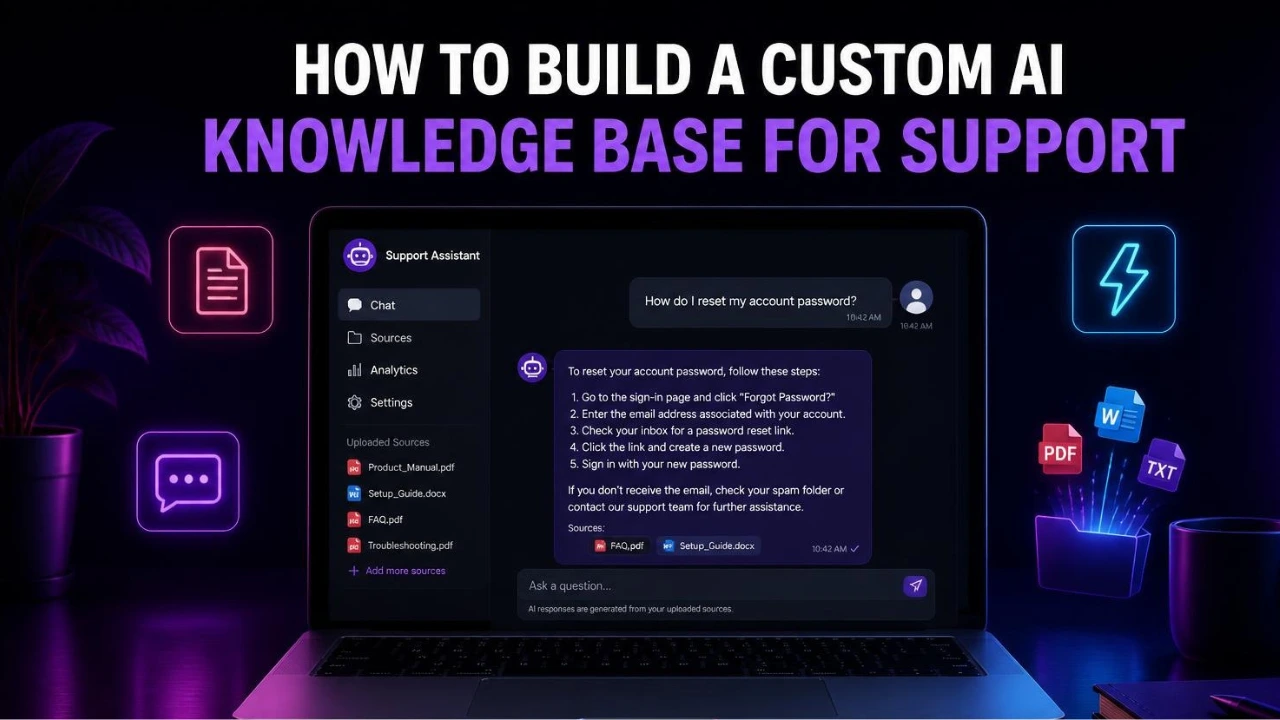
5 Free Ways to Build a Custom AI Knowledge Base for Support
Answering the same customer questions over and over eats up hours that could go toward actually growing a small business. Most support questions repeat far more than people expect.
A custom AI knowledge base fixes this by learning your own documents, FAQs, and policies, then answering customer questions instantly using that exact information instead of generic responses.
This guide covers five free tools that let you build one without a developer or an enterprise budget. Whether you’re running a small ecommerce store, a service business, or a solo operation handling your own support, one of these will fit your setup.
Why a Custom AI Knowledge Base Saves So Much Time
A generic chatbot that doesn’t know your actual policies frustrates customers more than it helps. A knowledge base trained on your real content changes that completely.
These tools typically help you:
- Answer repetitive questions automatically using your own documents.
- Reduce response time from hours to seconds for common issues.
- Free up your own time for support questions that actually need a human.
- Keep answers consistent instead of varying by who responds.
None of this replaces a human for complex or sensitive issues. But it removes the repetitive questions that make up most of a typical support inbox.
Quick Overview of the 5 Tools
Instead of using a wide comparison table, here’s a mobile-friendly overview.
- 🤖 Chatbase — Best For: Training a custom AI chatbot on your own documents
| Free Plan: ✅ Available - 💬 Tidio — Best For: Live chat combined with an AI support bot
| Free Plan: ✅ Available - 📇 Tawk.to — Best For: Fully free live chat with unlimited agents
| Free Plan: ✅ Available - 📝 Notion AI — Best For: Turning existing notes into a searchable Q&A base
| Free Plan: ✅ Available - 🔧 Voiceflow — Best For: Building custom support flows without code
| Free Plan: ✅ Available
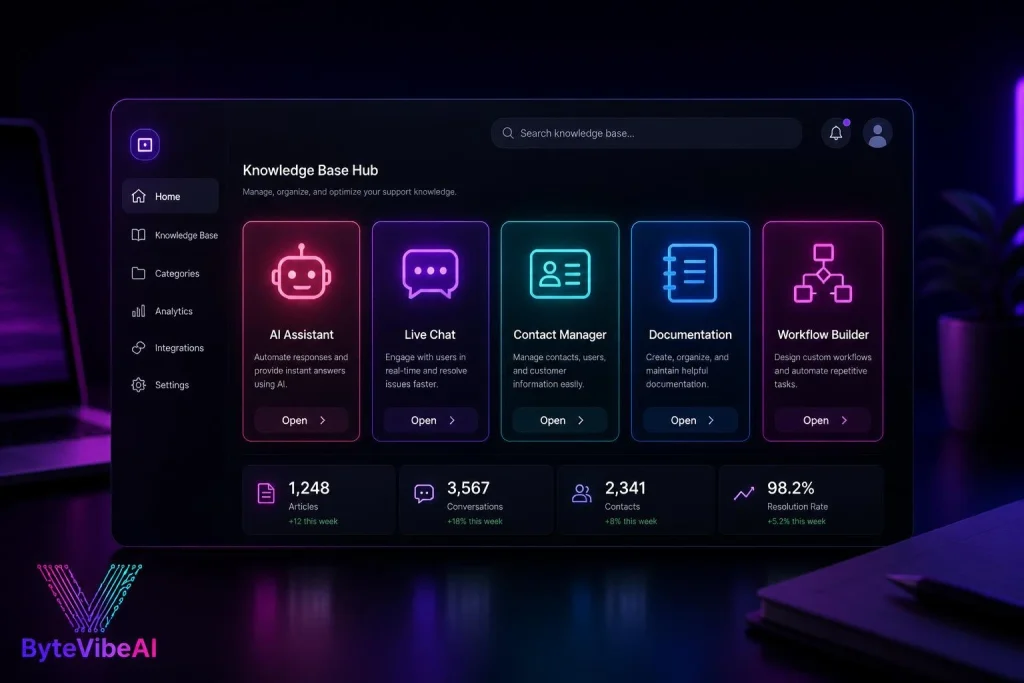
How We Selected These Tools
Most knowledge base guides focus on enterprise platforms built for large support teams with big budgets, so we filtered specifically for tools a small business could set up in an afternoon.
The tools below were chosen based on:
- A genuinely free plan, not just a short trial
- No coding required to train the AI on your content
- Support for uploading or linking your own documents and FAQs
- Reasonable setup time for someone without a technical background
- Real usefulness for small, day-to-day support volume
We skipped tools built primarily for large enterprise teams with dedicated support staff and technical resources.
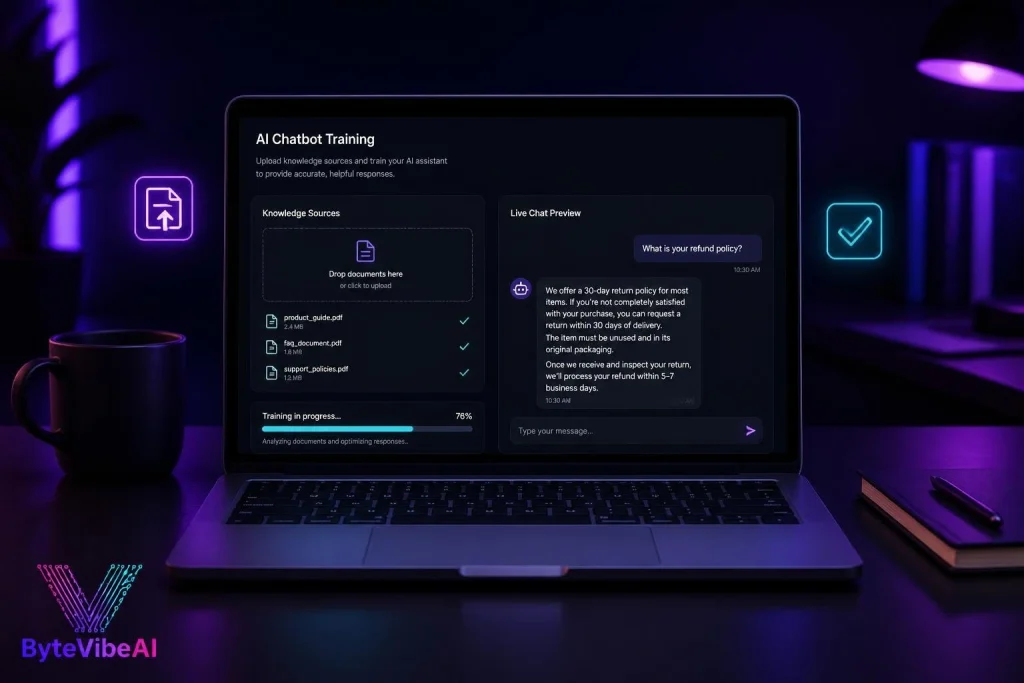
1. Chatbase
Chatbase lets you upload documents, paste in text, or link a website, and it builds a custom AI chatbot that answers questions using only that content.
I fed it a basic FAQ page and a shipping policy document once, and it was answering accurate, specific questions within about fifteen minutes.
Key Features
- Trains directly on uploaded PDFs, documents, or website content
- Embeddable chat widget for your own website
- Answers restricted to your uploaded source material
- No coding required for setup
Pros
- Genuinely easy setup even for non-technical users
- Answers stay grounded in your actual documents
- Free plan is usable for small support volume
Cons
- Free plan limits the number of messages per month
- Larger document sets may need some organizing first
Best For: Small business owners who want a dedicated AI chatbot trained specifically on their own content.
2. Tidio
Tidio combines live chat with an AI assistant called Lyro, which learns from your existing help content and answers customer questions automatically before handing off to a human when needed.
It works well for businesses that want AI support alongside, not instead of, real human availability.
Key Features
- AI-powered Lyro chatbot trained on your content
- Live chat with seamless human handoff
- Pre-built templates for common support scenarios
- Works across website, email, and social channels
Pros
- Smooth handoff between AI and human agents
- Free tier covers real small business usage
- Multi-channel support in one dashboard
Cons
- Advanced AI features are more limited on the free plan
- Setup takes a bit longer than a single-purpose chatbot tool
Best For: Small businesses that want AI answers backed up by real human support when things get complex.
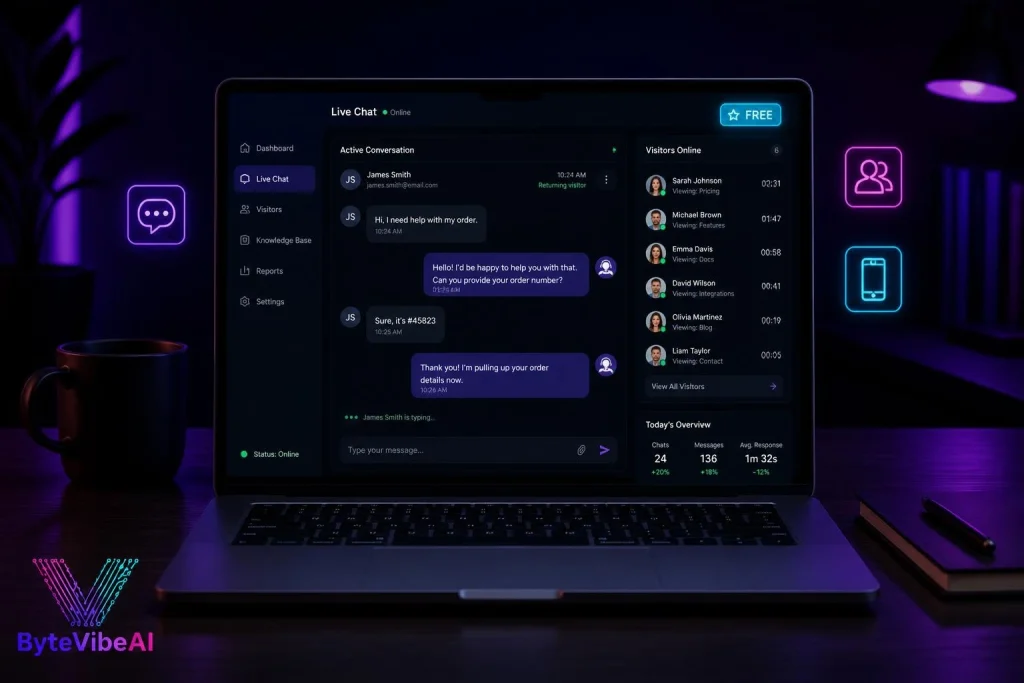
3. Tawk.to
Tawk.to offers one of the most generous free plans in this space, with unlimited agents and messaging at no cost, plus a knowledge base you can train your support responses around.
It’s a solid foundation if budget is the biggest concern and you’re building support infrastructure from scratch.
Key Features
- Fully free live chat with no user limits
- Built-in knowledge base and canned responses
- Visitor monitoring and chat history
- Mobile apps for managing support on the go
Pros
- Genuinely free with no forced upgrade for core features
- Unlimited agents, which is rare among competitors
- Solid foundation for building support processes
Cons
- AI automation is more basic than dedicated AI chatbot tools
- Branding removal requires a paid upgrade
Best For: Small businesses on a tight budget who need reliable live chat and a simple knowledge base foundation.
4. Notion AI
If your business already keeps FAQs, policies, and processes in Notion, its built-in AI can turn those existing pages into a searchable question-and-answer system.
This works especially well for internal support, letting your team find answers without digging through scattered pages manually.
Key Features
- AI Q&A that searches across your existing Notion pages
- Works with content you likely already have written
- Summarization of long documents into quick answers
- No separate platform needed if you already use Notion
Pros
- Fastest option if your documentation already lives in Notion
- No need to duplicate content into a separate tool
- Useful for internal team support, not just customers
Cons
- Less suited for a customer-facing chat widget on your website
- AI features have usage limits on the free plan
Best For: Small teams already using Notion who want to turn existing docs into instant answers.
5. Voiceflow
Voiceflow gives you more control over how your support bot behaves, letting you design custom conversation flows without writing code.
It’s a stronger fit once basic FAQ answering isn’t enough and you need the bot to guide customers through multi-step processes.
Key Features
- Visual, no-code flow builder for support conversations
- Integrates with your knowledge base content
- Multi-step conversation design for complex questions
- Testing tools to refine responses before launch
- Deployable across web chat and other channels
Pros
- More flexible than simple FAQ bots for complex support flows
- No-code builder keeps setup accessible
- Good for businesses with multi-step support processes
Cons
- Steeper learning curve than simpler tools like Chatbase
- Free plan has limits on monthly conversations
Best For: Small businesses with support processes that need more than a basic question-and-answer bot.
Expert Tips for a Better AI Knowledge Base
A few habits made a real difference once I started setting these up regularly:
- Start with your 15 to 20 most common support questions instead of uploading everything at once.
- Keep source documents clear and well-organized, since messy documents produce messy answers.
- Test the bot with real customer phrasing, not just the exact wording from your documents.
- Update your knowledge base whenever a policy or process actually changes.
Common Mistakes to Avoid
Even the best free AI knowledge base tools can’t fix disorganized source material. These habits tend to cause the most problems:
1. Uploading Outdated Documents
An AI trained on an old policy will confidently give customers wrong information. Always upload current versions.
2. Skipping the Testing Phase
Launching without testing common questions first risks embarrassing, inaccurate answers reaching real customers.
Try sticking to:
- Reviewing flagged or failed responses weekly
- Testing at least 20 real customer questions before launch
- Checking answers against your actual current policies
3. Not Setting Up a Human Handoff
Some questions genuinely need a person. Always include a clear way for customers to reach a human when the AI can’t help.
4. Forgetting to Monitor Performance
An AI knowledge base isn’t a one-time setup. Check conversation logs regularly to catch gaps in your documentation.
Frequently Asked Questions
Which free tool is easiest for building an AI knowledge base?
Chatbase is the most straightforward option, letting you upload documents and get a working chatbot within minutes.
Do I need any coding experience to set these up?
No. All five tools are designed for non-technical users, with visual interfaces instead of code.
Can these tools replace human customer support entirely?
Not for complex or sensitive issues. They work best handling repetitive questions while routing harder cases to a real person.
Final Thoughts
A custom AI knowledge base has gone from an enterprise-only feature to something any small business can set up in an afternoon using free tools. The repetitive questions that used to eat up hours now get answered automatically.
Start with Chatbase or Tawk.to if you’re building support infrastructure from scratch, or Notion AI if your documentation already lives there. Test thoroughly before launch, and keep a clear path to a human for anything the AI can’t confidently answer.
Faster support builds trust, and these tools make that realistic without hiring a full support team or learning to code.
You May Also Like
- Top Free AI Chrome Extensions for Gmail Automation
- Best Free AI Tools for Graphic Design to Create Logos and Social Media Posts
Call to Action
Ready to build your support system? Explore more AI Productivity guides on ByteVibeAI to discover beginner-friendly tutorials, free AI tools, and practical tips for working smarter.


One Comment