How To Create Seamless Packaging And Pattern Designs Using Free AI Generators
Hiring a surface pattern designer for every new product line or packaging refresh adds up fast, especially for a print-on-demand shop or a small textile business still finding its footing. A single custom pattern can easily cost more than the margin on the product it’s printed on.
Seamless packaging and pattern designs using free AI generators have closed that gap. Describe a motif, and the AI builds a pattern that tiles perfectly on all four sides, ready to print on packaging, fabric, or wallpaper without a single visible seam.
This guide is written specifically for store owners, not professional designers. If you sell print-on-demand products, run a small textile line, or need wallpaper and packaging patterns for your shop, this covers exactly what you need without requiring any design background.
Why Seamless Packaging And Pattern Designs Matter for Your Store
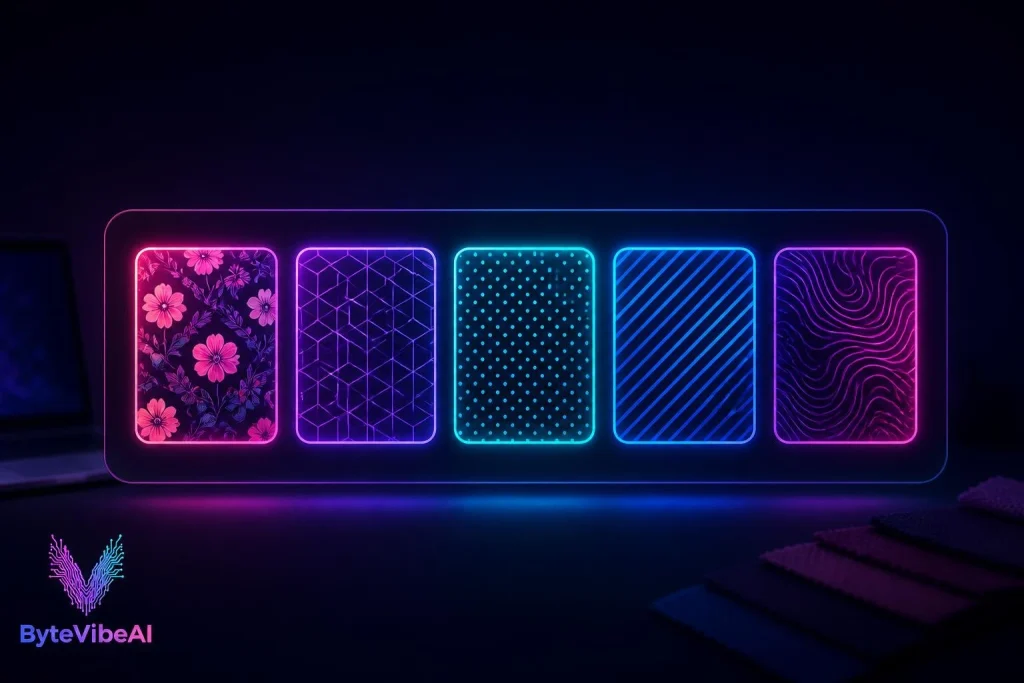
A pattern that doesn’t tile cleanly shows up as an obvious seam or repeated edge the moment it’s printed on a product, which looks unprofessional no matter how good the motif itself is.
Free AI pattern generators help store owners by:
- Producing patterns that tile perfectly, with no visible seam on the finished product.
- Cutting out the cost of hiring a dedicated surface pattern designer for every new design.
- Letting you test new product lines quickly without committing to a paid design service first.
A generated pattern is rarely the absolute final file for large-scale commercial printing, but for most print-on-demand and small-batch work, it’s genuinely production-ready.
Quick Overview of the 5 Tools
- 🎨 Canva Pattern Generator — Best For: Store owners already using Canva for branding.
| Free Plan: ✅ Available - 🧵 Patternaly — Best For: Packaging mockups alongside pattern creation.
| Free Plan: ✅ Available, no login required - 🖼️ PatternedAI — Best For: High volume of pattern variations to choose from.
| Free Plan: ✅ Available - ✍️ Quillbot Pattern Generator — Best For: Unlimited free pattern generation.
| Free Plan: ✅ Fully free - ⚡ Morphic Pattern Generator — Best For: Fast, simple patterns for quick product tests. | Free Plan: ✅ Available
How We Selected These Tools
Rather than covering every pattern tool built for professional fashion houses and large design studios, this list focuses specifically on what a small store owner can use without a learning curve or a paid plan.
The tools below were chosen based on:
- A genuinely free plan that produces a usable, downloadable pattern
- No design software or pattern-making skill required
- Reliable seamless tiling, not just a repeated image with visible edges
We skipped tools built mainly for professional fashion houses with complex grading most store owners don’t need.
1. Canva Pattern Generator
If you’re already using Canva for your store’s branding or packaging mockups, its built-in pattern generator keeps everything in one place instead of juggling a separate tool.
I built a pattern for a candle packaging mockup once and had it placed directly onto a product template in the same session, without exporting anywhere.
Key Features
- AI-generated seamless patterns from a text description
- Direct placement onto Canva’s product and packaging mockups
- Brand Kit integration for consistent colors across your store
Pros
- One tool covers pattern creation and packaging mockups together
- Extremely beginner-friendly for non-designers
- Free plan is genuinely usable for regular store needs
Cons
- Less fine control over pattern density and spacing than dedicated tools
- Free exports may include lower resolution than print-shop requirements
Best For
Store owners who already use Canva and want pattern creation built into their existing workflow.
How We Selected These Tools
Rather than covering every pattern tool built for professional fashion houses and large design studios, this list focuses specifically on what a small store owner can use without a learning curve or a paid plan.
The tools below were chosen based on:
- A genuinely free plan that produces a usable, downloadable pattern.
- No design software or pattern-making skill required.
- Reliable seamless tiling, not just a repeated image with visible edges.
We skipped tools built mainly for professional fashion houses with complex grading most store owners don’t need.
1. Canva Pattern Generator
If you’re already using Canva for your store’s branding or packaging mockups, its built-in pattern generator keeps everything in one place instead of juggling a separate tool.
I built a pattern for a candle packaging mockup once and had it placed directly onto a product template in the same session, without exporting anywhere.
Key Features
- AI-generated seamless patterns from a text description
- Direct placement onto Canva’s product and packaging mockups
- Brand Kit integration for consistent colors across your store
Pros
- One tool covers pattern creation and packaging mockups together
- Extremely beginner-friendly for non-designers
- Free plan is genuinely usable for regular store needs
Cons
- Less fine control over pattern density and spacing than dedicated tools
- Free exports may include lower resolution than print-shop requirements
Best For: Store owners who already use Canva and want pattern creation built into their existing workflow.
2. Patternaly
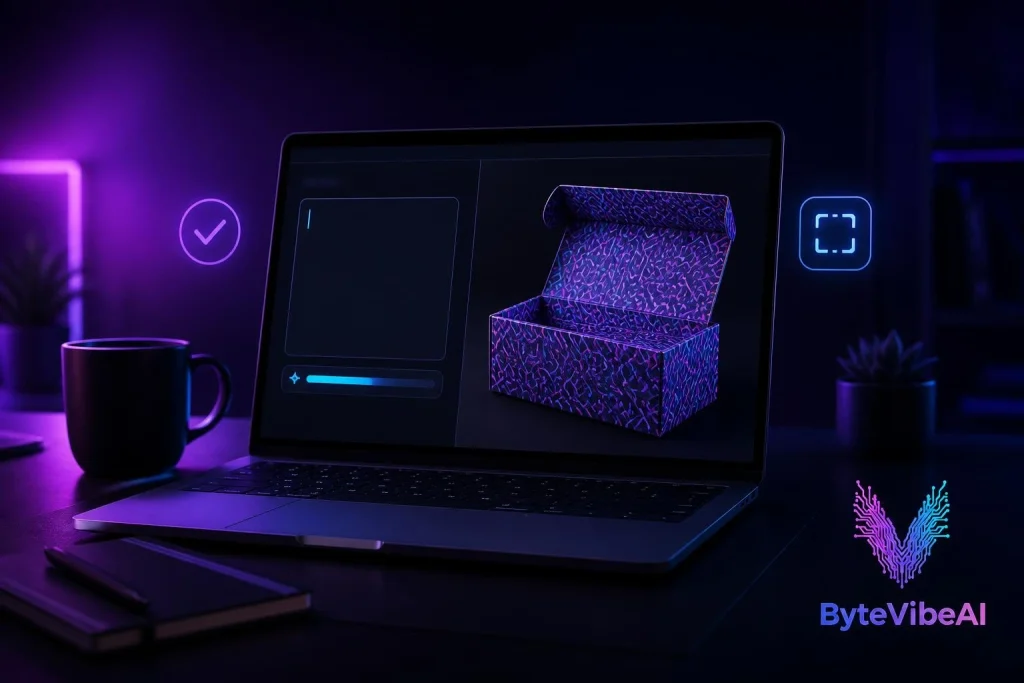
Patternaly stands out by pairing its pattern generator with packaging mockups and a seamless checker tool, useful for confirming a pattern tiles cleanly before sending it to print. No login is required to start.
Key Features
- Seamless pattern generation from text prompts
- Built-in packaging mockup previews
- Seamless checker tool to verify clean tiling before export
Pros
- The seamless checker catches tiling issues before they reach a printer
- No signup barrier to try it out
- Packaging-specific mockups are a direct fit for store owners
Cons
- Fewer style presets than some competitors
- Advanced customization sits behind a paid tier
Best For: Store owners who want to double-check a pattern tiles correctly before committing it to a print run.
3. PatternedAI
PatternedAI generates a large number of pattern variations from a single prompt, useful when you want several design directions rather than committing to the first result. This suits store owners testing a new product line.
Key Features
- High volume of pattern variations per generation
- SVG and high-resolution download formats
- Royalty-free output for commercial use
Pros
- Generates many variations quickly for easier comparison
- Commercial use is clearly permitted, which matters for a product business
- Resolution controls suit print-on-demand requirements
Cons
- The volume of options can feel overwhelming without a clear direction first
- Free tier generation limits apply during high-volume testing
Best For: Store owners who want to compare several pattern directions before settling on one for a new product.
4. Quillbot Pattern Generator
Quillbot’s pattern generator is fully free with no generation limits, making it dependable for producing patterns regularly across a growing catalog, even without every advanced feature of a dedicated design platform.
Key Features
- Unlimited free pattern generation
- Multiple style options from a single text prompt
- Output suitable for both print and digital use
Pros
- No cost ceiling, unlike tools with monthly generation caps
- Straightforward enough for a first-time user
- Works for both packaging and general digital backgrounds
Cons
- Fewer specialized features for textile-specific pattern work
- Style variety is narrower than tools built specifically for surface design
Best For: Store owners who generate patterns often and don’t want to track a monthly limit.
5. Morphic Pattern Generator
Morphic focuses on speed, suiting a store owner who wants to test a pattern idea quickly. The free tier includes a small watermark, worth knowing before using it for a final product run.
Key Features
- Fast generation from a simple text description
- Preview as a tiled repeat before downloading
- Adjustable pattern density and scale
Pros
- Among the fastest tools on this list for a quick first draft
- Easy to adjust density and scale before committing
- No account required to start generating
Cons
- Free downloads carry a small watermark
- Best treated as a testing tool rather than a final production file source
Best For: Store owners who want to quickly test a pattern concept before finalizing it elsewhere.
Expert Tips for Better Pattern Results
A few habits make a real difference when generating patterns for actual products:
- Preview every pattern as a tiled repeat before downloading, not just as a single tile.
- Check the resolution output against your printer’s requirements before committing to a full production run.
- If your source image is slightly low-res, consider using 5 Best Free AI Image Upscalers to Fix Low-Resolution Photos before sending it to print.
Common Mistakes to Avoid
Even the best free AI pattern generators can’t fix a rushed selection process. These habits tend to cause the most problems:
1. Skipping the Tiling Preview
A pattern that looks fine as a single square can show an obvious seam once tiled across a full product. Always preview the repeat before downloading.
2. Downloading at Too Low a Resolution
- Check your printer’s minimum resolution requirement before generating.
- Download the highest resolution your free plan allows.
- Test a small physical print before a full production run.
3. Using a Watermarked Free Export for a Final Product
Some tools include a watermark on free downloads, which is fine for testing but not for a product you’re actually selling. Check this before finalizing any design.
Frequently Asked Questions
Which free AI pattern generator is best for a print-on-demand store?
Canva Pattern Generator and PatternedAI are both strong starting points, with Canva being easier if you already use Canva for other store branding.
Can I use these patterns commercially on products I sell?
Most of the tools listed offer royalty-free commercial use on their free plans, though it’s worth double-checking each tool’s specific terms before a large production run.
Do I need any design experience to use these tools?
No. All five tools are built for people with no pattern-making or design background, using simple text prompts instead of manual drawing.
Final Thoughts
Seamless packaging and pattern designs using free AI generators have made professional-looking product design realistic for store owners without a design budget or a design background. A text description goes in, and a print-ready, tileable pattern comes out.
Start with Canva if you already use it for your store, or try Patternaly if you want to verify tiling before committing to a print run. Test a few tools against your actual product line before settling on one as your go-to.
Your packaging and products are often the first thing a customer notices. With the right free tool, that first impression doesn’t have to come with a designer’s invoice attached.
Recommended Resources & Related Guides
- Best Free AI Tools for Graphic Design to Create Logos and Social Media Posts
- 5 Best Free AI Image Generators for Blog Visuals (No Copyright)
- 5 Best Free AI Video Generators For TikTok & Instagram Reels
Call to Action
Ready to design your next product line? Explore more AI Design guides on ByteVibeAI to discover beginner-friendly tutorials, free AI tools, and practical tips for creating standout visuals.