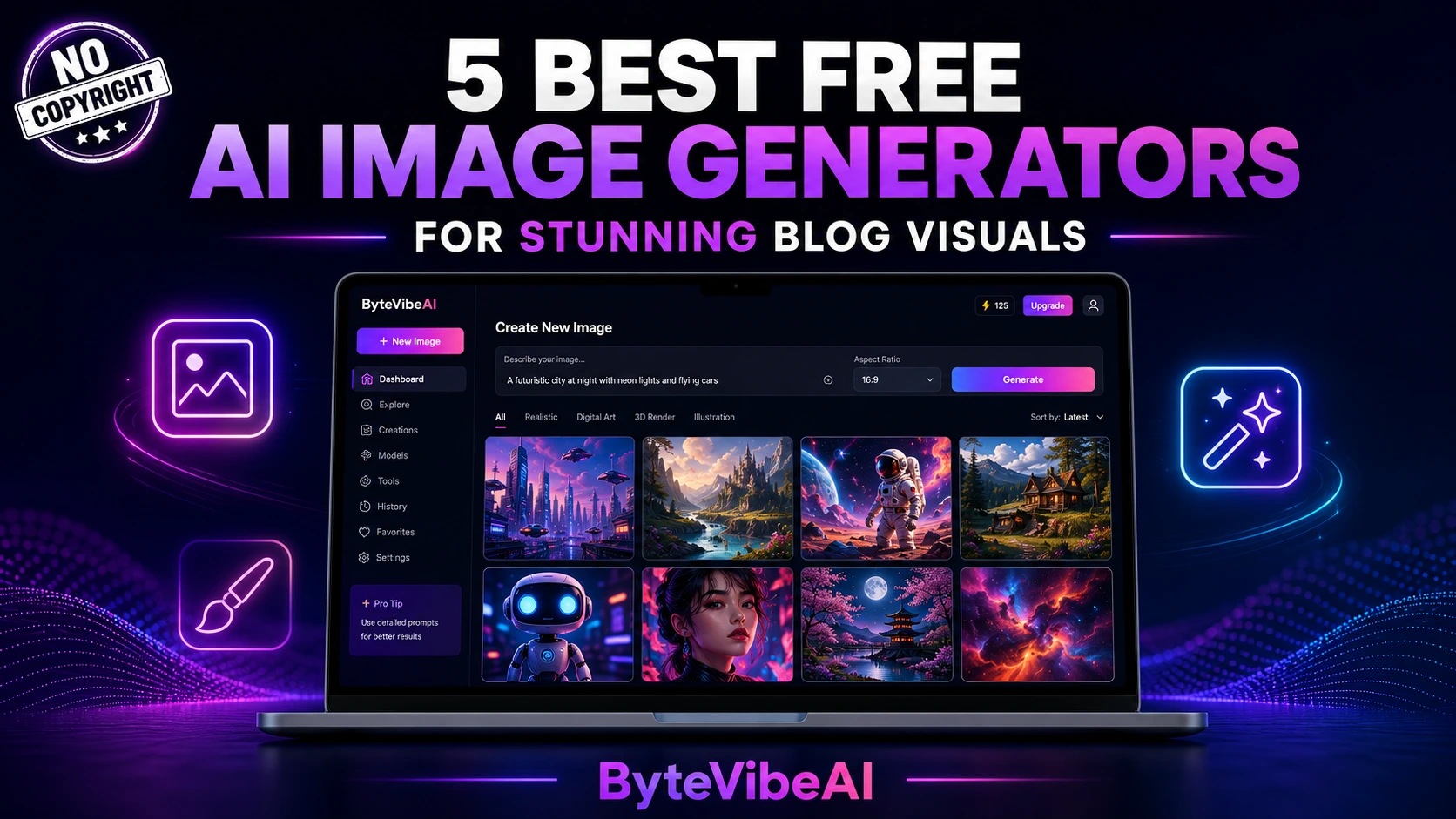
5 Best Free AI Image Generators for Blog Visuals (No Copyright)
Finding the right free AI image generators for blog visuals can save you from repetitive stock photos and expensive designer fees. With the right tool, you get a custom, copyright-safe image in minutes.
With the right tool, you can type a short description and get a custom, copyright-safe image in under a minute. No stock photo fees, no watermark hunting, no waiting on a freelancer.
This guide breaks down five free AI image generators that work well for bloggers, YouTubers, social media managers, and small business owners. We’ll cover what each tool does best, where it falls short, and which one fits your workflow.
Why Custom AI Visuals Beat Generic Stock Photos
Readers scroll fast, and a generic stock photo rarely makes them stop. A custom image built around your exact topic does a better job.
Custom AI-generated visuals help you:
- Match your brand colors and style every time.
- Avoid the “I’ve seen this stock photo everywhere” problem.
- Create visuals for specific, niche topics stock sites don’t cover.
- Save money on licensing fees or subscriptions.
- Publish faster without waiting on outside help.
The goal isn’t replacing good photography. It’s giving you a fast, free option when a custom photo shoot isn’t practical.
Quick Overview of the 5 Tools
🎨 Adobe Firefly
Best For: Copyright-safe client work.
Free Plan: ✅ 25 credits/month
🖌️ Microsoft Designer
Best For: Beginners and quick visuals.
Free Plan: ✅ Unlimited (via Copilot)
🖼️ Canva Magic Media
Best For: Social posts and presentations.
Free Plan: ✅ 50 generations/month
⚡ Leonardo AI
Best For: Style variety and daily volume.
Free Plan: ✅ ~150 tokens/day
🔤 Ideogram
Best For: Text inside images and banners.
Free Plan: ✅ Limited daily credits
How We Selected These Tools
Dozens of AI image generators launch every month, so we narrowed the list down using a few practical filters.
The tools below were chosen based on:
- No credit card required to start
- Clear commercial use terms
- Output quality good enough for a published blog
- Ease of use for non-designers
- Realistic free-tier limits for regular bloggers
We skipped tools with confusing licensing or free tiers too small to be useful for weekly content creation.
1. Adobe Firefly
Adobe Firefly is trained only on licensed Adobe Stock images and public domain content. That makes it one of the safest options if copyright concerns keep you up at night.
For bloggers publishing client work or building a brand people trust, this licensing clarity matters more than flashy extra features.
Key Features
- Generative Fill and Expand for editing existing photos
- Text-to-image generation with style presets
- Built-in Content Credentials for image provenance
- Direct integration with Photoshop and Illustrator
- Multiple aspect ratio options for blog and social use
Pros
- Fully commercial-safe licensing
- No visible watermark on outputs
- Strong brand trust for client-facing content
- Clean, professional image style
Cons
- Only 25 credits per month on the free plan
- Less variety for bold, stylized art
- Requires a free Adobe account to start
Best For
Bloggers and small businesses who publish client work or care most about copyright safety.
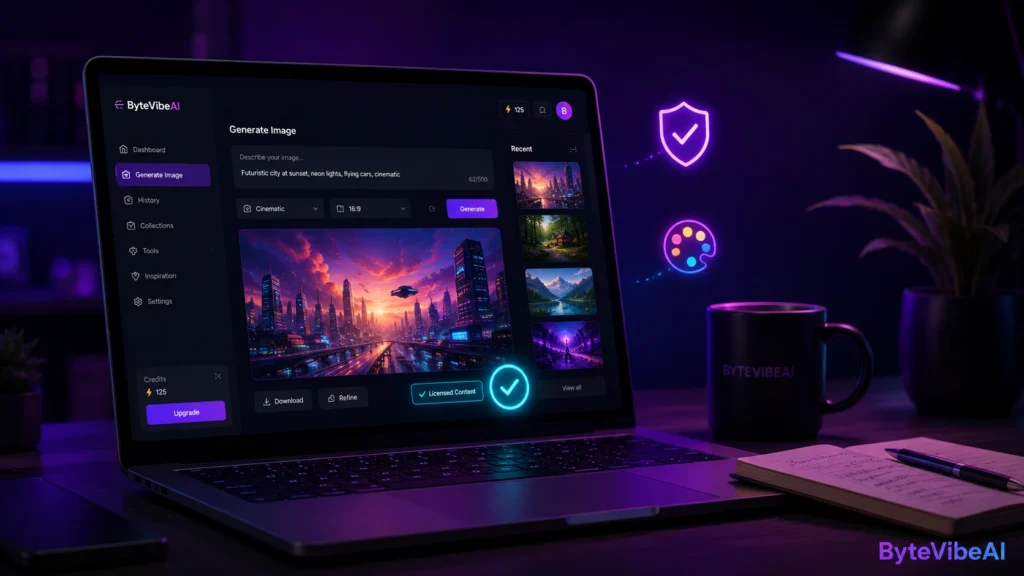
2. Microsoft Designer
Microsoft Designer runs on a DALL-E based image model and ships free inside Microsoft’s Copilot tools. It’s one of the easiest ways to get solid images without learning a new interface.
Type a description, pick your favorite result, and download it. That simplicity makes it a strong pick for anyone new to AI tools.
Key Features
- Text-to-image generation in a simple chat-style interface
- Multiple image variations per prompt
- Built-in design templates for social graphics
- No separate app download needed
- Works directly in the browser
Pros
- Free to use without a paid subscription
- Beginner-friendly, no learning curve
- Fast generation speed
- Good for both blog headers and social graphics
Cons
- Less fine control over specific art styles
- Output can feel similar across different prompts
Best For
Beginners and bloggers who want quick, no-fuss visuals without a complicated setup.
3. Canva Magic Media
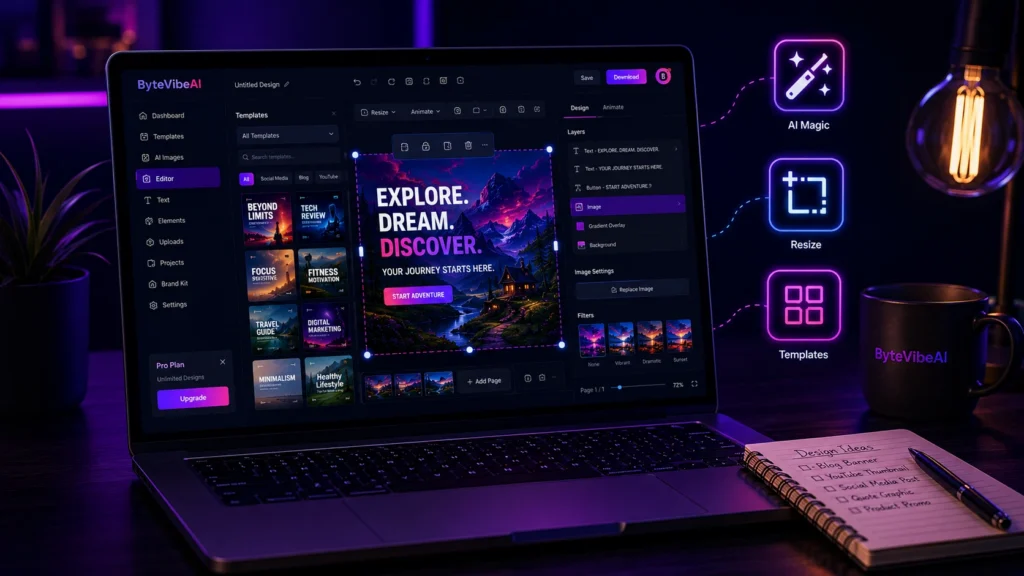
If you already use Canva for social posts or presentations, Magic Media adds AI image generation right inside the editor you know.
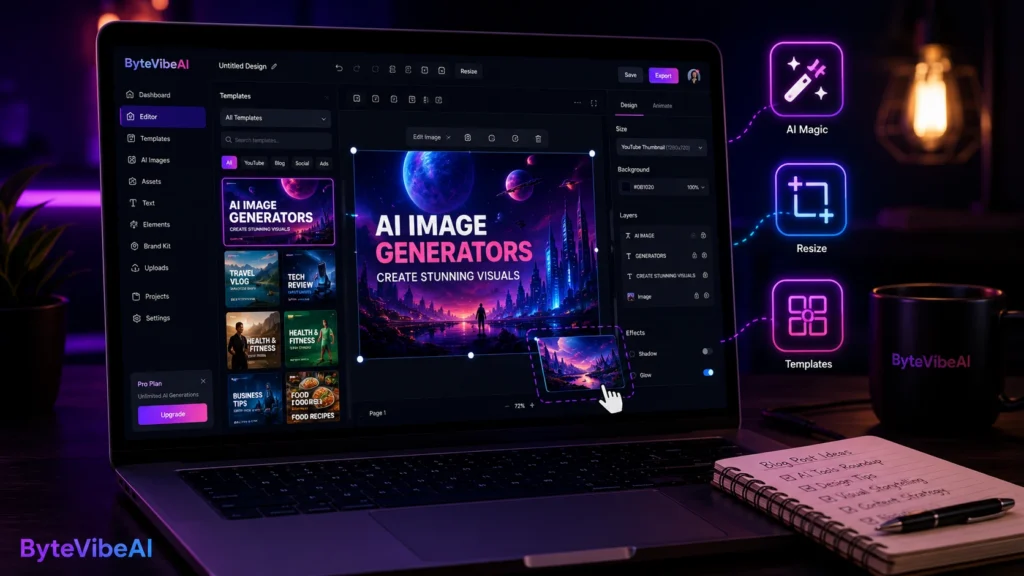
This matters because the image doesn’t just get created. It drops straight into a design you can resize, add text to, and export for multiple platforms in one session.
Key Features
- AI image generation inside the Canva editor
- Instant resizing for blog headers, Pinterest, and social posts
- Text and template tools built around the generated image
- Brand kit integration for consistent colors and fonts
- Simple drag-and-drop workflow
Pros
- Free plan available with generous monthly limit
- Extremely beginner-friendly
- Generated images plug directly into ready-made templates
- One tool for both image creation and design
Cons
- Free tier caps out at 50 generations per month
- Output style leans more “designed” than photorealistic
Best For
Social media managers and small businesses who want image generation and design in one place.
4. Leonardo AI
Leonardo AI gives you one of the more generous daily free allowances on this list, plus access to several different image models for different styles.
That variety is useful if your blog covers more than one type of content and each post needs a slightly different visual feel.
Key Features
- Multiple AI models for different art styles
- Daily token system for free generations
- Canvas editor for touching up generated images
- Prompt guidance to help beginners get better results
- Community feed for style inspiration
Pros
- Strong daily free volume compared to competitors
- Wide range of styles, from realistic to illustrated
- Useful editing tools included on the free plan
Cons
- Interface has a steeper learning curve than Canva or Designer
- Commercial terms vary by model, so it’s worth checking before big campaigns
Best For
Creators and YouTubers who need a steady daily supply of varied, stylized visuals.
5. Ideogram
Most AI image generators struggle to render clean, readable text inside an image. Ideogram was built to fix exactly that problem.
If you need a blog banner, quote graphic, or YouTube thumbnail with actual legible words on it, this is the tool that handles it best.
Key Features
- Accurate text rendering inside generated images
- Multiple style presets for graphics and illustrations
- Fast generation speed
- Good for banners, posters, and thumbnail-style visuals
Pros
- Best-in-class text accuracy inside images
- Great for branded graphics with headlines or quotes
- Clean, modern output style
Cons
- Daily free credits are limited
- Commercial terms are more nuanced, so double-check before client use
Best For
YouTubers and social media managers who need text-heavy graphics like thumbnails and quote cards.
Expert Tips for Better AI Blog Visuals
- Write specific prompts. “A cozy coffee shop desk with a laptop” beats “coffee shop.”
- Match your image style to your brand every single time you generate.
- Resize images properly for your blog’s featured image dimensions.
- Always compress the final image before uploading to keep your site fast.
Common Mistakes to Avoid
Even with a great free tool, a few habits can hurt your results — especially if you’re just starting out with free AI image generators for blog visuals.
1. Skipping the Compression Step
A stunning AI image still slows your page down if the file size is too large. Compress every image before upload.
2. Using the Same Style on Every Post
Switching art styles randomly can confuse readers about your brand.
Try sticking to:
- One consistent color palette
- A repeatable layout for featured images
- The same tool for your main visuals
This builds recognition over time.
3. Ignoring Alt Text
A great image without alt text is a missed SEO opportunity. Always write a clear, keyword-relevant alt description.
4. Publishing the First Result
The first generation is rarely the best one. Generate a few options and pick the strongest.
5. Forgetting Commercial Use Terms
Free doesn’t always mean unrestricted. Check each platform’s terms before using images in paid campaigns or client projects.
Frequently Asked Questions
1. Which free AI image generator is best for blog featured images?
Among free AI image generators for blog visuals, Microsoft Designer and Canva Magic Media are the easiest starting points for beginners, while Adobe Firefly is the safest pick if copyright protection is your top priority.
2. Are AI-generated images actually free to use commercially?
It depends on the tool. Adobe Firefly and Microsoft Designer offer clear commercial use terms, while others like Leonardo AI and Ideogram have more specific conditions worth checking first.
3. Can I use these tools without any design experience?
Yes. All five tools listed here are built for non-designers, with Canva and Microsoft Designer being the easiest for complete beginners.
4. Do AI-generated images hurt SEO?
No, as long as you compress the file size, add proper alt text, and use a descriptive file name before uploading.
Final Thoughts
Free AI image generators have closed the gap between a plain, text-only blog post and one that actually looks professional. You don’t need a design background or a big budget to get there.
Start with one tool, get comfortable with writing good prompts, and build a consistent visual style for your blog. Once that habit sticks, switch between tools depending on what a specific post needs, whether that’s copyright safety, text-heavy graphics, or fast daily output.
The tools will keep improving. What matters most is picking one today and using it consistently, so your blog starts looking as good as the content inside it.
Ready to give your blog a visual upgrade? Explore more AI Design guides on ByteVibeAI to discover beginner-friendly tutorials, free AI tools, and practical tips for creating professional visuals without a design background.