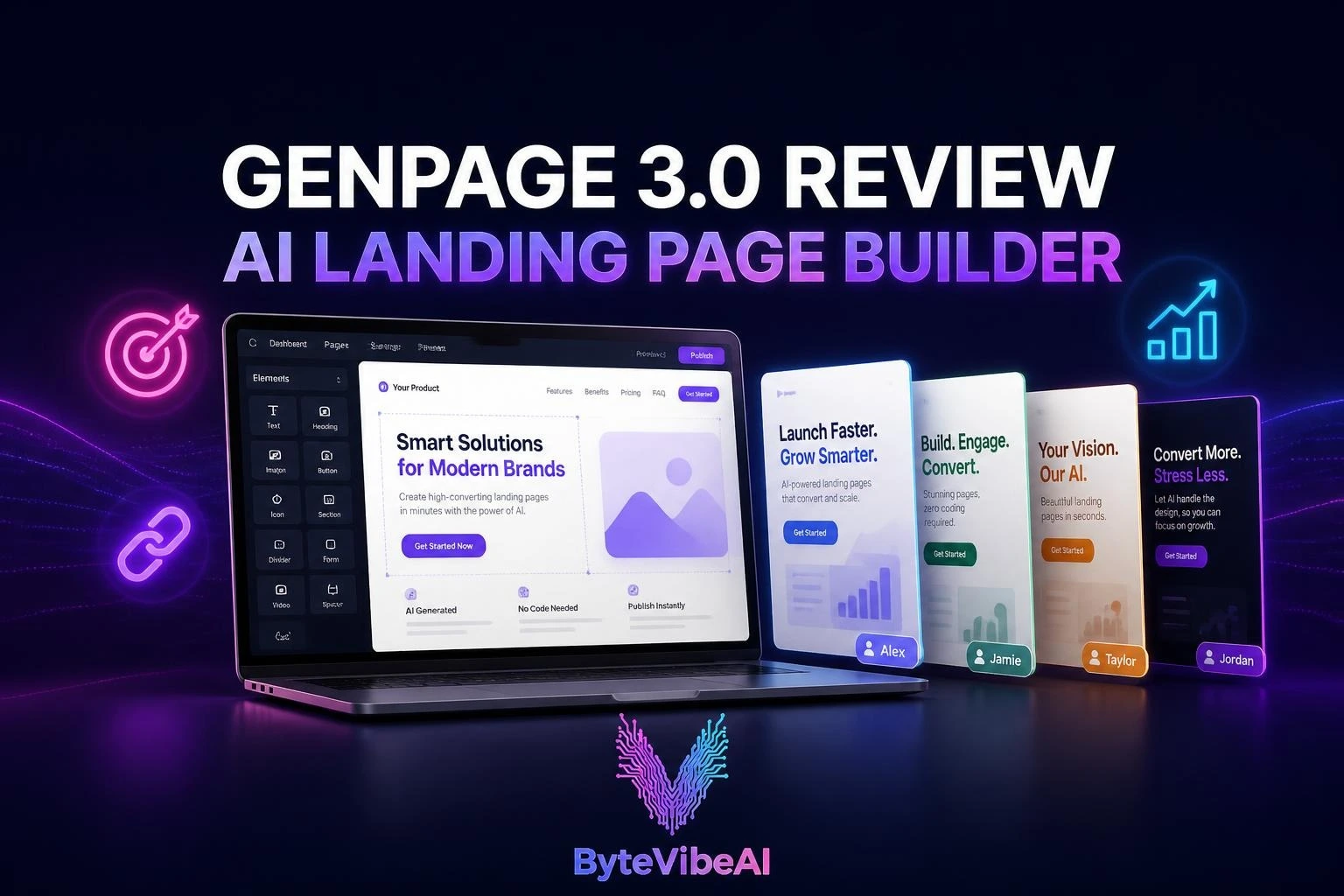
GenPage 3.0 Review (2026): Is This Best AI Landing Page Builder Worth It?
Every marketer knows the routine. The campaign is ready, the ad copy is sharp, and the prospect list is clean. Then everything stalls because the landing page needs a designer, a developer, and a week nobody has.
Most teams solve this by sending every click, every cold email, and every target account to the same generic page. It keeps campaigns moving, but it throws away the message match that makes paid and outbound traffic convert.
GenPage is built to remove that bottleneck. This GenPage 3.0 review looks at the platform’s latest major release, which arrived on Product Hunt in October 2026, and at how the GenPage AI landing page builder learns your brand and creates a dedicated page for each ad, keyword, or prospect.
How this review was put together: it draws on GenPage’s official website, pricing page, product blog, and public user reviews. It is not based on hands-on testing, and any number that comes from GenPage itself is labeled as the company’s claim. Pricing and features can change, so confirm details on genpage.ai before buying.
What Is GenPage 3.0?
GenPage is an AI platform that generates personalized landing pages at scale. Instead of sending everyone to one page, it builds intent-matched pages: one for the ad a visitor clicked, the keyword they searched, or the company you are pitching. GenPage says more than 3,400 teams use it, though that figure is self-reported.
The company describes the idea in three moves. It learns your brand from your website, builds the pages in minutes, and then tests each one on autopilot. That last part carries a caveat covered in the pricing section: autopilot testing is still in private beta and sits on the top tier.
GenPage is not a brand-new product. It first appeared on Product Hunt in 2024 and had a 2.0 release earlier this year. Version 3.0, announced on the company’s blog in late August 2026, is the biggest step so far.
What’s New in GenPage 3.0
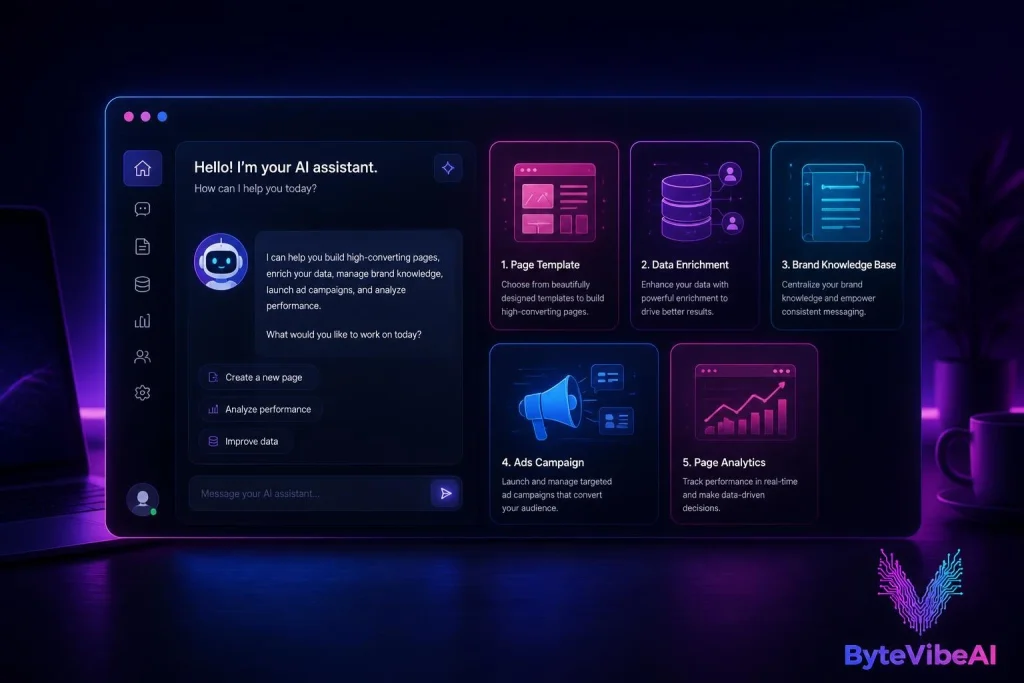
- GenPage Agent: Create and change pages through conversation instead of editing blocks by hand.
- Rebuilt brand knowledge base: Plus brand memories and AI guidelines, so pages stay closer to your voice. Check out our guide on
How to Build a Custom AI Knowledge Base for Faster Customer Support for more on knowledge base architecture. - Deeper enrichments: Five new target-account enrichments covering LinkedIn profiles, company research, prospect research, and LinkedIn posts for people and companies.
- Google Ads out of beta: The ads side is now generally available.
- Smaller additions: 12 new templates, model selection with bring-your-own-key, a Variables Agent, GenPage Concierge, and MCP support in both directions.
GenPage 3.0 Review: Key Use Cases and Features
GenPage organizes the product around three main use cases.
LinkedIn Outreach Landing Pages
This is where GenPage started. You import a list of prospects, and the platform creates a page for each one using enrichment data such as company, role, and recent LinkedIn posts. The goal is a link that looks made for that person, not a template with a swapped first name.
GenPage’s own deliverability advice is worth following. For larger cold campaigns, it recommends teasing the personalized page in the first message and sharing the link once the prospect replies. You can also pair this with the Best Free AI Email Generators To Write Professional Work Emails In Seconds (2026) to craft your initial sequence. For small, targeted sends of roughly 100 to 150 emails per domain per week, it says including the link upfront is generally fine.
ABM Landing Pages
Account-based marketing depends on making each target account feel seen. GenPage generates one page per account with company-specific messaging and relevant proof, and it can send real-time alerts through Slack or Gmail when someone visits.
GenPage’s published case study on the agency Webtouch claims $550,000 in pipeline from 1:1 personalization. That result comes from the vendor and hasn’t been independently verified, but it shows the outcome the platform is aiming for.
Google Ads Landing Pages
Paid traffic often lands on a page that wasn’t built for the click. GenPage’s own blog says only about 20 percent of paid traffic reaches a dedicated landing page. You can read more about aligning copy in our guide on How To Use AI SEO Copywriting: A Beginner’s Guide For Remote Writers (2026).
With 3.0, the Google Ads side is out of beta. GenPage can generate pages for specific ad groups and keywords, which tightens message match between the ad and the page. The ad-focused tools, including ad platform sync, keyword page generation, auto-publishing, and variant-level conversion tracking, sit in the Ads Module. That module is a paid add-on that requires the Scale plan or higher.
Other Features Worth Knowing
- Brand control: Pages can live on your own domain and follow your site’s design and voice. You can generate with AI, build from templates, or import your own HTML.
- Analytics: Page analytics and alerts are on every plan, while heatmaps and session replays start on Scale.
- Integrations: Clay, Apollo, HeyReach, CRMs, automation platforms, and an API.
How GenPage Works in 3 Steps
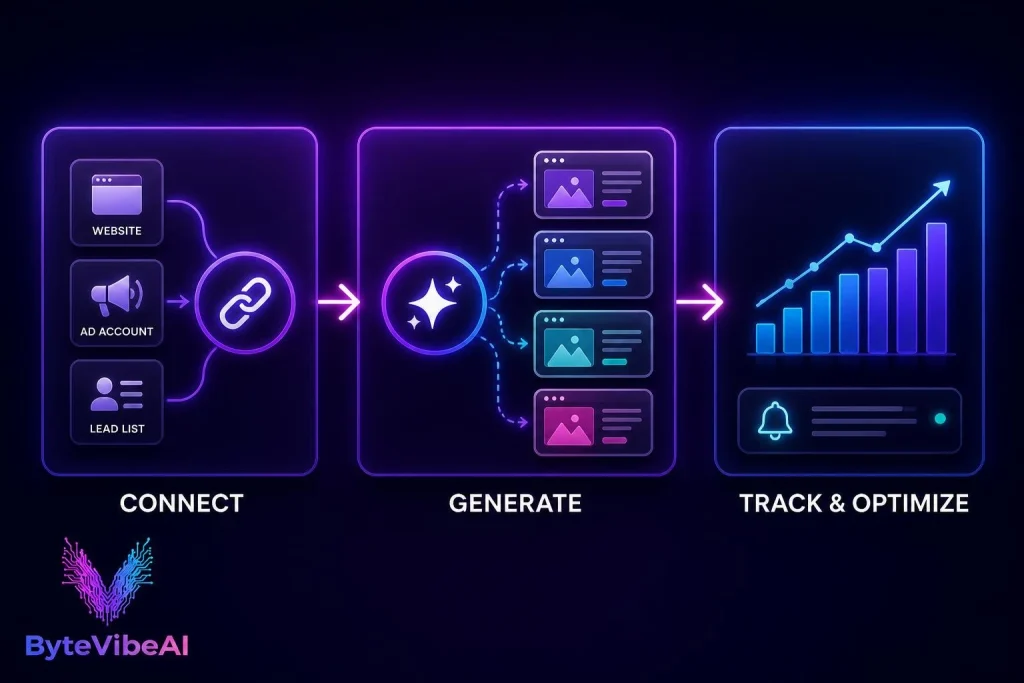
- Step 1: Connect. Link your website, ad accounts, or lead lists. GenPage reads your site to learn your brand, messaging, and design, so generated pages match your identity. Integrations with GTM tools start on the Pro plan.
- Step 2: Generate. GenPage enriches your data and uses AI to produce one-to-one pages for every account, ad, or keyword. You can let the AI build from scratch, start from a template, or ask the GenPage Agent for edits in plain language. If you need content fast, explore the Top 5 Free AI Tools For Social Media Copy To Write High-Converting Posts Fast (2026). GenPage says most pages are ready in minutes.
- Step 3: Track and Optimize. Once pages are live, you can watch engagement and conversions, with alerts delivered to Slack or Gmail. The hands-off optimization piece, GenPage Autopilot, deserves caution: the company’s blog describes it as being in private beta, and the pricing page places it on the Ultimate tier.
GenPage 3.0 Review: Pricing Plans (2026)
GenPage uses a credit system. Publishing a variant costs one credit, ten AI enrichments cost one credit, and generating a page varies with the model and complexity. Live pages don’t use credits, and if you run out, published pages stay online.
The prices below come from GenPage’s pricing page, which shows a billed-yearly toggle with two months free. The monthly figures appear to assume annual billing.
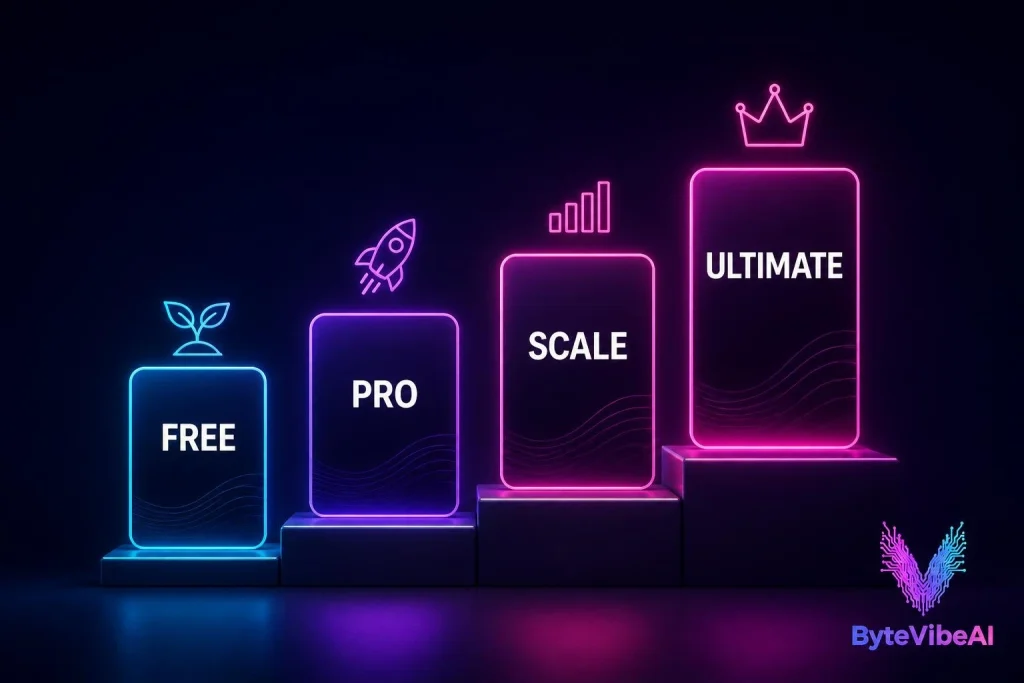
- Free ($0/month): 100 credits per month and one user seat. Includes AI page builder, unlimited pages and campaigns, AI enrichments, custom/AI variables, page analytics, and email support.
- Pro ($79/month): Starts at 500 credits per month. Includes everything in Free plus unlimited seats, custom domains, badge removal, MCP and API access, CRM integrations, and priority support.
- Scale ($249/month): Starts at 2,500 credits per month. Includes everything in Pro plus custom scripts, HTML editor, webhooks, SDK, heatmaps, session replays, and unlimited workspaces.
- Ultimate (Custom Pricing): Everything in Scale plus custom credit volume, brand knowledge base with internal documents, GenPage Autopilot, dedicated account manager, SSO, and EU/US data storage.
Top-Ups and the Real Cost
Extra credits cost $25 for 100, $99 for 500, $179 for 1,000, or $479 for 3,000. Purchased credits stay valid for 12 months, while plan credits reset each month.
For teams running ads, the practical cost is Scale plus the Ads Module, which starts at $399 per month. If both figures are as listed, a paid-ads setup lands around $650 a month before any extra credits.
Who Is GenPage Best For?
- Solopreneurs and consultants: The Free plan makes it easy to test with a small batch of prospects. Pro adds a custom domain and removes the badge for a professional look.
- Marketing agencies: Unlimited seats on Pro and unlimited workspaces on Scale suit agencies running campaigns for several clients.
- Growth hackers and outbound teams: Teams using Clay, Apollo, or HeyReach can feed lead lists straight into page generation.
- Media buyers: The Google Ads tools are the main draw, but they require Scale plus the Ads Module.
- Who should skip it: If you need one simple landing page, or you are looking for graphic assets, check the Best Free AI Tools for Graphic Design to Create Logos and Social Media Posts instead. Traditional builders like Unbounce or Instapage are usually enough for simple setups.
GenPage 3.0 Review: Pros and Cons
Pros
- A real free plan with no credit card required.
- One platform for prospect-level, account-level, and keyword-level personalization.
- Pages live on your own domain and follow your brand’s look and voice.
- Outbound integrations plus API and MCP access.
- Live pages don’t consume credits or go offline when credits run out.
- Rapid release pace with 3.0 adding an AI agent and rebuilt knowledge base.
Cons
- Autopilot auto-testing feature is in private beta and limited to Ultimate.
- Credit-based pricing makes monthly expenses harder to predict.
- Ads Module starts at $399 per month on top of the Scale plan.
- Free plan is limited to 1 seat and 100 credits with a GenPage badge.
Frequently Asked Questions
Is GenPage 3.0 free to use?
Yes, there’s a free plan with 100 credits per month and one seat, with no credit card required to start.
Does GenPage replace a traditional landing page builder?
It can for campaigns that need personalization at scale. For a single static page, traditional builders are usually simpler.
Is GenPage Autopilot included in every plan?
No. Autopilot is currently in private beta and listed under the Ultimate plan.
Final Verdict: Is GenPage 3.0 Worth It?
GenPage 3.0 is a focused tool with a clear job: turning ad clicks and outbound prospects into pages that feel written specifically for them. The free plan, outbound integrations, and Google Ads support are strong advantages.
However, Autopilot testing is restricted to the top tier, and costs climb quickly with the Ads Module. Start with the free plan to test conversion lift before upgrading.
Explore More AI Guides on ByteVibeAI
Ready to find more AI tools for your workflow? Explore more AI Writing guides on ByteVibeAI to discover beginner-friendly tutorials, free AI tools, and practical tips for working smarter.