How Small Businesses & Contractors Can Use AI for Instant Client Quotes (2026)
In service industries, speed wins deals. When a potential client asks for a pricing estimate, the business that responds first with a clear, professional proposal often secures the contract.
However, calculating labor costs, estimating materials, double-checking margins, and formatting proposals manually can take hours or even days. For solo business owners, freelancers, and trade contractors, spending evenings writing estimates means losing precious personal time and delaying client responses.
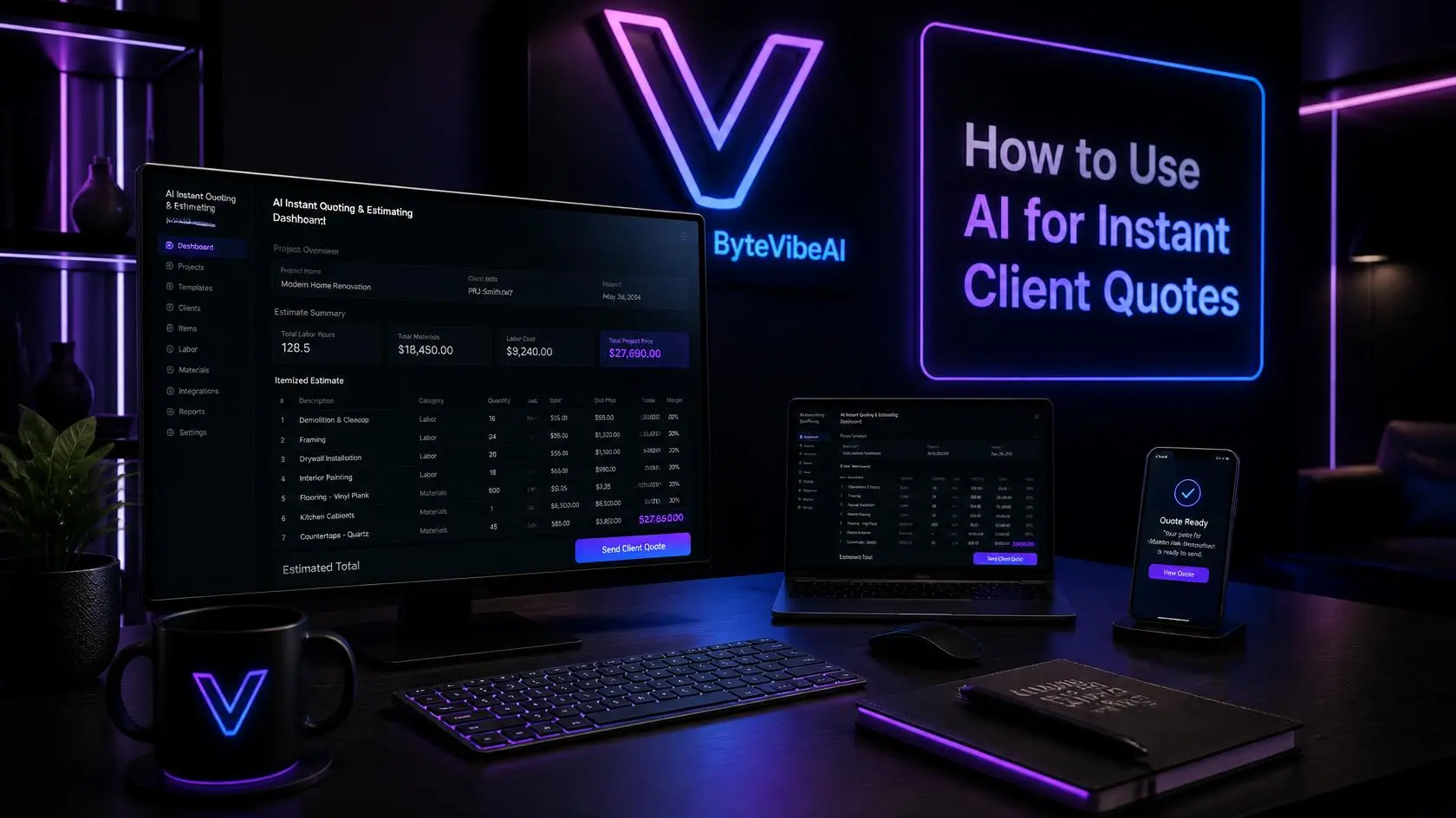
This is where smart automation changes the game. When you Use AI for Instant Client Quotes, you can transform rough site notes, photos, or client request forms into detailed, professional price breakdowns in seconds.
Whether you run a remodeling firm, HVAC service, plumbing company, landscaping business, or consulting agency, integrating AI into your quoting workflow helps you close deals faster while keeping your pricing consistent and profitable.
Why Speed Matters in Client Quoting
When customers need a job done, they rarely contact just one business. They reach out to three or four service providers and wait to see who responds first.
Studies consistently show that responding to leads within the first hour dramatically increases your chances of closing a sale. When you delay an estimate by two or three days, clients often assume you are too busy, unreliable, or disorganized.
Common challenges with manual estimating include:
- Inconsistent pricing: Estimating on the fly leads to underquoting or missing expense items.
- Wasted administrative time: Spending hours on paperwork instead of billable work.
- Delayed follow-ups: Missing opportunities because competitors sent their proposals first.
- Formatting errors: Unprofessional emails or hand-written estimates reduce brand credibility.
By leveraging artificial intelligence, small teams can instantly calculate line items, project scopes, and labor hours without starting from scratch every single time.
Benefits of AI-Powered Estimating
Using AI as a quoting assistant isn’t about replacing your industry expertise. It’s about automating repetitive calculations and document formatting so you can focus on quality service.
When you Use AI for Instant Client Quotes, you enjoy key advantages:
- Instant turnaround: Deliver complete proposals in minutes rather than days.
- Accurate scope generation: AI identifies missing line items, permits, or hidden costs.
- Customizable templates: Maintain professional branding on every document.
- Higher conversion rates: Fast responses build client confidence immediately.
- Scalable operations: Handle more quote inquiries without hiring extra administrative staff.
Quick Overview
In this guide, you will learn how to Use AI for Instant Client Quotes step by step, which tools fit your workflow best, and how to avoid costly pricing mistakes.
We will cover:
- Why instant quoting drives business growth
- A practical 6-step AI quoting workflow
- Recommended AI tools for contractors and service businesses
- How to customize AI prompts for accurate job pricing
- Best practices to ensure profitability on every job
Step-by-Step Guide: How to Use AI for Instant Client Quotes
Building an automated quoting workflow does not require complex software development skills. You can create a fast, reliable system using simple AI tools and well-structured templates.
Here is the step-by-step process to follow.
Step 1: Standardize Your Pricing Rules
AI needs clear parameters to generate accurate estimates. Before writing prompts, summarize your standard rates and pricing formulas.
Document your base metrics:
- Hourly labor rates per team member
- Standard material markups (e.g., 15% to 20%)
- Fixed travel or service call fees
- Minimum project charge
- Common line items for frequent job types
Having these numbers ready ensures that the AI generates estimates tailored directly to your real-world business margins.
Step 2: Capture Client Requirements Efficiently
To create an accurate estimate, collect structured details from the client right away.
Use simple intake forms on your website or smartphone to capture:
- Project description and dimensions
- Photos or videos of the job site
- Client budget range and timeline
- Specific material or finish choices
When you input clear client details, AI can draft a realistic scope of work without guessing missing variables.
Step 3: Generate the Initial Line-Item Scope
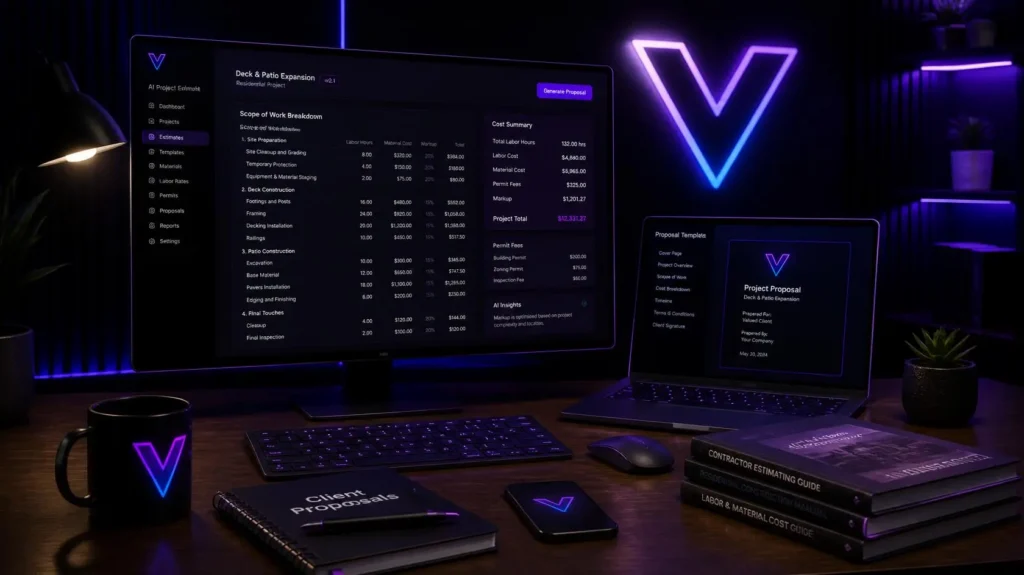
Once you have job details, pass the information to your AI assistant. You can prompt the AI to generate a detailed scope of work broken down into labor, materials, permits, and contingency buffers.
An effective prompt structure includes:
- Role: Act as an expert project estimator.
- Input: Client request details and dimensions.
- Constraint: Apply my base labor rate and material markup.
- Output: Itemized price breakdown with description, quantity, unit price, and total.
Step 4: Review and Adjust Pricing Margins
Never send an AI quote directly to a client without human review. AI is an assistant, not a business owner.
Review the generated draft carefully:
- Are material quantities realistic for this specific site?
- Does the labor time account for difficult access or complex cleanup?
- Are local permit fees included if required?
Adjust line items as needed to protect your profit margins.
Step 5: Format Into a Professional Proposal
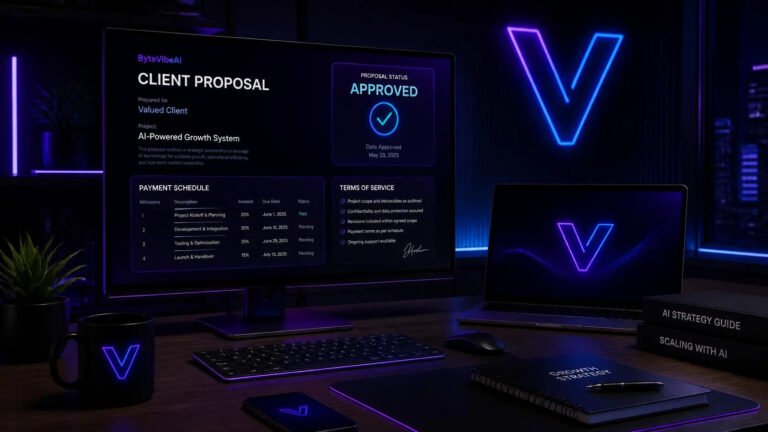
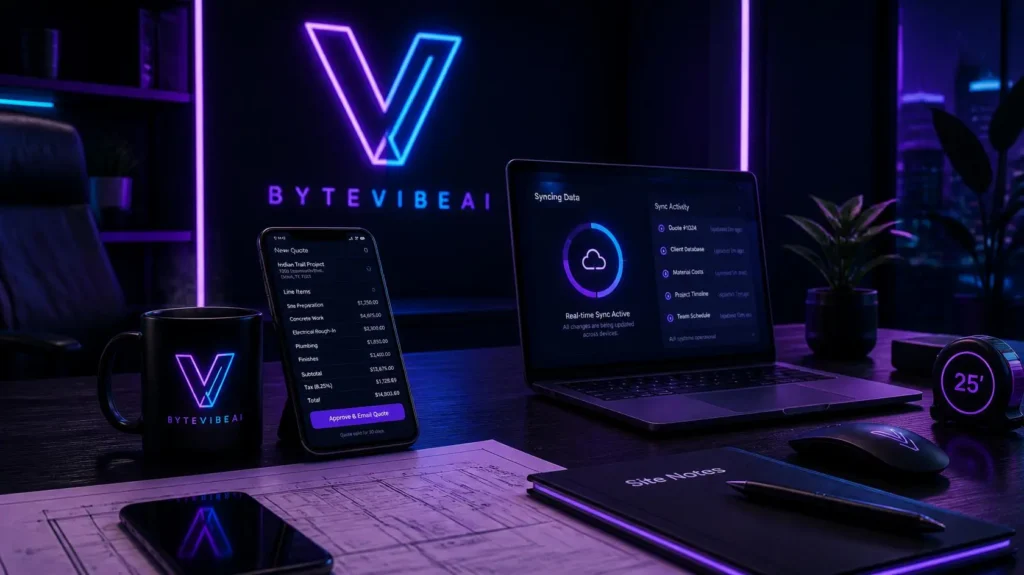
A clean proposal builds trust. Convert your approved line items into a polished document with your logo, contact details, payment terms, and project scope.
AI tools can automatically draft professional cover notes and scope descriptions that explain value clearly, reducing client price resistance.
Step 6: Send and Automate Follow-Ups
Once approved, deliver the proposal via email or text message immediately.
Set up automated reminder messages for 48 hours later. Automated follow-ups ensure your proposal stays at the top of the client’s inbox without requiring manual tracking.
Top AI Tools to Use for Instant Client Quotes
Depending on your industry and technical setup, several AI tools can streamline your quoting process:
- ChatGPT & Claude: Excellent for generating detailed scopes of work, writing proposal letters, and customizing line-item prompts.
- Clear Estimates Pro: Built specifically for remodeling contractors, using AI to turn job site photos into structured cost breakdowns.
- Venngage AI Estimate Generator: Great for creating visually branded, polished PDF estimates quickly.
- Tidio AI & Chatbots: Captures lead information 24/7 on your website and offers instant baseline estimates to website visitors.
- Zapier AI Workflows: Connects your website form directly to AI, auto-drafting a quote in your email software as soon as a lead submits a request.
Common Mistakes to Avoid
When you Use AI for Instant Client Quotes, avoid these common pitfalls to stay profitable:
- Skipping Human Review: Always double-check labor hours and material prices before hitting send.
- Ignoring Unseen Variables: For complex physical jobs, include a disclaimer that final pricing is subject to on-site inspection.
- Using Vague Prompts: Provide specific dimensions, hourly rates, and material specs to avoid generalized numbers.
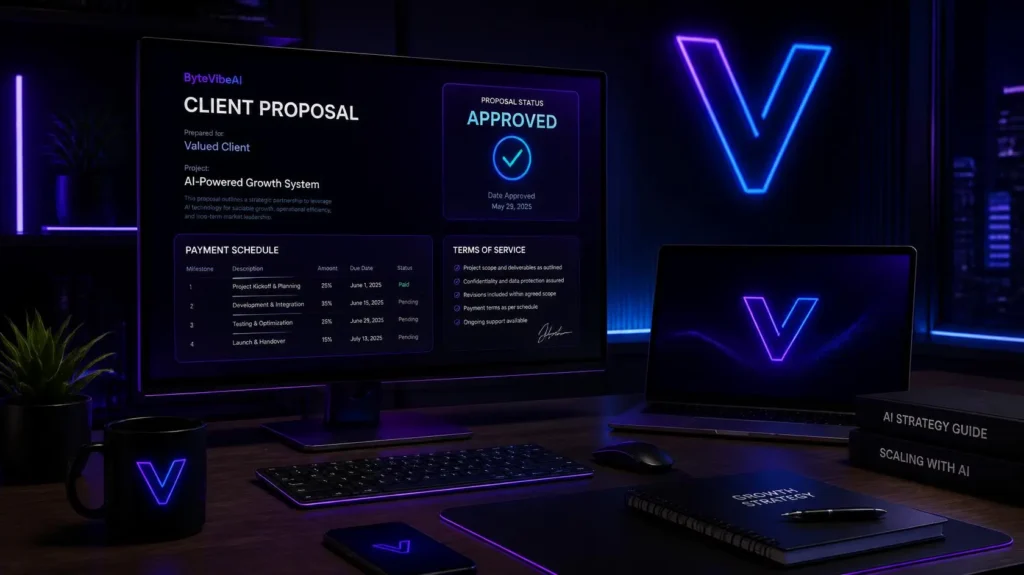
- Forgetting Clear Terms: Always outline deposit requirements, payment schedules, and expiration dates on every quote.
Frequently Asked Questions
1. How accurate are AI-generated client quotes?
AI quotes are highly accurate when given specific pricing rules, labor rates, and clear job details. However, you should always review final numbers before sending proposals to clients.
2. Can contractors use AI to estimate jobs from photos?
Yes. Specialized AI construction tools and modern visual AI models can analyze job site photos or floor plans to generate initial material lists and scopes of work.
3. Does instant quoting help win more clients?
Yes. Responding first with a clear, professional proposal gives small businesses a major competitive advantage, as modern clients value fast communication and transparency.
4. Do I need coding skills to automate AI quotes?
No coding knowledge is required. You can use simple natural language prompts in tools like ChatGPT, or use simple no-code app connectors like Zapier.
Final Thoughts
Learning how to Use AI for Instant Client Quotes gives small business owners and contractors a massive advantage in today’s fast-moving market. Instead of spending hours after work on manual calculations, you can generate transparent, profitable, and professional proposals in just a few clicks.
Start small by setting up a basic AI prompt with your hourly rates and common line items. As you refine your workflow, you will save administrative hours, win more client contracts, and run a more efficient, modern business.
You May Also Like
Continue learning with more AI Productivity guides on ByteVibeAI:
- Top 5 Free AI Productivity Tools for Remote Workers to Automate Daily Tasks (2026)
- 5 AI-Powered Project Management Tools to Double Your Daily Output (2026)
- How to Automate Your Daily Workflow Using Free AI Automation Tools
- How to Use AI Note-Taking Apps to Organize Your Work and Study Life (2026)
- 25 Best AI Prompts for Cold Outreach Emails That Actually Get Replies (2026)
Call to Action
Want more practical AI productivity workflows, automation guides, and business tutorials?
Visit ByteVibeAI for beginner-friendly guides, step-by-step tool reviews, and actionable strategies designed to help small businesses, freelancers, and contractors leverage artificial intelligence to save time and increase revenue.