How to Create Animated AI Avatars for Reels (Easy 2026 Guide)
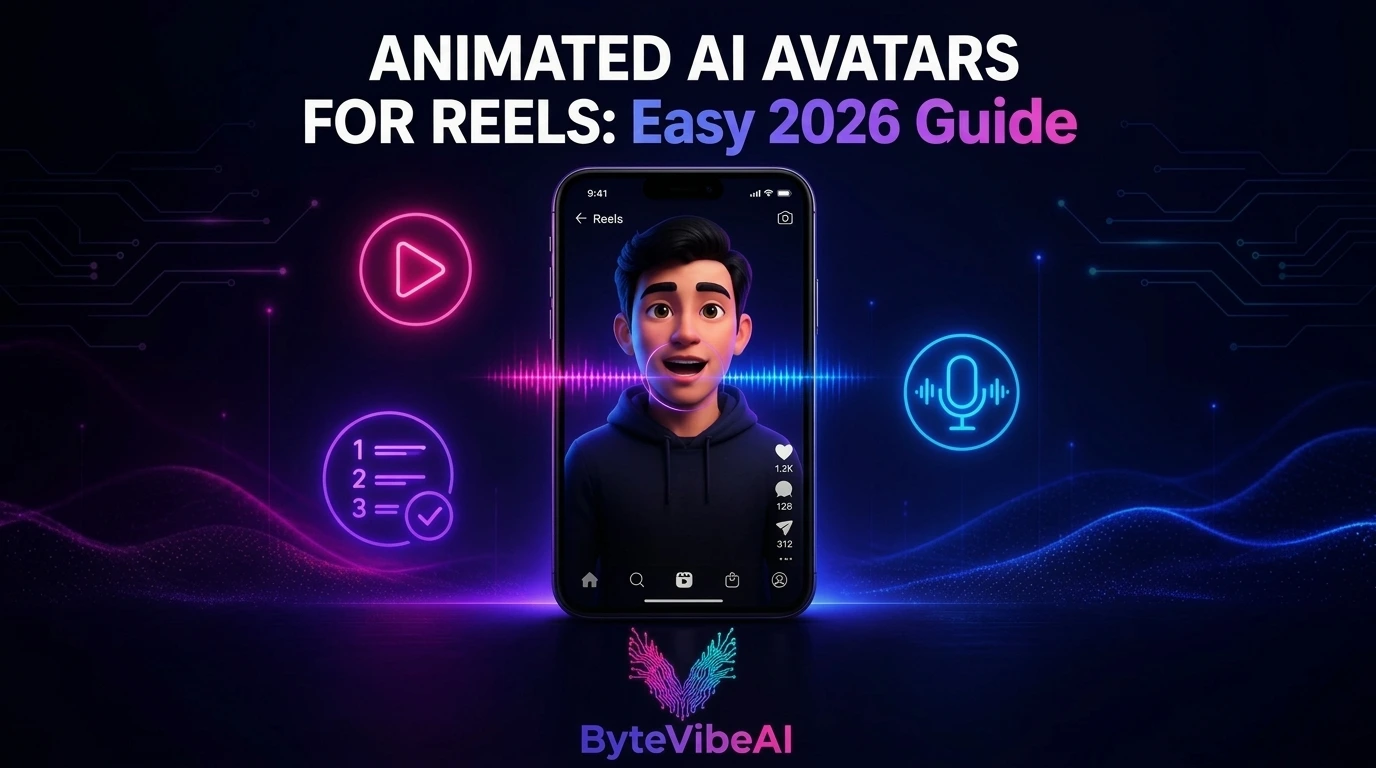
Learning how to create Animated AI Avatars for Reels has changed how creators make short-form video. Not everyone wants to film themselves for Instagram or TikTok, and that used to mean sitting out of short-form video entirely. Animated AI avatars let anyone publish Reels with a talking, expressive character instead of their own face on camera.
Building one used to require animation skills or expensive software. Now it takes a script, a few clicks, and a free tool that handles the lip-sync, expressions, and voice automatically.
This guide walks through the exact steps to create an animated AI avatar for Reels, along with five free tools that make the process realistic for beginners, creators, and small business owners alike.
Why Animated AI Avatars for Reels Work So Well
A static image or plain voiceover-only video rarely holds attention the way a moving, expressive presenter does, even when that presenter is fully AI-generated.
Animated avatars typically help you:
- Publish Reels consistently without appearing on camera yourself.
- Add a recognizable, consistent character to every post.
- Deliver a script with natural expressions and lip-sync.
- Skip the cost of hiring an actor or presenter.
An avatar works best paired with a clear, tightly written script. The technology handles delivery, but the message still has to be worth watching.
Step 1: Write a Short, Focused Script
Keep it under 60 seconds for Reels. Long, rambling scripts translate into long, rambling avatar videos that lose viewers fast.
Step 2: Choose an AI Avatar Tool
Pick a tool based on the style you want, whether that’s a realistic digital human or a stylized, animated character. The five tools below cover both directions.
Step 3: Generate Your Avatar and Add Voice
Paste your script in, select a voice or clone your own, and let the tool handle lip-sync and expressions automatically.
Step 4: Edit for the Reels Format
Trim the pacing, add captions, and format the video vertically at 9:16 before moving on.
Step 5: Export and Post at the Right Size
Export in vertical format sized for Reels, TikTok, or Shorts, and double-check captions before publishing.
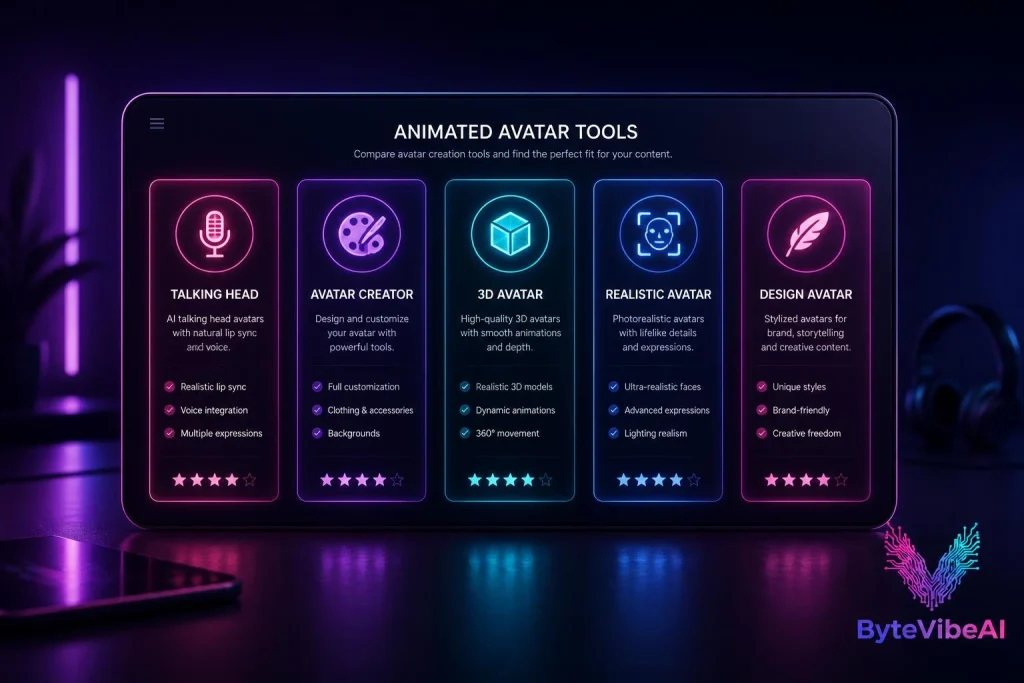
Quick Overview of the 5 Tools
🗣️ VEED
Best For: Fast, browser-based talking avatars.
Free Plan: ✅ Available
🎨 Canva
Best For: Stylized, brand-matched avatar creation.
Free Plan: ✅ Available
🧑🎤 Krikey AI
Best For: Full 3D animated avatars for Reels.
Free Plan: ✅ Available
🧑💼 HeyGen
Best For: Realistic digital human avatars.
Free Plan: ✅ Limited free trial
🖌️ Adobe Firefly
Best For: Script-to-avatar with Adobe-quality visuals.
Free Plan: ✅ Available
How We Selected These Tools
Plenty of avatar tools exist for corporate presentations, so we filtered specifically for ones that export properly for vertical, short-form Reels content.
The tools below were chosen based on:
- Vertical, 9:16 export suited for Reels and TikTok.
- A usable free plan, not just a locked preview.
- Natural lip-sync and expression quality.
- Reasonable setup time for non-animators.
- A style range covering both realistic and stylized avatars.
We skipped tools built purely for long-form corporate video with no short-form export option.
1. VEED
VEED offers one of the fastest paths from script to finished avatar video, running entirely in the browser with no software to install.
I typed in a short script once and had a talking avatar clip ready to trim for Reels in well under ten minutes.
Key Features
- Over 60 stock talking avatars to choose from
- Script-to-video generation with automatic lip-sync
- Built-in editor for captions, music, and trimming
- Direct vertical export for Reels and TikTok
Pros & Cons
- Pros:
- Extremely fast from script to finished video
- No software installation required
- Large stock avatar library covers many styles
- Cons:
- Free plan includes a watermark on exports
- Custom avatar creation takes longer than using a stock option
Best For: Creators who want the fastest possible route from script to a posted Reel.
2. Canva
Canva’s avatar tools fit naturally alongside its design features, useful if you want your avatar to match branded templates you’re already using for other content.
It leans more stylized than photorealistic, which works well for brand mascots or a consistent visual persona.
Key Features
- AI-generated avatars in multiple styles
- Direct integration with Canva’s Reels and social templates
- Brand Kit for consistent colors and styling
- Easy resizing for every social platform
Pros & Cons
- Pros:
- Fits naturally into an existing Canva workflow
- Good for brand-consistent, stylized characters
- Free plan is genuinely usable for regular content
- Cons:
- Less realistic lip-sync than dedicated avatar tools
- Avatar animation options are more limited than Krikey or HeyGen
Best For: Small businesses and creators who already use Canva and want a branded, stylized avatar.
3. Krikey AI
Krikey AI specializes in full 3D animated characters rather than static talking heads, giving Reels a more dynamic, game-like visual style.
It works particularly well for content that benefits from movement and personality beyond just talking, like dances or expressive storytelling.
Key Features
- Full 3D character animation, not just facial lip-sync
- Text-to-3D-scene generation
- Custom avatar appearance and expression controls
- Voice recording or text-to-speech narration
Pros & Cons
- Pros:
- Most dynamic, movement-driven avatars on this list
- Strong fit for entertainment and storytelling Reels
- No animation experience required
- Cons:
- Less suited for straightforward, talking-head explainer content
- Rendering 3D scenes takes longer than simpler avatar tools
Best For: Creators making entertainment, storytelling, or dance-style Reels who want movement, not just talking.
4. HeyGen
HeyGen produces some of the most realistic digital human avatars available, generated from either a short recording of yourself or a single photo.
For creators who want an avatar that closely resembles a real presenter, this is the strongest option on the list.
Key Features
- Custom avatar creation from a 30-second recording or one photo
- Highly realistic lip-sync and facial expressions
- Voice cloning for a consistent, personal sound
- Vertical export built specifically for Reels, TikTok, and Shorts
- Multilingual avatar delivery
Pros & Cons
- Pros:
- Realism is noticeably ahead of stylized avatar tools
- Custom avatars feel personal and consistent across videos
- Strong fit for creators building a recognizable digital presence
- Cons:
- Free access is limited to a short trial period
- Higher-quality output typically requires a paid plan
Best For: Creators who want a realistic, personal digital presenter without ever filming themselves.
5. Adobe Firefly
Adobe Firefly’s Text to Avatar feature turns a script directly into a presenter-led video, backed by Adobe’s design quality and a straightforward setup process.
It’s a solid middle ground between VEED’s speed and HeyGen’s realism.
Key Features
- Script-to-avatar generation with accent and tone options
- Access to a diverse library of avatar styles
- Preview audio before generating the final video
- Simple, guided interface for beginners
- Integration with other Adobe Express design tools
Pros & Cons
- Pros:
- Reliable, Adobe-quality output
- Clear, guided process for first-time users
- Good accent and delivery customization
- Cons:
- Avatar variety is smaller than VEED’s library
- Best results require a well-written, descriptive script
Best For: Creators who want a guided, dependable process backed by Adobe’s design quality.
Expert Tips for Better Avatar Reels
A few habits made a real difference once I started building these regularly:
- When creating Animated AI Avatars for Reels, write your script to be spoken, not read. Short sentences sound more natural.
- Match your avatar’s tone and style to your actual content niche.
- Add captions to every avatar Reel, since a large share of viewers watch on mute.
Common Mistakes to Avoid
When creating Animated AI Avatars for Reels, even the best free avatar tools can’t fix a weak script. These habits tend to cause the most problems:
1. Skipping the Script Edit
A messy script produces awkward-sounding avatar delivery no matter how good the tool is. Tighten it before generating.
2. Choosing a Style That Doesn’t Fit the Content
A hyper-realistic avatar can feel out of place for playful content, just as a cartoon avatar can undersell a serious topic. Try sticking to:
- Realistic avatars for explainer or professional content
- Stylized or 3D avatars for entertainment and storytelling
- Testing your chosen style with real viewers before committing
3. Forgetting Vertical Format
Uploading a horizontal video to Reels crops awkwardly. Always export at 9:16 from the start.
4. Publishing Without Watching the Full Clip
Lip-sync occasionally drifts on longer scripts. Always review the complete video before posting.
Frequently Asked Questions
Which free tool is easiest for a first animated avatar Reel?
VEED is the fastest starting point, with a large stock avatar library and quick script-to-video generation.
Do I need any animation experience to use these tools?
No. All five tools are designed for people with zero animation or video editing background.
Can I make the avatar look like me specifically?
Yes, with HeyGen and VEED, both of which let you create a custom avatar from a short recording or photo.
Final Thoughts
Animated AI Avatars for Reels have made short-form video realistic for anyone who doesn’t want to appear on camera, without needing animation skills or expensive software. A script goes in, and a talking, expressive character comes out ready for Reels.
Start with VEED if speed matters most, or HeyGen if you want a realistic, personal digital presenter. Write a tight script first, since the avatar can only deliver what you give it.
Reels aren’t slowing down, and creating Animated AI Avatars for Reels makes it possible to keep showing up consistently without ever stepping in front of a camera.
You May Also Like
If you enjoyed this guide, you may also find these articles helpful:
- How to Create Faceless YouTube Videos Using Free AI Tools
- 5 Best Free AI Video Generators For TikTok & Instagram Reels
- Best Free AI Tools for Graphic Design to Create Logos and Social Media Posts
- How to Turn Text into Video: The Best Free AI Tools for Video Creation
Ready to build your avatar Reel? Explore more AI Design guides on ByteVibeAI to discover beginner-friendly tutorials, free AI tools, and practical tips for creating standout content.