NitroStack Review (2026): Is It Worth It for Production MCP?
Should you build and host your Model Context Protocol (MCP) servers on NitroStack, or wire everything up yourself? This NitroStack review 2026 covers what it does, what it costs, and where it falls short.
NitroStack is a TypeScript framework for building MCP servers, with a desktop test tool and a hosting service built around it. MCP is the standard that lets AI apps like Claude and ChatGPT use your tools and APIs.
A note on how I did this review: NitroStack is brand new, and I haven’t run a production workload on it. This review is based on NitroStack’s official documentation, its open-source repository, its pricing page, and its blog. Where a number comes from NitroStack Review 2026 itself, I say so.
NitroStack Review 2026: Quick Summary & Specs
| Feature / Item | Details |
| What It Is | SDK, Desktop IDE, Hosting, and Chat Client for Production MCP |
| Open Source | SDK, CLI, and UI Widgets (Apache 2.0 License) |
| Cloud Hosting | NitroCloud (Serverless Infrastructure) |
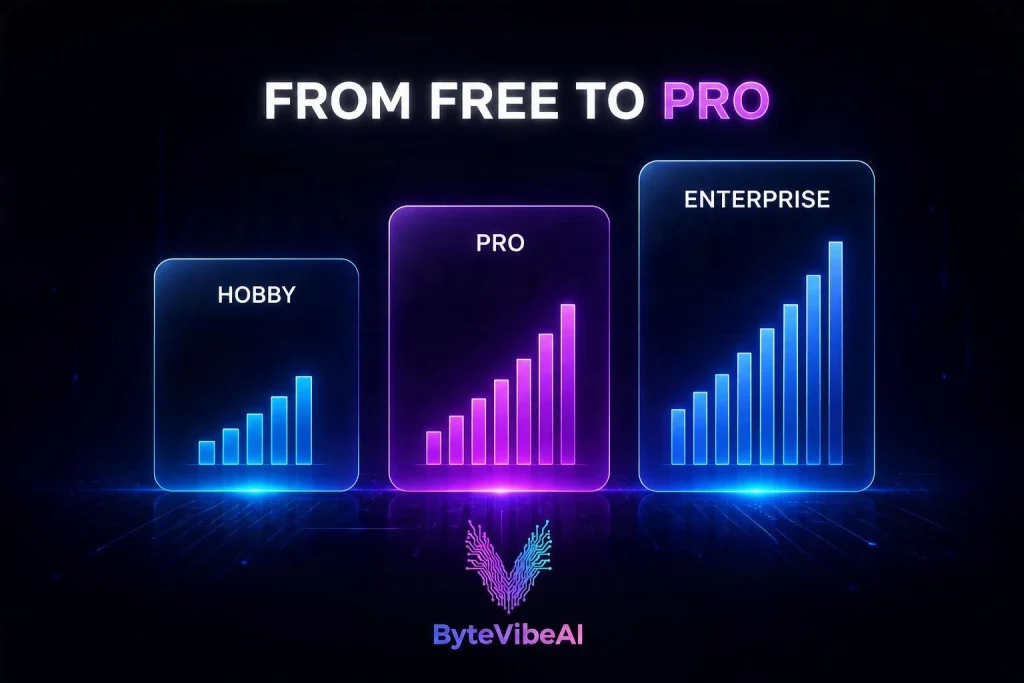
| Pricing Plans | $0 (Hobby), $30/org/mo (Pro), From $250/mo (Enterprise) |
| Adoption Scale | Self-reported by NitroStack: 142K+ deployments and 12M requests. GitHub: about 2.5K stars |
| Best For | Engineering teams shipping custom MCP tools |
| Skip If | You only need prebuilt, no-code integrations |
Short Verdict: NitroStack Review 2026 is worth a trial if you are building production-grade MCP servers that end-users depend on. The free Hobby tier (30K requests a month) is enough to test a setup, but its 3 to 6 second cold starts make it a poor fit for live traffic. The Pro plan removes cold starts.
What Is NitroStack MCP and What Problem Does It Solve?
MCP is a unified protocol for AI models to call external tools safely. While writing a local demo server takes an afternoon, running one in production requires authentication, schema validation, testing UI, and reliable infrastructure.
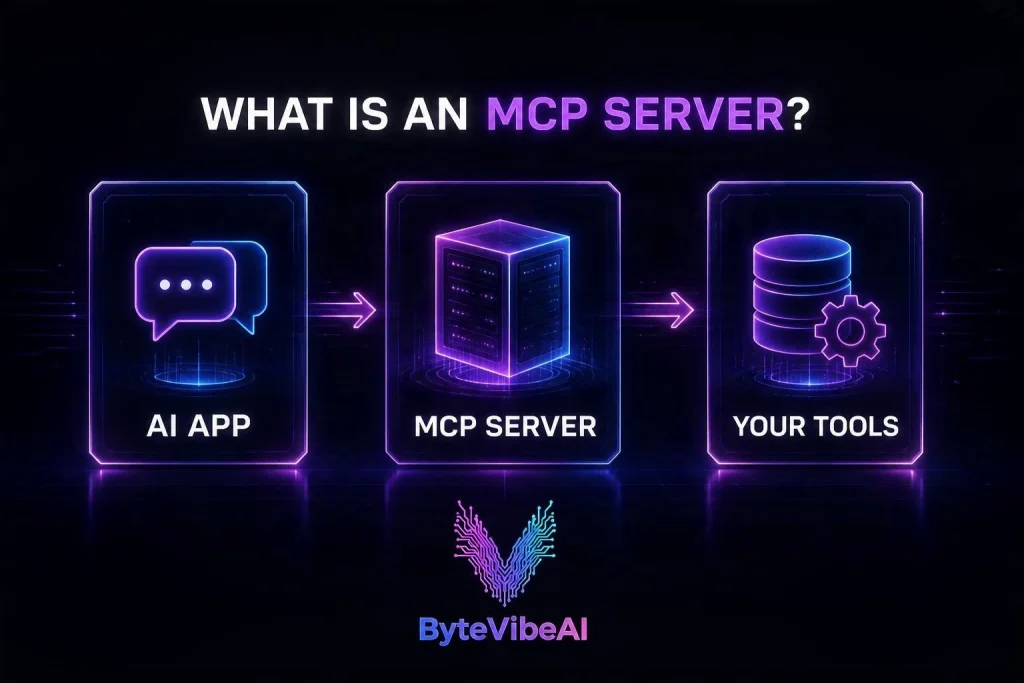
NitroStack Review 2026 puts those pieces in one place. The hard part of an MCP server isn’t the demo. It’s the login, the input checks, the testing, and hosting that doesn’t fall over under real traffic. NitroStack is aimed at teams that want to turn their own backend APIs into custom MCP tools, rather than use ready-made connectors.
If you want to see MCP working from the user’s side, read our Kai AI review to explore how an executive assistant handles calendar and email tools via MCP integration.
The 4 Core Components of NitroStack
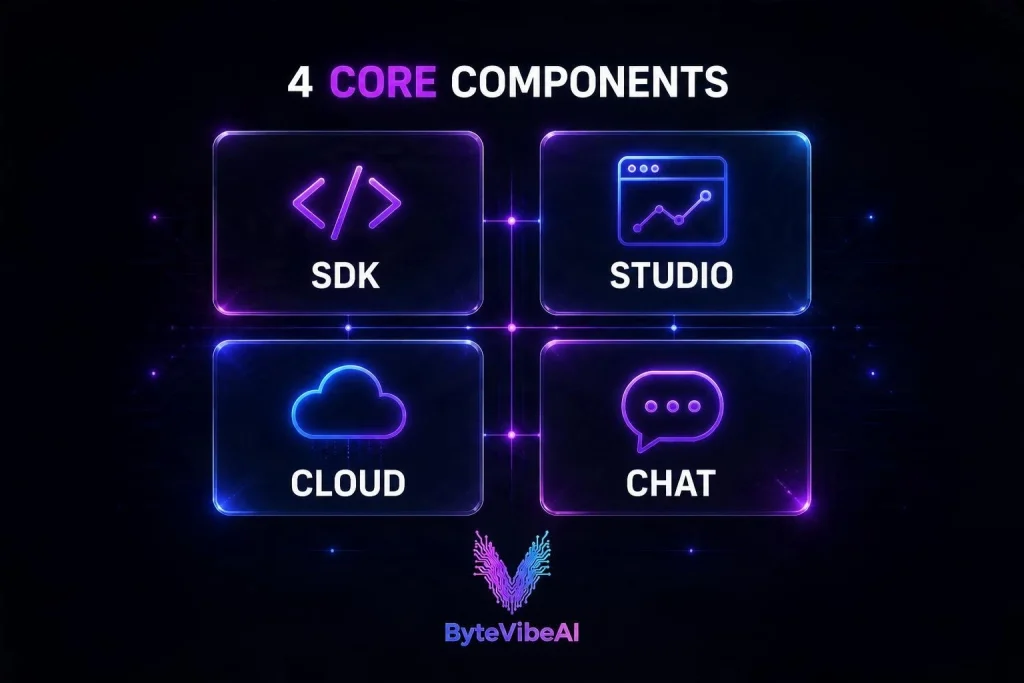
1. NitroStack SDK
The open-source SDK is TypeScript-first (requiring Node.js 20.18+). Setting up a project takes a single terminal command:
npx @nitrostack/cli init my-server
Tools, resources, and prompts are defined using clean decorators, with Zod handling runtime input validation. The framework includes dependency injection, middleware pipelines, and built-in JWT, OAuth 2.1, and API key authentication.
TypeScript is the main SDK. NitroStack has also announced a Python SDK, and the docs list Go and Rust as coming soon
import { McpApp, Module, ToolDecorator as Tool, z, ExecutionContext } from '@nitrostack/core';

@McpApp({
  module: AppModule,
  server: { name: 'my-server', version: '1.0.0' }
})
@Module({ imports: [] })
export class AppModule {}

export class SearchTools {
  @Tool({
    name: 'search_products',
    description: 'Search the product catalog',
    inputSchema: z.object({
      query: z.string().describe('Search query'),
      maxResults: z.number().default(10)
    })
  })
  async search(input: { query: string; maxResults: number }, ctx: ExecutionContext) {
    ctx.logger.info('Searching products', { query: input.query });
    return { query: input.query, results: [] };
  }
}
2. NitroStudio Visual Testing
NitroStudio is a desktop testing app available for macOS, Windows, and Linux. It connects directly to your local MCP server over standard transport mechanisms, functioning as a visual inspector and client emulator.
NitroStack’s homepage also promotes building MCP apps from a text prompt. I haven’t tried it, so treat that as a vendor claim for now.
- Tool Testing & Hot Reload: Real-time inspection of schema parameters.
- Ops Canvas: Graphical trace mapping showing tool execution order and latency.
- Voice & Widgets: Support for ElevenLabs text-to-speech rendering and React widget previews.
3. NitroCloud Hosting
NitroCloud provides native serverless hosting for your MCP builds. You can deploy directly via CLI using NitroStack Review 2026 deploy.
Cold start behavior depends on your active tier:
- Hobby Plan: Scaled-to-zero instances experience 3 to 6 second cold starts.
- Pro Plan: Includes an always-on instance to eliminate latency spikes completely.
4. NitroChat
NitroChat is an optional, white-label client compatible with OpenAI endpoints. It connects over Server-Sent Events (SSE) to deliver a branded chat UI with built-in rate limiting and security guards.
NitroCloud Pricing Breakdown & Overage Math
| Plan Tier | Pricing | Included Limits & Features |
| Hobby | $0 / month | 30K requests/mo, 30 RPM limit, 3-6s cold starts |
| Pro | $30 / org / month | 300K requests/mo, 0s cold starts, custom domains |
| Enterprise | From $250 / month | Dedicated nodes, 99.9% SLA, RBAC, custom limits |
Pricing last checked on October 18, 2026
Two things to know: overage billing on Pro only works if you turn on usage-based billing, and beyond 10M extra requests you have to talk to NitroStack. On Hobby there’s no overage at all. Requests stop at the limit.
Understanding the Overage Economics
Beyond the included 300K requests on the Pro plan, NitroCloud charges $0.10 per 1,000 additional requests:
- 1 Million Requests: Costs ~$100/mo ($30 base + $70 overage).
- 2.5 Million Requests: Costs ~$250/mo, making the At around 2.5M requests a month, Pro costs about the same as Enterprise’s $250 starting price. That’s the point to look at Enterprise, but for the dedicated nodes and SLA, not just the price.
NitroStack vs Custom MCP Self-Hosting
| Production Requirement | NitroStack Ecosystem | Custom Build (Cloud Run / AWS) |
| Tool Schema & Validation | Decorators + Zod | Manual Zod / JSON Schema wiring |
| Authentication | Built-in JWT, OAuth 2.1, API Keys | Custom Middleware / Auth0 setup |
| Debugging & Inspector | NitroStudio Ops Canvas | Logging services / MCP Inspector |
| Hosting Infrastructure | NitroCloud CLI | Terraform / Docker / Serverless |
Pros and Cons of NitroStack
Pros
- Open source core: the SDK is Apache 2.0, so you’re not fully locked in.
- Cleaner code: TypeScript decorators and Zod keep routing and validation tidy.
- Good test tooling: NitroStudio’s Ops Canvas shows where a tool call is slow.
- No surprise bills on Hobby: it stops at the limit instead of charging you.
Cons
- Very new: there are few independent reviews or benchmarks yet.
- Slow cold starts on Hobby: 3 to 6 seconds on the free tier.
- Costs climb at scale: overage adds up quickly past 1M requests.
- Most adoption numbers are self-reported by NitroStack.
- Go and Rust SDKs are still listed as “coming soon”.
- Hobby has a hard stop at the limit, with no overage option.
Frequently Asked Questions (FAQ)
Is NitroStack fully open source?
The SDK, CLI tools, and widget primitives are open source under Apache 2.0 on GitHub. NitroCloud and NitroStudio operate as proprietary services.
How does NitroCloud eliminate cold starts?
The Pro tier maintains at least one warm instance continuously running, avoiding scale-to-zero delays.
What counts as a request on NitroCloud?
Any single HTTP call to your MCP server counts, including tool calls and completion calls. Requests are counted when they arrive, so retries count separately. Requests that return HTTP 429 don’t count toward your quota.
What Happens When You Hit the Request Limit?
On Hobby, requests stop at the limit because there’s no overage. On Pro, extra requests are billed at $0.10 per 1,000 if usage-based billing is turned on.
Final Verdict: Should You Switch to NitroStack in 2026?
Our NitroStack review 2026 comes down to this: it’s a promising option if you want to build and host custom MCP servers without wiring up auth, testing, and hosting yourself. It’s also very new, and I haven’t run production traffic on it, so this verdict rests on its docs and pricing.
- Try NitroStack if: You are building commercial MCP servers from existing web APIs and want integrated authentication, local testing, and instant deployment.
- Build custom if: You already maintain robust Kubernetes or Cloud Run pipelines and want zero extra abstraction layers.
Want More Practical AI Tips?
- GenPage 3.0 Review (2026): Is This Best AI Landing Page Builder Worth It?
- Best Free AI Headline & Meta Description Generators for Higher CTR
Tractionwave AI Review: Best Free AI Heatmap Tool for Ad Creatives (2026)- AI Knowledge Base for Customer Support: 5 Free Tools to Build Yours
Visit ByteVibeAI for beginner-friendly guides, honest tool reviews, and step-by-step tutorials designed to help you work smarter, save time, and keep your data safe.