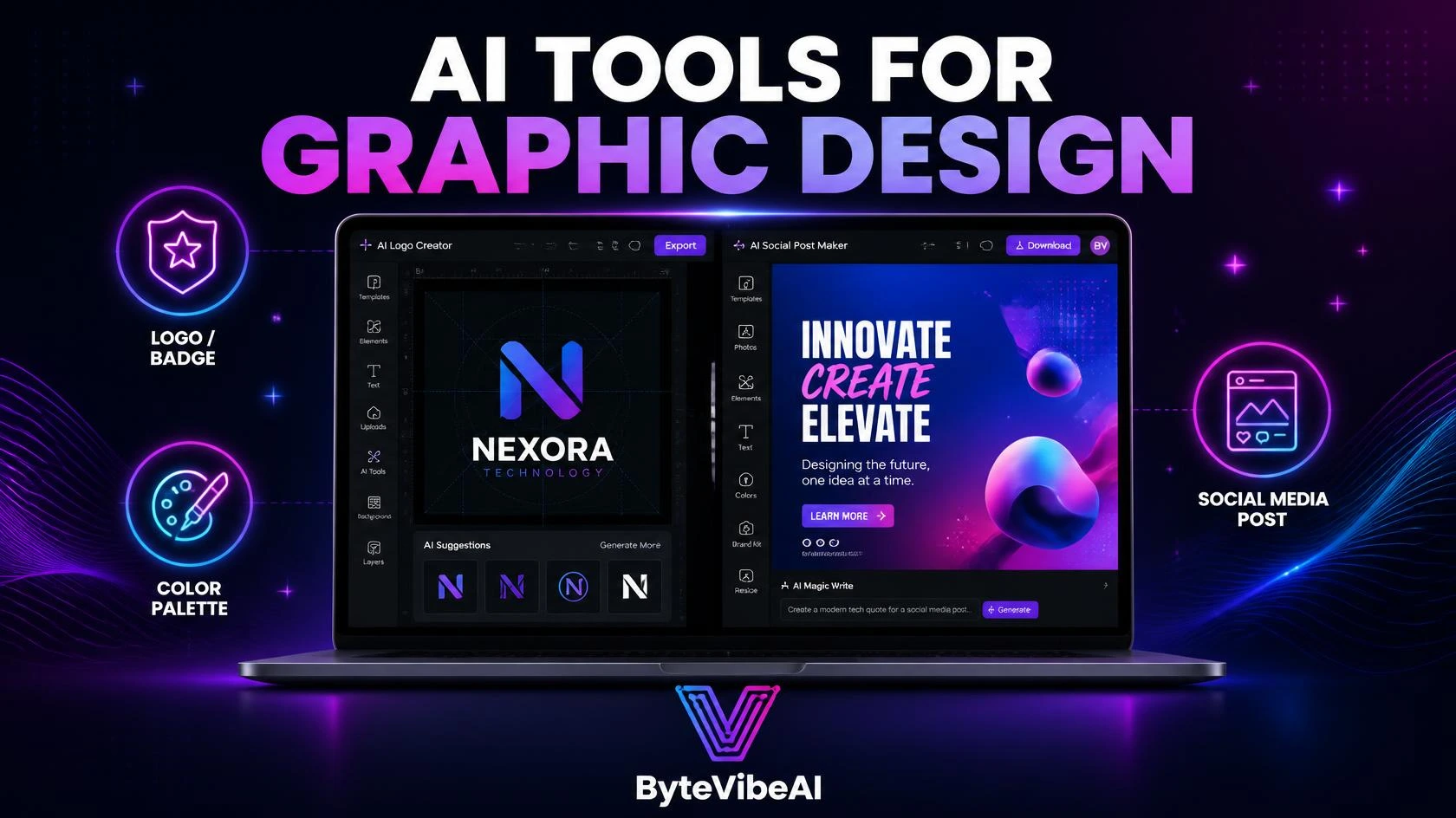
Best Free AI Tools for Graphic Design to Create Logos and Social Media Posts
Hiring a designer for every logo tweak or social media graphic adds up fast, especially when you’re just getting a brand off the ground. Most small businesses and creators simply don’t have that budget in the early stages.
AI tools for graphic design have closed that gap. Describe what you need, pick a style, and a usable design appears in minutes instead of days.
This guide covers five free AI tools for graphic design that handle both logo creation and social media graphics well. Whether you’re launching a new brand, running a YouTube channel, or managing social accounts for a small business, one of these will fit right into your workflow.
Quick answer: Canva is the best all-round pick for logos and social media posts. If you only need a logo, Looka is a better fit. For a fast one-off graphic, Microsoft Designer is the easiest.
Why AI Tools for Graphic Design Are Worth Trying
Design used to require either real skill or a real budget. AI tools for graphic design have made a decent starting point available to almost anyone.
These tools typically help you:
- Generate logo concepts without sketching a single shape yourself.
- Create branded social media posts in the right size for every platform.
- Keep colors and fonts consistent across every design you make.
- Go from idea to finished design in minutes, not days.
A generated logo or post is rarely the final answer. But it gives you a strong starting point to refine instead of staring at a blank canvas.
If you also need pictures for your blog posts, try these free AI image generators for blog visuals.
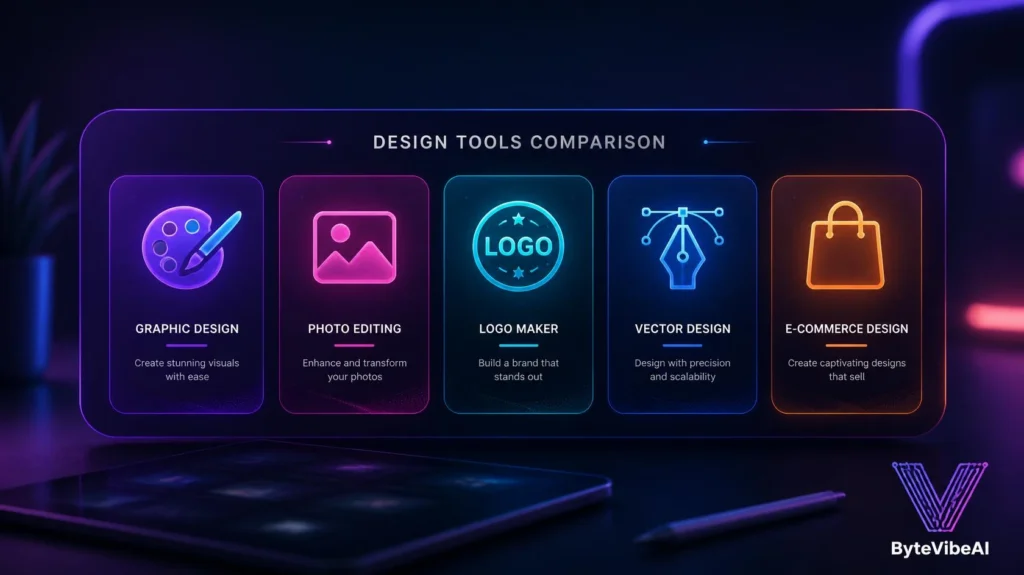
Quick Overview of the 5 Tools
🎨 Canva
- Best For: All-in-one logo and social media design.
- Free Plan: ✅ Available
🖼️ Adobe Express
- Best For: Quick, polished graphics with Adobe quality.
- Free Plan: ✅ Available
🔤 Looka
- Best For: Dedicated AI logo generation and branding.
- Free Plan: ✅ Available (preview free, download paid)
🖌️ Microsoft Designer
- Best For: Fast AI-generated social graphics.
- Free Plan: ✅ Available
🛍️Shopify Logo Maker (Formerly Hatchful)
- Best For: Quick logos built specifically for small businesses.
- Free Plan: ✅ Available
How We Selected These Tools
The AI design space is crowded, and a lot of “free” tools lock the actual download behind a paywall.
The tools below were chosen based on:
- A free plan that lets you create and export usable designs
- Support for both logo work and social media graphics
- Ease of use for people without a design background
- Consistent, professional-looking output
- Clear brand kit or color consistency features
We skipped tools where the free plan only offered a preview with no real way to use the final design.
1. Canva
Canva remains the most complete option on this list because it handles logos, social posts, presentations, and everything in between inside one editor.
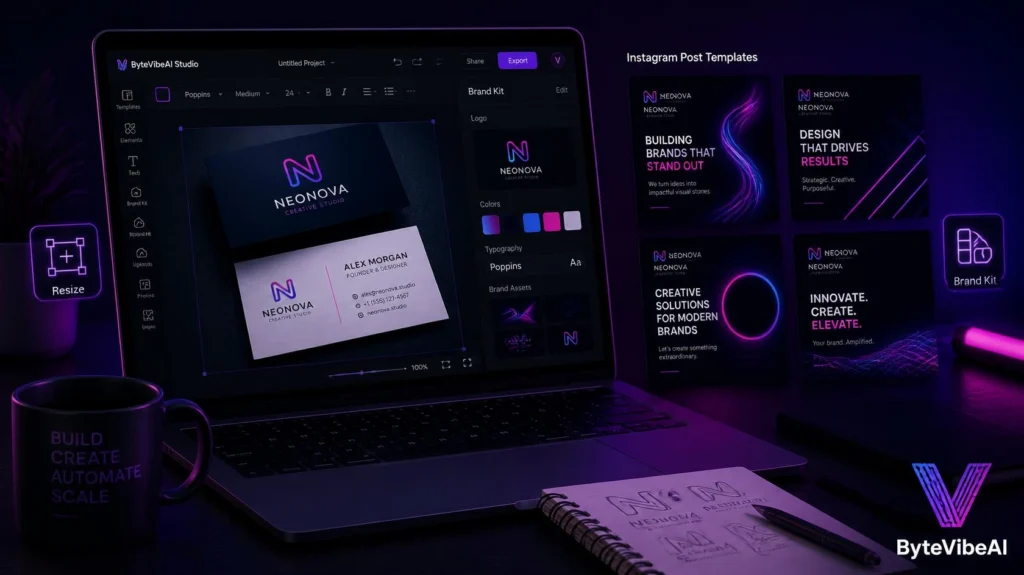
I built a logo and matched it to a set of Instagram templates in the same session, without switching tools once.
Key Features
- AI logo generator with instant style variations
- Massive library of social media templates
- Brand Kit for consistent colors and fonts across designs
- One-click resizing for every major platform
Pros
- One tool covers both logos and ongoing social content
- Extremely beginner-friendly drag-and-drop editor
- Free plan is genuinely usable for regular design work
Cons
- Logo trademark registration requires a paid plan
- Advanced brand controls are limited on the free tier
Best For: Small businesses and creators who want one tool for both branding and everyday social graphics.
2. Adobe Express
Adobe Express brings Adobe’s design quality into a simplified, beginner-friendly editor, without needing Photoshop or Illustrator experience.
It works well for anyone who wants a more polished, premium feel without a steep learning curve.
Key Features
- AI-generated logo and graphic suggestions
- Access to Adobe’s stock photo and font library
- Templates sized for every major social platform
- Simple drag-and-drop editing
- Quick Actions for common design tasks
Pros
- Clean, professional output by default
- Useful if you already use other Adobe tools
- Fast template-based workflow
Cons
- Smaller template library compared to Canva
- Some premium assets require a paid plan
Best For: Creators who want Adobe-quality design without learning the full Creative Cloud suite.
3. Looka
Looka focuses entirely on logo design and branding, which makes it a stronger choice than general design tools when a logo is the main priority.
Answer a few questions about your industry and style, and it generates a full set of logo concepts to choose from.
Key Features
- AI logo generation based on industry and style preferences
- Automatic brand kit with matching colors and fonts
- Business card and social media asset templates
- Multiple logo variations per generation
- Vector file downloads on paid plans
Pros
- Logo quality is noticeably stronger than general-purpose tools
- Fast, guided process for people with no design background
- Generates a full brand kit, not just a single logo
Cons
- Free plan only allows previewing, not downloading the final logo
- Less useful once you need ongoing social media content
Best For: New businesses that need a strong, dedicated logo before building out the rest of their brand.
4. Microsoft Designer
Microsoft Designer generates social media graphics quickly from a simple text prompt, without requiring a template to start from.
It’s a solid pick when you need a one-off graphic fast and don’t want to browse through a template library first.
Key Features
- Text-to-design generation from a single prompt
- Multiple design variations per request
- Free stock images and icons included
- Direct resizing for social media formats
- No separate app download needed
Pros
- Free to use without a paid subscription
- Very fast from prompt to finished design
- No steep learning curve
Cons
- Less suited for dedicated logo design work
- Fewer brand consistency tools than Canva or Looka
Best For: Social media managers who need quick, one-off graphics without building a full brand kit.
5. Shopify Logo Maker
Shopify Logo Maker (formerly Hatchful) focuses specifically on logo creation for small businesses, with a quick question-based process to guide you.
It also optimizes your logo automatically for different social media profile sizes once it’s generated.
Key Features
- Guided logo generation based on industry and style
- Automatic sizing for social media profile images
- Multiple logo style options per session
- Free to create and customize
- Simple, beginner-focused interface
Pros
- Free to create and customize
- Fast, guided process with clear steps
- Social media sizing handled automatically
Cons
- Template variety is more limited than Canva or Looka
- Fewer customization options after generation
Best For: Small business owners who want a genuinely free logo without extra design software.
Expert Tips for Better AI Graphic Design
A few small habits made a real difference once I started using these tools regularly:
- Generate several logo variations before picking a direction, even if the first one looks decent.
- Save your brand colors and fonts as soon as you settle on them, then reuse them everywhere.
- Resize every graphic properly for the platform it’s going on instead of using one size for all.
- Keep text minimal on social graphics. A cluttered design loses attention fast.
Common Mistakes to Avoid
Even the best AI tools for graphic design can’t fix a rushed process. Watch out for these common issues:
1. Publishing the First Generated Logo
The first result is a starting point, not a final decision. Generate a few options and compare them side by side.
2. Ignoring Platform Size Requirements
A logo or post that looks great on Instagram can get cropped badly on LinkedIn. Try sticking to:
- Square format for Instagram and Facebook profile images
- Landscape format for LinkedIn and Twitter/X banners
- Vertical format for Instagram and TikTok posts
3. Skipping Brand Consistency
Switching colors or fonts between posts makes a brand harder to recognize over time.
4. Overcomplicating the Logo
A logo packed with too many details rarely works well when scaled down to a small profile icon. Simple designs age better.
Frequently Asked Questions
Which free tool is best for creating a logo?
Looka and Shopify Logo Maker (Hatchful} are both built specifically for logo design, while Canva works well if you also need ongoing social media graphics afterward.
Can I use these AI-generated designs commercially?
Many tools allow commercial use, but the rules differ. Looka, for example, requires a paid download for the final logo file, so check each tool’s terms first.
Do I need design experience to use these tools?
No. All five tools are built for people with no design background, with Canva and Shopify Logo Maker (Hatchful) being the easiest starting points.
Is there a free AI logo generator with no watermark?
It depends on the tool. Some let you download a logo for free, while others, like Looka, charge for the final file. Check the tool’s current free plan before you start.
Which AI tool is best for social media posts?
Canva and Microsoft Designer are the easiest options. Canva has more templates, while Microsoft Designer is faster for one-off graphics.
Can I use an AI-generated logo for my business?
Usually yes, but read each tool’s license terms first. If you plan to register your logo as a trademark, confirm the rules before you commit.
Final Thoughts
AI tools for graphic design have made professional-looking logos and social media graphics realistic for anyone, regardless of budget or design background. What used to take days of back-and-forth with a designer now takes minutes.
Start with one tool that matches your immediate need, whether that’s a logo from Looka or Shopify Logo Maker (Hatchful), or ongoing social content from Canva. Build your brand kit early, and reuse it consistently across every design you create.
You May Also Like
- 👉 How to Create Animated AI Avatars for Reels (Easy 2026 Guide)
- 👉 Top 5 Free AI Video Editing Tools For Beginners And Content Creators
Ready to build your brand? Explore more AI Design guides on ByteVibeAI to discover beginner-friendly tutorials, free AI tools, and practical tips for creating standout visuals.