How to Fix Distorted Hands and Fingers in AI Video Easy Guide (2026)
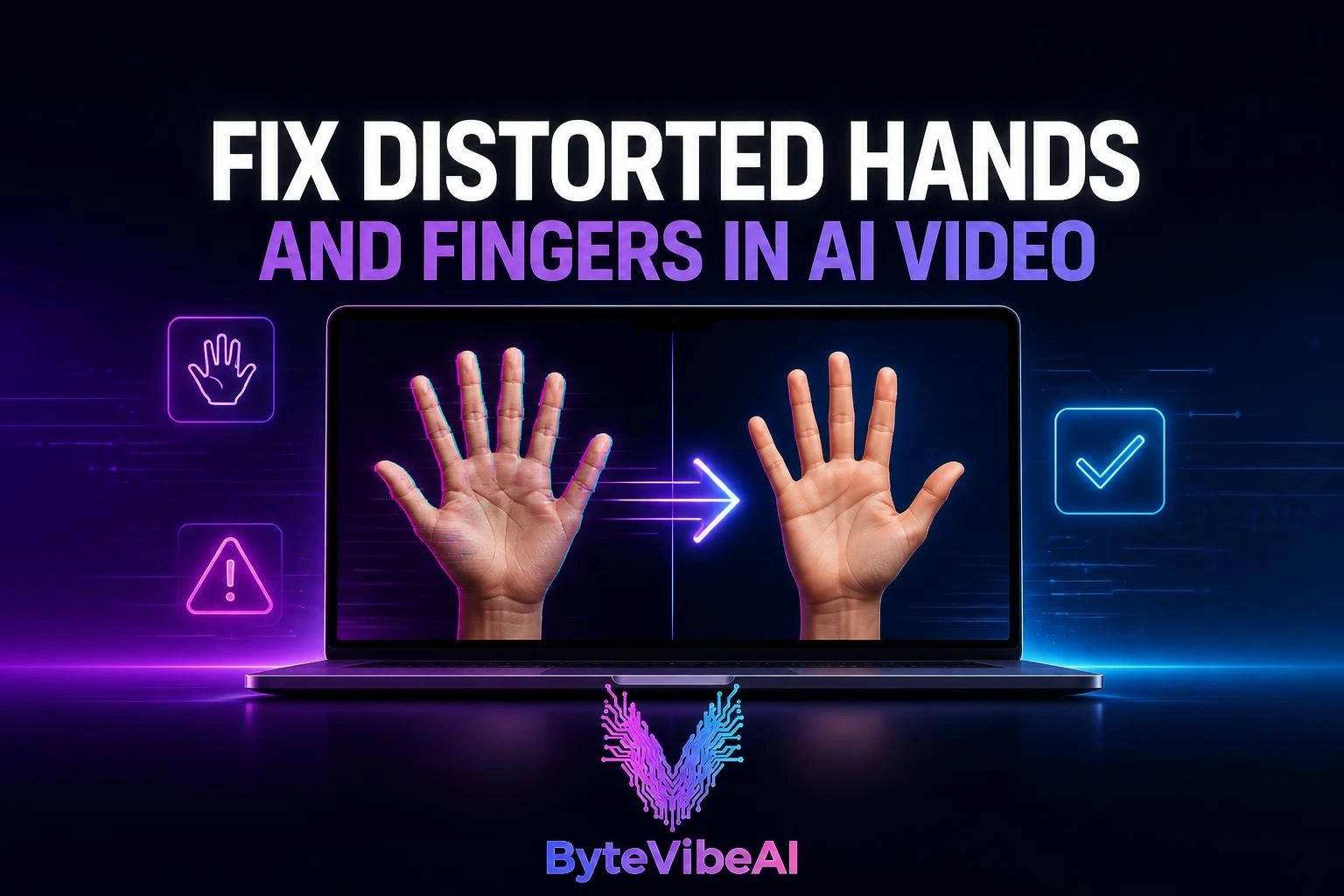
Knowing how to fix distorted hands and fingers is one of the hardest parts in AI video creation. A hand that looks almost fine in frame one can grow an extra finger by frame three, or fuse into a strange shape the moment it moves. If you’ve ever had to scrap an otherwise perfect AI video clip because of a warped hand, you already know how frustrating this is.
Most guides on this topic focus on fixing hands in still images, and that advice doesn’t translate cleanly to video. A hand only has to hold still in a photo. In a video, it has to stay correct across dozens of changing frames, which is a much harder problem for any AI model to solve consistently.
This guide focuses specifically on how to fix distorted hands and fingers in AI video, covering both prevention during generation and repair after the clip is already made.
Why Hands and Fingers Distort So Often in AI Video
Before learning how to fix distorted hands and fingers in AI video, it helps to understand why this specific body part causes so much trouble.
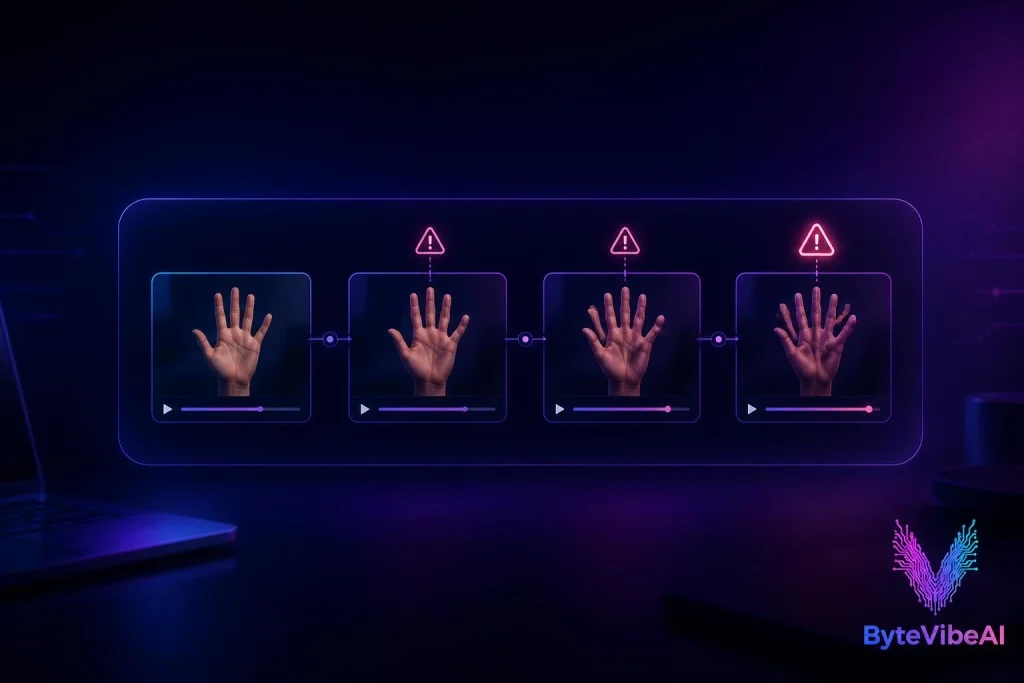
Hands are complex, high-detail shapes with many small, moving joints. Most AI video models were trained on far more face and body data than close-up hand data, so the model has a weaker internal understanding of exactly how fingers should bend, overlap, and connect to the palm. Add motion into the mix, and the model has to recalculate that uncertain shape in every single frame, which is exactly where visible errors creep in.
The most common triggers include:
- Hands that are small or partially visible in the frame, giving the model less detail to work with.
- Fast or complex hand movement, like clapping, waving, or gesturing.
- Hands interacting with objects, which adds overlapping shapes the model has to track.
- Long clips, which give distortion more time to build up frame by frame.
- Reference images where the hands were already slightly unclear or partially hidden.
How to Fix Distorted Hands and Fingers in AI Video: Prevention Steps
The most reliable way to fix distorted hands and fingers in AI video is to prevent the distortion before it happens. These steps address the problem at the generation stage, which is far easier than repairing a finished clip.
Use a Reference Image With Clear, Visible Hands
If your tool allows a reference image, make sure the hands in it are fully visible, well-lit, and not obscured by objects, hair, or clothing. A reference with unclear hands gives the model a weak starting point that tends to get worse once motion is added.
Keep Hand Movement Simple
Complex gestures, fast clapping, or hands interacting closely with small objects are the most likely scenes to distort. Where possible, keep hand motion slow and simple, especially in early tests with a new model or workflow.
Frame Hands Slightly Smaller or Further From Camera
Close-up hand shots demand more precision from the model than hands visible at a moderate distance. Framing the scene so hands aren’t the dominant focal point reduces how obvious any small distortion becomes.
Use a Negative Prompt Against Hand Errors
Many AI video tools support negative prompting. Including terms like “extra fingers, fused fingers, deformed hand, missing fingers, warped hand” steers the generation away from the most common failure patterns.
Keep Clips Short
Just like with face distortion, hand distortion accumulates over time. A short clip gives the model fewer frames to drift across, which noticeably improves consistency.

How to Fix Distorted Hands and Fingers in AI Video After Generation
Sometimes a clip is otherwise perfect except for one distorted hand moment. Here’s how to fix distorted hands and fingers in AI video without regenerating the entire clip.
Isolate and Regenerate Just the Affected Segment
If your tool supports segment-level regeneration, isolate the specific seconds where the hand distorts and regenerate only that portion, keeping the rest of the clip untouched.
Use a Dedicated AI Video Repair Tool
A newer category of tools now focuses specifically on repairing AI video artifacts, including distorted hands, without regenerating the whole clip from scratch. These tools detect the problem frames and reconstruct the hand while preserving the surrounding motion and lighting.
Crop or Reframe Around the Issue
If the distortion only appears briefly at the edge of the frame, a simple crop or reframe in standard video editing software can sometimes remove the problem entirely without any AI repair step at all.
Blend a Clean Frame Over the Distorted One
For a single bad frame in an otherwise stable clip, manually replacing or blending in a nearby clean frame can resolve the issue faster than any automated tool.
Expert Tips for Better Results
A few habits make a real difference when trying to fix distorted hands and fingers in AI video consistently.
- Test a short, simple hand gesture first before committing to a full scene with complex motion.
- Review the full clip frame by frame if hands are a central part of the shot, not just the first and last frame.
- Keep a library of reference images with clean, well-lit hands for reuse across projects.
Common Mistakes to Avoid
Even with the right process, a few habits consistently make hand distortion worse.
1. Ignoring the Reference Image Quality
A blurry or partially obscured reference image gives the model less to work with, and that weakness shows up the moment the hands start moving.
2. Asking for Too Much Hand Detail in Motion
Requesting intricate hand gestures combined with fast camera movement overloads the model with too many variables to track at once.
3. Skipping a Full Review Before Publishing
A clip can look fine in a quick preview but reveal distortion on closer viewing. Always review scenes with visible hands at full speed and in a few individual frames before publishing.
Frequently Asked Questions
Why do hands distort more than faces in AI video?
Hands have more small, moving joints and were generally underrepresented in training data compared to faces, which makes them structurally harder for most AI video models to render consistently across frames.
Can I fix distorted hands and fingers in AI video without regenerating the whole clip?
Yes. Many workflows allow isolating just the affected segment for regeneration, and dedicated AI video repair tools can reconstruct a distorted hand while keeping the rest of the clip untouched.
Does clip length affect how often hands distort?
Yes. Distortion tends to accumulate over time, so shorter clips generally show fewer hand errors than longer, continuous shots.
Is this problem specific to one AI video tool?
No. Hand distortion is a common structural challenge across most AI video models, since it stems from how difficult hands are to render consistently rather than a flaw unique to any single platform.
Final Thoughts
Learning how to fix distorted hands and fingers in AI video comes down to two things: reducing the chances of distortion during generation, and having a reliable way to repair it afterward without starting over. A clear reference image, simple hand motion, and a short clip length solve most of the problem before it even appears.
When distortion still shows up despite your best prevention steps, isolating the affected segment or using a dedicated repair tool is far more efficient than regenerating an entire clip from scratch.
Hands may remain one of the harder challenges in AI video for a while longer, but with the right workflow, they stop being a reason to throw out an otherwise great clip.
You May Also Like
If you enjoyed this guide, you may also find these articles helpful:
- How To Fix AI Video Face Distortion & Character Drift (Step-By-Step Guide)
- 5 Best Free AI Video Generators For TikTok & Instagram Reels
- How to Create Animated AI Avatars for Reels (Easy 2026 Guide)
- 5 Best Free AI Image Upscalers To Fix Low-Resolution Photos
Call To Action
Ready to fix your next AI video clip? Explore more AI Design guides on ByteVibeAI to discover beginner-friendly tutorials, free AI tools, and practical tips for creating standout content.