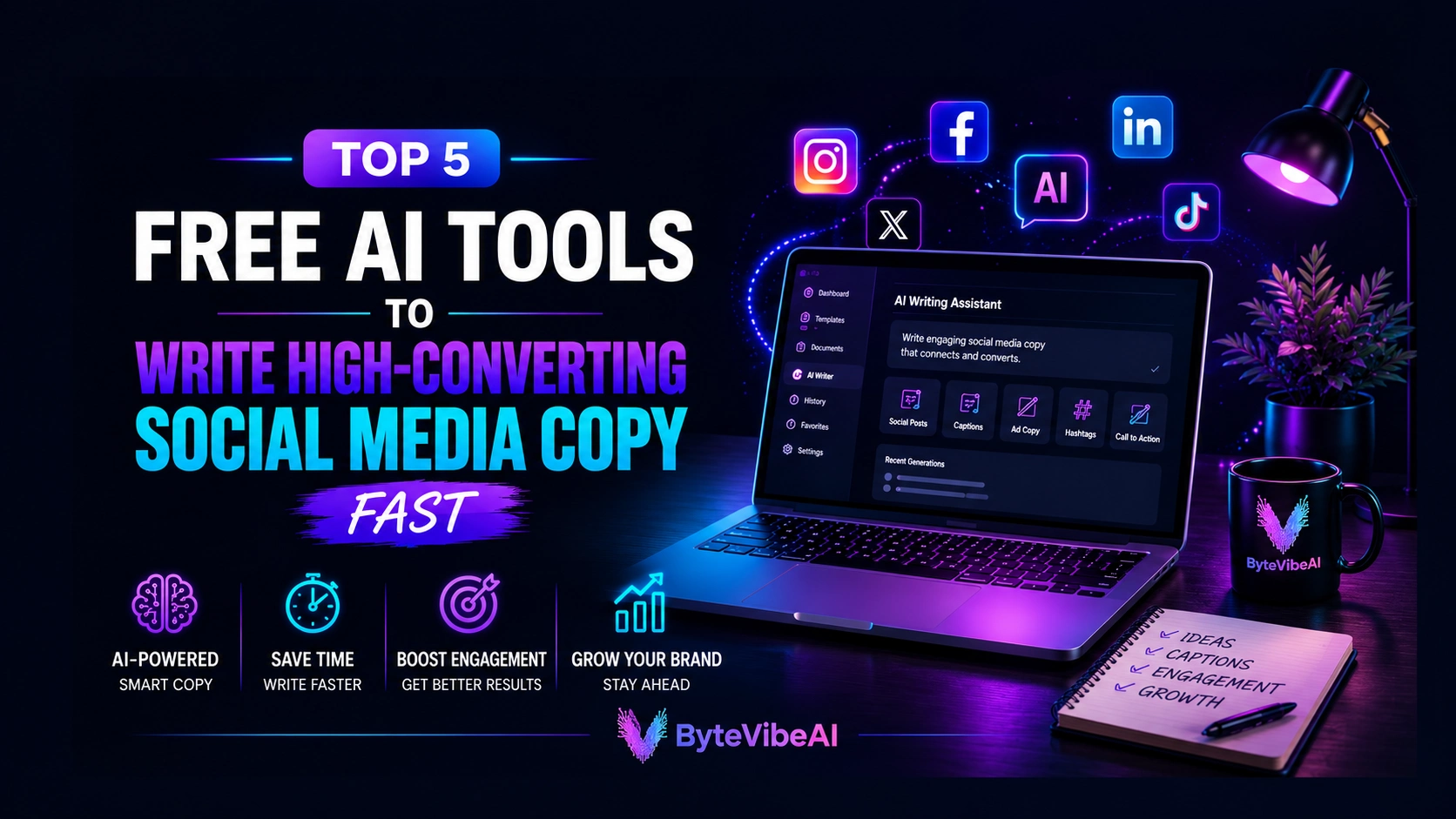
Top 5 Free AI Tools For Social Media Copy To Write High-Converting Posts Fast (2026)
Finding the best free AI tools for social media copy to write great content every day isn’t always easy. One post might take just a few minutes, while another can leave you staring at a blank screen for half an hour. When you’re managing multiple platforms, staying creative and consistent becomes even more challenging.
That’s where AI writing tools can make a real difference. They can help you generate fresh ideas, write engaging captions, improve your marketing copy, and save valuable time without replacing your own creativity.
In this guide, we’ll look at five free AI tools that can help bloggers, freelancers, marketers, small business owners, and content creators write better social media copy. We’ll compare their strengths, highlight their limitations, and help you choose the one that fits your workflow.
Why You Need Free AI Tools for Social Media Copy
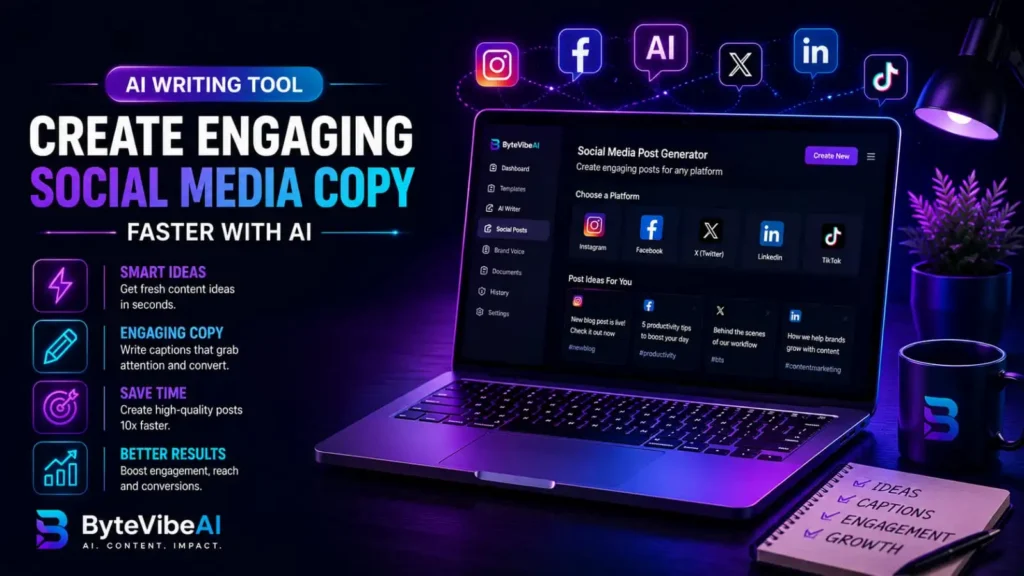
Creating attractive graphics is important, but the words you use often determine whether someone stops scrolling or keeps moving. Using free AI tools for social media copy helps you write engaging posts much faster and saves valuable time.
Strong social media copy helps you:
- Capture attention in the first few seconds.
- Encourage likes, comments, and shares.
- Drive more traffic to your website.
- Build trust with your audience.
- Increase conversions over time.
Good copy doesn’t need to be complicated. Clear, simple, and relevant messages usually perform better than overly promotional content.
Quick Overview of the 5 Tools
🤖 ChatGPT
Best For: Brainstorming ideas and writing captions.
Free Plan: ✅ Available
✍️ Grammarly
Best For: Improving grammar, clarity, and tone.
Free Plan: ✅ Available
🚀 Copy.ai
Best For: Marketing copy and promotional posts.
Free Plan: ✅ Available
💡 Rytr
Best For: Short-form content and quick social media posts.
Free Plan: ✅ Available
⚡ Writesonic
Best For: Creating engaging marketing content and ad copy.
Free Plan: ✅ Available

How We Selected These Tools
Hundreds of AI writing tools are available today, but not all of them are suitable for beginners or people working with a limited budget.
The tools in this list were selected based on several important factors:
- Free plan availability
- Ease of use
- Quality of generated content
- Speed and reliability
- Features for social media writing
- Overall value for bloggers and freelancers
Rather than choosing tools with the most features, we focused on those that are practical, easy to learn, and capable of helping users create better social media content without a steep learning curve.
1. ChatGPT
ChatGPT has become one of the most popular AI writing tools for creating social media content. It’s especially useful when you need fresh ideas, engaging captions, or different ways to present the same message.
Instead of spending time thinking about what to post, you can use it to brainstorm ideas and create a strong first draft. After that, you can edit the content to match your brand’s voice and audience.
Key Features
- Generates captions for different social media platforms
- Creates content ideas in seconds
- Helps write promotional posts
- Suggests multiple headline variations
- Supports different writing tones
Pros
- Free plan available
- Easy for beginners
- Fast content generation
- Great for brainstorming
- Works for multiple content type
Cons
Content should always be reviewed before publishing
Sometimes responses need extra editing to match your brand style
Best For:
Bloggers, freelancers, marketers, and beginners looking for fresh content ideas.
2. Grammarly
Writing a great caption is only part of the job. Grammar mistakes, awkward sentences, and unclear wording can reduce the impact of your content.
Grammarly helps improve readability by checking grammar, punctuation, spelling, and sentence clarity before you publish your posts.
Key Features
- Grammar correction
- Spelling checker
- Tone suggestions
- Readability improvements
- Browser extension
Pros
- Free version available
- Very beginner-friendly
- Improves writing quality
- Works across many websites
Cons
- Advanced suggestions require a premium plan
- Doesn’t generate complete marketing content
Best For:
Anyone who wants cleaner, more professional social media posts.
3. Copy.ai
Copy.ai focuses on marketing content and is particularly useful for writing promotional posts, product descriptions, ad copy, and social media campaigns.
Its templates make it easier to create content quickly, even if you’re new to copywriting.
Key Features
- Social media templates for quick campaign creation
- Product descriptions tailored for e-commerce
- Promotional copy and ad text generators
- Marketing headlines designed for high conversion
- Multiple writing styles and custom brand tones
Pricing
- Free Plan: Available with basic features and word limits.
- Chat Plan: $29/month (billed monthly) — Includes 5 seats, unlimited words in chat, unlimited chat projects, and direct access to top AI models like OpenAI, Anthropic, and Gemini.
Pros
- Clean, beginner-friendly interface
- Fast content generation for daily marketing tasks
- Rich library of useful marketing templates
- Saves hours of manual drafting time
Cons
- Free plan has feature and word count limitations
- Generated content often requires human editing for best tone
Best For:
Small business owners, digital marketers, and freelancers creating promotional content and social media copy.

4. Rytr
Rytr is designed for writers who need short-form content quickly. Whether you’re creating Instagram captions, Facebook updates, LinkedIn posts, or X (Twitter) content, it helps speed up the writing process.
Its simple interface makes it a good choice for beginners who don’t want a complicated workflow.
Key Features
- Caption generation
- Multiple writing tones
- Short-form content
- Quick content creation
- Easy-to-use dashboard
Pros
- Free plan available
- Lightweight interface
- Quick content generation
- Beginner-friendly
Cons
- Fewer advanced features than some competitors
- Longer content may require additional editing
Best For:
Freelancers, students, and creators writing short social media posts.
5. Writesonic
Writesonic combines AI writing with marketing-focused features, making it useful for social media content, ad copy, blog introductions, and promotional campaigns.
It’s a practical option for people who regularly create content across multiple platforms.
Key Features
- Social media content
- Marketing copy
- Blog introductions
- Ad copy
- Multiple content templates
Pros
- User-friendly interface
- Good content quality
- Time-saving templates
- Suitable for beginners
Cons
- Free usage has limits
- Some outputs may need personalization
Best For:
Content creators, marketers, bloggers, and business owners managing multiple social platforms.
Expert Tips for Better Social Media Copy
- Focus on one message in each post.
- Test different writing styles to see what your audience responds to
Keep your captions clear and easy to read. - Start with a strong opening sentence.
- Include a simple call to action when appropriate.
- Edit AI-generated content before publishing.
Common Mistakes to Avoid
Even the best AI writing tools can’t guarantee great results if they’re used without a clear strategy. Avoid these common mistakes to create social media content that connects with your audience.
1. Posting Without Editing
AI can generate content quickly, but every post should be reviewed before publishing. Check grammar, clarity, and make sure the message matches your brand’s voice.
2. Writing the Same Type of Caption Every Time
Using the same style for every post can make your content feel repetitive.
Try mixing:
- Educational posts
- Promotional posts
- Questions
- Tips
- Story-based captions
This keeps your audience interested
3. Ignoring Your Audience
A caption that works for one audience may not work for another.
Before publishing, ask yourself:
- Is this useful?
- Is it easy to understand?
- Would my audience find it interesting?
4. Using Too Many Hashtags
- Adding dozens of hashtags doesn’t automatically improve reach.
- Choose only a few relevant hashtags that match your content and audience.
5. Depending Only on AI
AI should help you create content faster, but your own ideas, experiences, and editing are what make your posts unique.
Adding your personal touch helps build trust with your audience.
Frequently Asked Questions
1. Which free AI tool is best for social media captions?
ChatGPT is excellent for brainstorming and writing captions, while Grammarly helps improve grammar and readability before publishing.
2. Can AI help increase social media engagement?
AI can help generate better ideas and improve writing quality, but engagement also depends on your audience, posting schedule, visuals, and consistency.
3. Are free AI writing tools enough for beginners?
Yes. Most beginners can create high-quality social media content using the free versions of these tools before deciding whether they need premium features.
4. Should I edit AI-generated social media posts?
Absolutely. Editing helps ensure the content sounds natural, matches your brand, and communicates your message clearly.
5. Can bloggers and freelancers use these tools every day?
Yes. These tools are especially useful for bloggers, freelancers, marketers, and small business owners who regularly create social media content.
Final Thoughts
Creating engaging social media content doesn’t have to be time-consuming. With the right free AI tools for social media copy, you can brainstorm ideas, write stronger captions, and improve your workflow without sacrificing quality.
The best approach is to treat AI as a creative assistant rather than relying on it to do everything for you. Start with a draft, refine the message, and make sure it reflects your brand and speaks naturally to your audience.
As you continue creating content, you’ll discover which tools fit your workflow best. With consistent practice and thoughtful editing, you’ll be able to produce social media copy that attracts attention and encourages meaningful engagement.
You May Also Like
Explore more beginner-friendly AI Writing guides on ByteVibeAI to discover practical tutorials, free AI tools, and step-by-step tips that help you write with more confidence and create better content.