
Top 7 Must-Have Free AI Chrome Extensions to Save 2 Hours Daily (2026)
Managing daily digital workflows often feels like an endless cycle of opening browser tabs, copying and pasting text, drafting emails, and summarizing lengthy documents. Whether you are a remote professional, freelancer, digital marketer, or entrepreneur, small administrative delays accumulate quickly throughout the workday.
Fortunately, modern browser integrations have simplified daily web interactions. By installing targeted Free AI Chrome Extensions to Save 2 Hours Daily, you can embed intelligent automation directly into your daily web browsing experience.
Instead of navigating back and forth between standalone artificial intelligence platforms, browser extensions allow you to summarize articles instantly, write professional email replies with one click, extract key insights from long videos, and manage research tasks without leaving your active tab.
Why Use AI Chrome Extensions for Daily Work?
The primary advantage of browser-based automation is the elimination of context switching. Every time you switch tabs to look up information, draft a response, or rewrite a paragraph, you interrupt your focus and lose valuable minutes.
Key benefits of integrating smart extensions into your Google Chrome browser include:
- In-line assistance: Access writing, summarizing, and editing capabilities on any webpage.
- Instant tab summaries: Skim long reports, news articles, and research papers in seconds.
- Automated draft generation: Reply to emails and social media inquiries instantly.
- Streamlined research: Extract bulleted insights from YouTube videos and long documents.
- Zero workflow friction: Complete administrative tasks without leaving your current screen.
By assigning repetitive browser tasks to lightweight extensions, you reclaim hours of billable or personal time every single week.
Quick Overview
In this guide, we will review seven powerful Free AI Chrome Extensions to Save 2 Hours Daily designed to speed up your daily online activities.
We will cover:
- Key features of each extension
- Practical daily use cases for maximum time savings
- How to combine extensions into a seamless browser workflow
- Best practices for privacy, security, and browser performance
The 7 Best Free AI Chrome Extensions
Here are the top seven browser extensions to optimize your digital workspace and boost daily productivity.
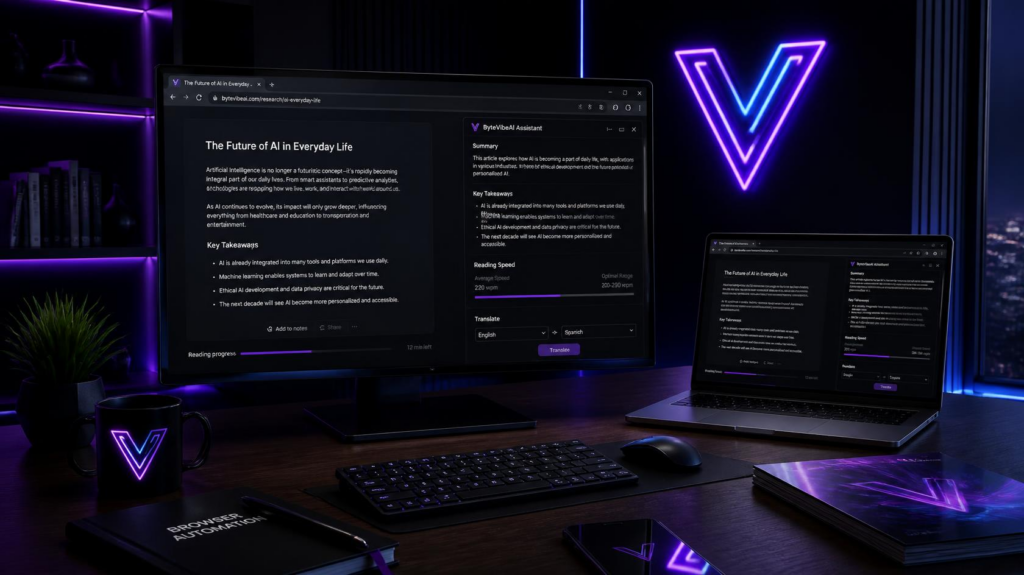
1. SciSpace Copilot – For Instant Web & Research Summaries
Reading through lengthy technical papers, PDFs, and long-form blogs consumes significant research time. SciSpace Copilot functions as an instant reading assistant directly inside your browser.
Key Features:
- Explains complex jargon, math formulas, and technical charts on any webpage.
- Answers custom questions about the article you are currently reading.
- Highlights key conclusions and key takeaways in bullet points.
How It Saves Time:
Instead of reading a 10-page report line by line, you can ask SciSpace Copilot to pull the primary findings, saving up to 30 minutes per research session.
2. Monica – All-in-One AI Sidebar Assistant
Monica is an all-in-one assistant powered by advanced language models that sits conveniently in your Chrome sidebar.
Key Features:
- Triggers an instant popup on any website using a quick keyboard shortcut.
- Summarizes web pages, YouTube videos, and PDF documents.
- Generates written content, translates text into multiple languages, and rewrites paragraphs.
How It Saves Time:
Monica eliminates the need to maintain an open tab for separate chat assistants. You can summarize, translate, or rewrite text instantly on any webpage.
3. ChatGPT Writer – Instant Email & Message Generation
Drafting routine emails, client follow-ups, and customer support messages can take hours every week. ChatGPT Writer integrates directly into email interfaces like Gmail to write complete responses instantly.
Key Features:
- Works seamlessly inside Gmail, Outlook, and web message forms.
- Context-aware drafting based on the previous email thread.
- Allows tone adjustments (e.g., formal, friendly, direct).
How It Saves Time:
Simply type a brief instruction like “Decline politely and offer a meeting next Tuesday,” and the extension generates a complete, professional email response in seconds.

4. YouTube Summary with ChatGPT & Claude (by Glasp)
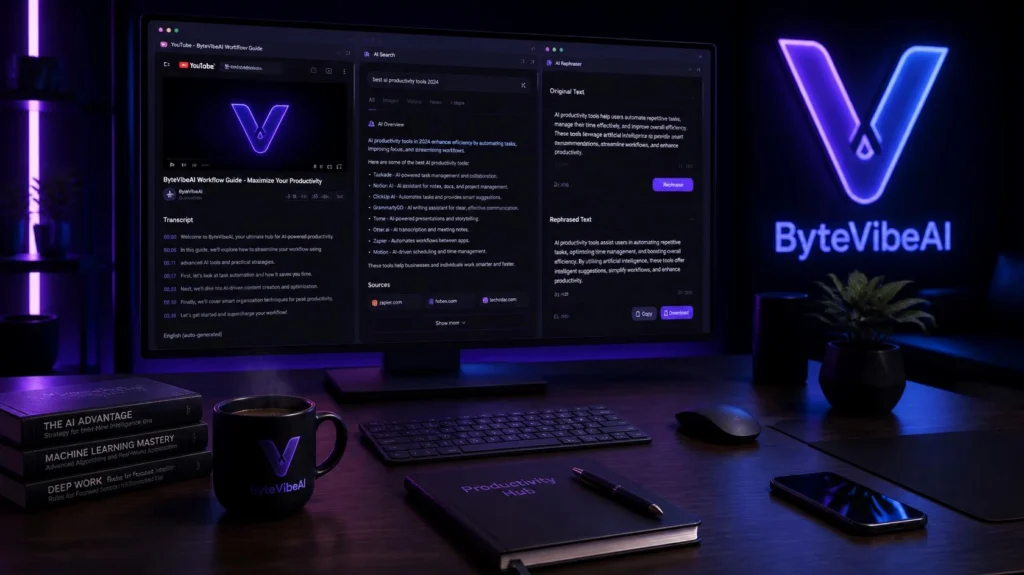
Watching 20-minute video tutorials or webinars just to extract a single piece of information is inefficient. Glasp’s YouTube Summary extension generates instant text transcripts and summaries.
Key Features:
- Displays a full video transcript alongside YouTube videos.
- Generates structured bullet-point summaries with time-stamps.
- Allows one-click copying of video transcripts for research notes.
How It Saves Time:
You can skim the generated text summary in 30 seconds to decide if the video contains the specific answer you need, avoiding unnecessary watch time.
5. Wordtune – Real-Time Sentence Rewriting & Polishing
Clear communication is vital, but editing sentences for clarity and tone often slows down writing. Wordtune rephrases your sentences directly inside web text editors.
Key Features:
- Offers multiple rewritten variations for any highlighted sentence.
- Adjusts writing tone between casual and formal.
- Expands or shortens selected sentences to meet length requirements.
How It Saves Time:
Instead of staring at a draft trying to improve sentence flow, highlight the text and choose from instant, polished rewrites.
6. Merlin – One-Click Web Automation & Search Enhancement
Merlin enhances standard search engine results by displaying intelligent summary cards directly alongside Google or Bing search results.
Key Features:
- Provides instant answers alongside standard search engine links.
- Summarizes social media threads on X (Twitter) and LinkedIn.
- Assists in drafting short-form social posts and comments.
How It Saves Time:
You get direct answers at the top of your search results page without having to click through five different websites to find basic facts.
7. Compose AI – Autocomplete for Web Writing
Compose AI speeds up your overall writing velocity by offering real-time sentence completions as you type across the web.
Key Features:
- Predictive text completion as you write emails, documents, or social posts.
- Pressing ‘Tab’ instantly accepts suggested word completions.
- Rephrases selected text to sound more concise or persuasive.
How It Saves Time:
By auto-completing common phrases and sentence structures, Compose AI reduces keystrokes and accelerates document creation speeds.
Best Practices for Using AI Extensions Safely
While browser extensions offer incredible speed benefits, managing them properly ensures your browser remains fast and secure:
- Limit Active Extensions: Keep only essential extensions active to avoid consuming excess computer memory (RAM).
- Protect Sensitive Data: Avoid inputting sensitive personal, financial, or confidential company information into third-party extensions.
- Review Permissions: Check extension permissions periodically to ensure they only access necessary web pages.
- Use Free Tiers Wisely: Most extensions offer generous free daily credits; reserve them for high-value tasks like long document summaries and formal email drafts.
Frequently Asked Questions
1. Are these AI Chrome extensions completely free to use?
Yes. All seven extensions mentioned offer functional free tiers or generous daily usage allowances that are sufficient for standard daily productivity needs.
2. Will installing multiple AI extensions slow down Google Chrome?
Running too many extensions simultaneously can consume system memory. To maintain peak browser performance, keep only 3 to 4 active extensions that match your daily workflow.
3. Can I use these extensions on browsers other than Google Chrome?
Yes. Most Chrome extensions are fully compatible with Chromium-based browsers, including Microsoft Edge, Brave, and Opera.
4. Are AI browser extensions safe for work-related emails?
Most reputable extensions encrypt data during processing. However, always ensure your company policies permit browser integrations, and avoid passing sensitive credentials or proprietary data through extensions.
Final Thoughts
Leveraging Free AI Chrome Extensions to Save 2 Hours Daily is one of the easiest ways to modernize your digital workflow without spending money on complex software.
By integrating tools for instant email drafting, video summarization, research analysis, and real-time editing directly into your browser, you remove repetitive friction from your workday.
Select two or three Free AI Chrome Extensions to Save 2 Hours Daily from this list that address your biggest bottlenecks, install them today, and experience immediate time savings.Select two or three extensions from this list that address your biggest daily bottlenecks, install them today, and experience immediate time savings in your daily web activities.
You May Also Like
Continue learning with more AI Productivity guides on ByteVibeAI:
- How Small Businesses & Contractors Can Use AI for Instant Client Quotes (2026)
- Top 5 Free AI Productivity Tools for Remote Workers to Automate Daily Tasks (2026)
- How to Automate Your Daily Workflow Using Free AI Automation Tools
- The Best Free AI Research Assistants for Students and Professionals (2026)
- 5 AI-Powered Project Management Tools to Double Your Daily Output (2026)
Explore ByteVibeAI for step-by-step guides, hands-on reviews, and practical strategies on the best Free AI Chrome Extensions to Save 2 Hours Daily. Using these Free AI Chrome Extensions to Save 2 Hours Daily helps small businesses, freelancers, and professionals work smarter, eliminate repetitive tasks, and scale daily output with artificial intelligence.


One Comment