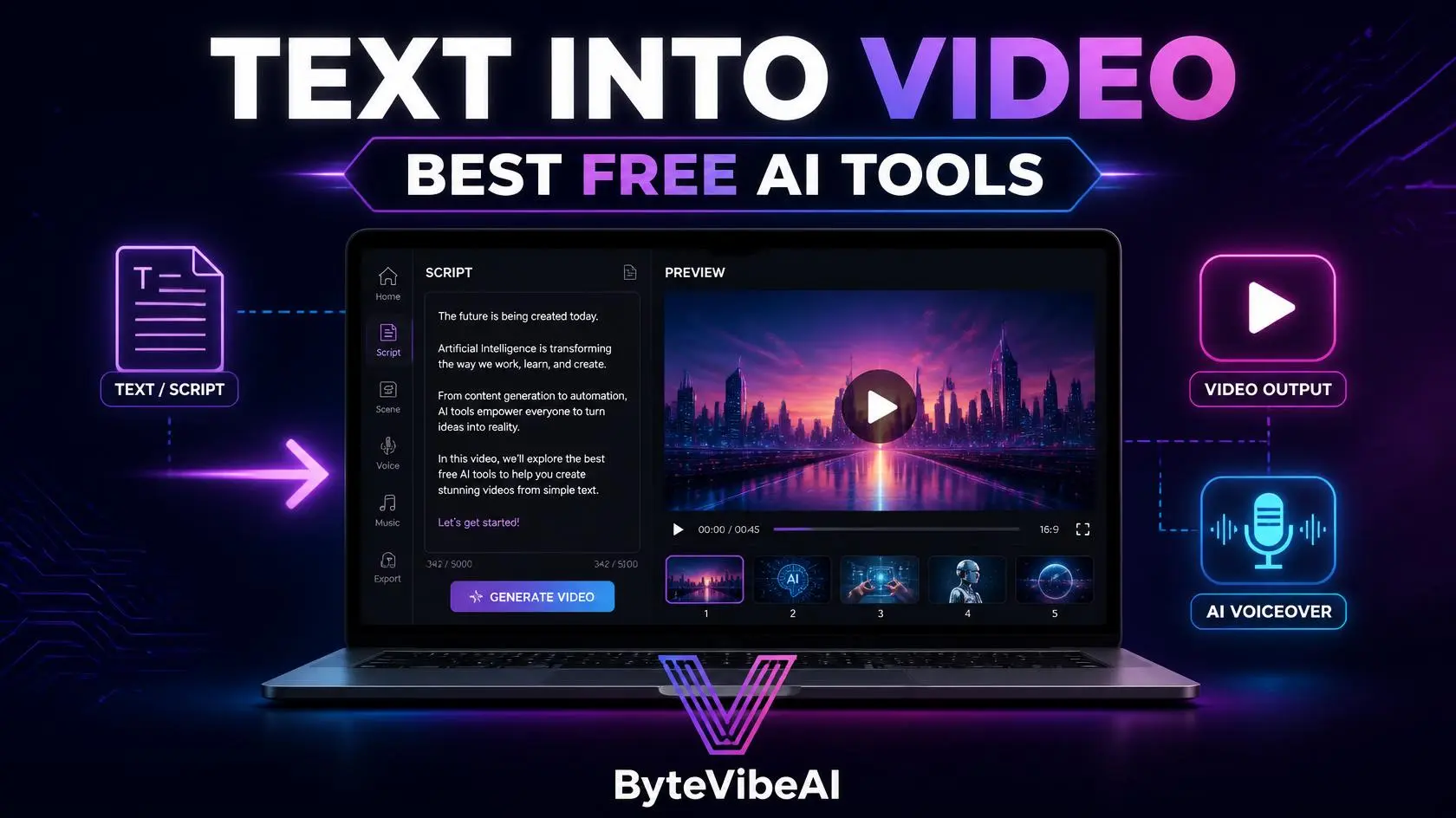
How to Turn Text into Video: The Best Free AI Tools for Video Creation
Filming and editing a video from scratch takes time most bloggers, marketers, and small business owners simply don’t have. A script sitting in a document rarely turns into a finished video on its own.
Modern AI tools for video creation have changed that completely. Paste a script or blog post in, and a fully assembled video comes back with visuals, voiceover, and captions already in place.
This guide covers five free tools that turn plain text into a publishable video. Whether you’re repurposing blog content, building a YouTube channel, or creating ads for a small business, one of these will fit your workflow.
Why AI Tools for Video Creation Save So Much Effort
Video used to require a camera, a script, an editor, and hours of your time. AI tools for video creation remove most of those steps entirely.
These tools typically help you:
- Convert a script or blog post into a finished video automatically.
- Add AI voiceovers without recording your own narration.
- Pull in relevant stock footage and visuals that match your script.
- Generate captions automatically for accessibility and silent viewing.
The result still benefits from a review pass. But starting from a finished draft beats starting with a blank timeline every time.
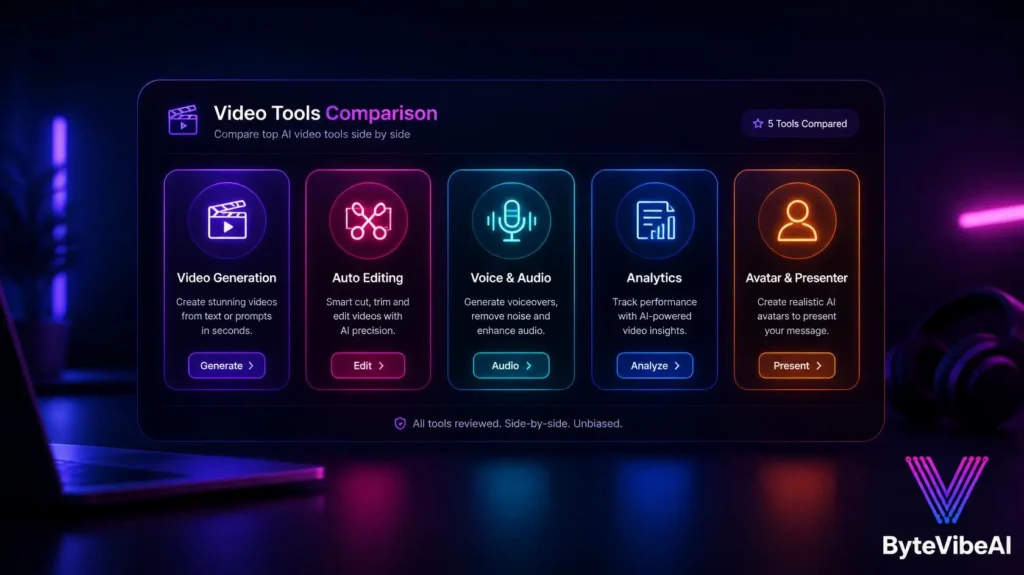
Quick Overview of the 5 Tools
Instead of using a wide comparison table, here’s a mobile-friendly overview.
- 🎬 InVideo AI
- Best For: Full videos from a script or blog link.
- Free Plan: ✅ Available
- 📝 Pictory
- Best For: Turning long-form content into short videos.
- Free Plan: ✅ Available
- 🗣️ Fliki
- Best For: Natural-sounding AI voiceovers with visuals.
- Free Plan: ✅ Available
- 📊 Lumen5
- Best For: Social media videos from blog posts.
- Free Plan: ✅ Available
- 🧑💼 HeyGen
- Best For: AI avatar presenters for talking-head videos.
- Free Plan: ✅ Available
How We Selected These Tools
The text-to-video space is crowded, and many tools generate short cinematic clips rather than finished, publishable content.
The best AI tools for video creation were chosen because they focus on turning actual scripts or written content into complete videos, based on:
- A usable free plan with real weekly or monthly video minutes
- Support for pasting in a script, blog post, or URL
- Built-in voiceover and caption generation
- Output suitable for publishing, not just short creative clips
- Reasonable ease of use for non-editors
We skipped tools built mainly for short cinematic clips rather than finished, script-based videos.
1. InVideo AI
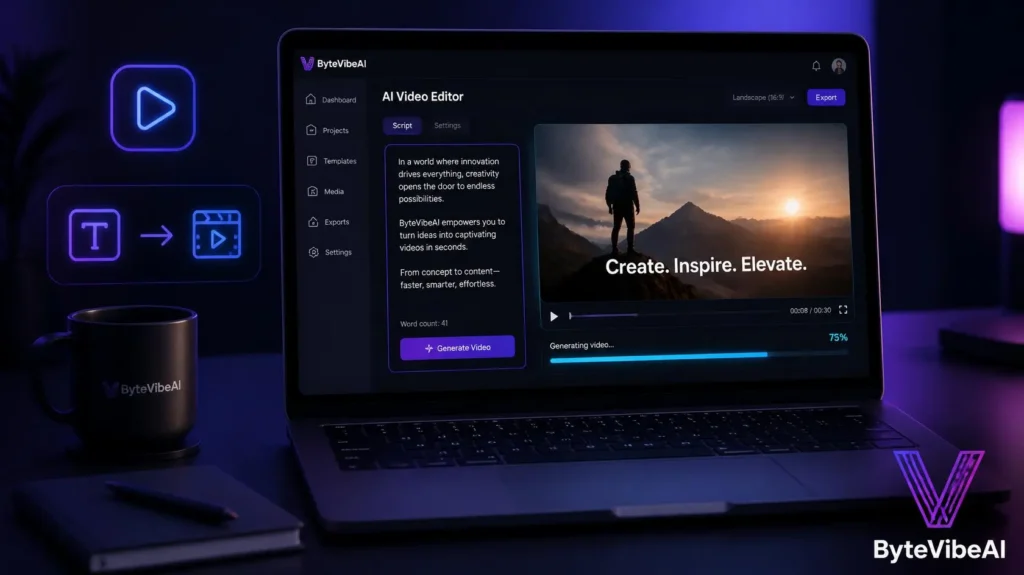
InVideo AI takes a script, topic, or blog link and builds a complete video around it, choosing visuals, pacing, and transitions automatically.
I pasted in a blog post outline once just to test it, and a rough video was ready before I finished reviewing the draft.
Key Features
- Script or URL-to-video generation
- Access to a large stock footage and music library
- Natural language editing to adjust scenes after generation
- Built-in AI voiceover options
Pros
- Genuinely usable free weekly video minutes
- Handles pacing and scene selection well on its own
- Good starting point even for complete beginners
Cons
- Free plan includes a watermark on exports
- Longer scripts sometimes need manual scene adjustments
Best For
Bloggers and small business owners turning existing written content into publishable video.
2. Pictory
Pictory specializes in turning long-form content, like webinars, podcasts, or blog posts, into shorter, more shareable videos.
It scans the text or transcript for key moments and builds a video around them automatically.
Key Features
- Long-form to short-form video conversion
- Automatic caption generation
- Stock visuals matched to script content
- Highlight detection for key quotes or moments
- Direct export for social media platforms
Pros
- Strong at summarizing long content into something watchable
- Captions are accurate and easy to edit
- Good fit for repurposing existing content
Cons
- Less suited for building a video entirely from scratch
- Free plan has limits on the number of videos per month
Best For
Content creators and marketers repurposing podcasts, webinars, or long blog posts into short videos.
3. Fliki
Fliki puts extra focus on voice quality, offering some of the more natural-sounding AI voiceovers among free text-to-video tools.
Paste in your script, pick a voice, and it builds a video with matching visuals around the narration.
Key Features
- Wide selection of natural AI voices and languages
- Text-to-video generation with matched visuals
- Automatic caption syncing with voiceover
- Voice cloning options on higher plans
- Simple script-based editing workflow
Pros
- Voiceover quality stands out compared to competitors
- Good multilingual support for global audiences
- Straightforward editing process
Cons
- Visual variety is more limited than InVideo AI
- Free plan caps monthly video minutes
Best For
Creators who prioritize voiceover quality, especially for multilingual or narration-heavy content.
4. Lumen5
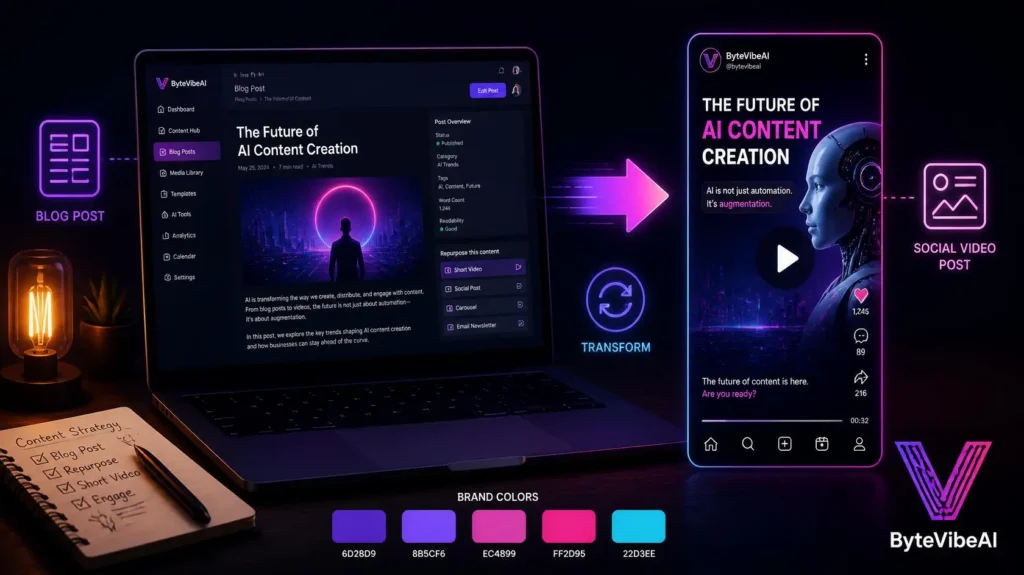
Lumen5 was built specifically to turn blog posts into social media videos, making it a natural fit if your content already starts as written articles.
Paste in a blog URL, and it pulls out key points and suggests matching visuals automatically.
Key Features
- Blog-to-video conversion from a URL
- AI-suggested visuals matched to text content
- Template library for social media formats
- Text animation and styling options
- Brand kit for consistent colors and fonts
Pros
- Fast way to repurpose existing blog content
- Templates make social-ready videos simple to build
- Good brand consistency tools on the free plan
Cons
- Watermark included on free plan exports
- Less flexible for videos not based on existing text
Best For
Bloggers and social media managers who want to turn published articles into video content quickly.
5. HeyGen
HeyGen takes a different approach by generating an AI avatar presenter that reads your script on camera, without needing to film yourself.
It works well when a talking-head style video would perform better than a visuals-and-voiceover format.
Key Features
- AI avatar presenters in multiple styles
- Script-to-video with natural lip-sync
- Multilingual voice and avatar options
- Simple script editing before generation
- Export options for common video platforms
Pros
- Removes the need to appear on camera yourself
- Strong lip-sync accuracy for a natural feel
- Useful for consistent branded presenter videos
Cons
- Free plan limits monthly video minutes significantly
- Avatar videos can feel less personal than real footage
Best For
Small businesses and creators who want a consistent on-camera presenter without filming themselves.
Expert Tips for Better AI Video Creation
A few habits made the biggest difference once I started using these tools regularly.
- Start with a tightly edited script. A messy script produces a messy video.
- Review AI-suggested visuals and swap out anything that feels generic or off-topic.
- Keep videos short for social platforms, even if the source content is long.
- Always check auto-generated captions for accuracy before publishing.
Common Mistakes to Avoid
Even the best AI tools for video creation can’t fix a rushed script. These habits tend to cause the most problems.
1. Skipping the Script Review
A script full of run-on sentences translates into an awkward, hard-to-follow video. Edit before generating.
2. Ignoring Platform Length Requirements
A five-minute video rarely performs well as a TikTok or Reel.
Try sticking to:
- Under 60 seconds for TikTok and Reels
- Two to three minutes for LinkedIn and Twitter/X
- Longer form only for YouTube
3. Using Generic Stock Visuals Throughout
Default AI-selected visuals can feel repetitive across an entire video. Swap in a few custom images where it matters most.
4. Forgetting to Watch the Full Video Before Publishing
AI tools occasionally misread a script or pick an odd visual. Always watch the full output once before sharing it.
Frequently Asked Questions
Which free tool is best for turning a blog post into a video?
Lumen5 is built specifically for blog-to-video conversion, while InVideo AI is one of the most flexible AI tools for video creation across a broader range of script types.
Do these tools require any video editing experience?
No. Most modern AI tools for video creation are designed for people with no editing background, using scripts or text as the starting point instead of a timeline.
Can I use an AI avatar instead of appearing on camera myself?
Yes. HeyGen specializes in this, generating a presenter avatar that reads your script with natural lip-sync.
Final Thoughts
Using the right AI tools for video creation has made video content realistic for anyone working from a script, without needing a camera, a studio, or editing experience. When you rely on modern AI tools for video creation, text goes in, and a publishable video comes out seamlessly.
Start with the tool that matches your content type, whether that’s InVideo AI for general scripts, Lumen5 for existing blog posts, or HeyGen for a presenter-style video. Build a simple, repeatable process before scaling up your output.
Video remains one of the most engaging content formats available, and these tools make it realistic to keep up without a full production team behind you.
You May Also Like
- 👉 Best Free AI Tools for Graphic Design to Create Logos and Social Media Posts
- 👉 Top 5 Free AI Video Editing Tools For Beginners And Content Creators
Call To Action
Ready to turn your next post into a video? Explore more AI Design guides on ByteVibeAI to discover beginner-friendly tutorials, free AI tools, and practical tips for creating standout content.